2.
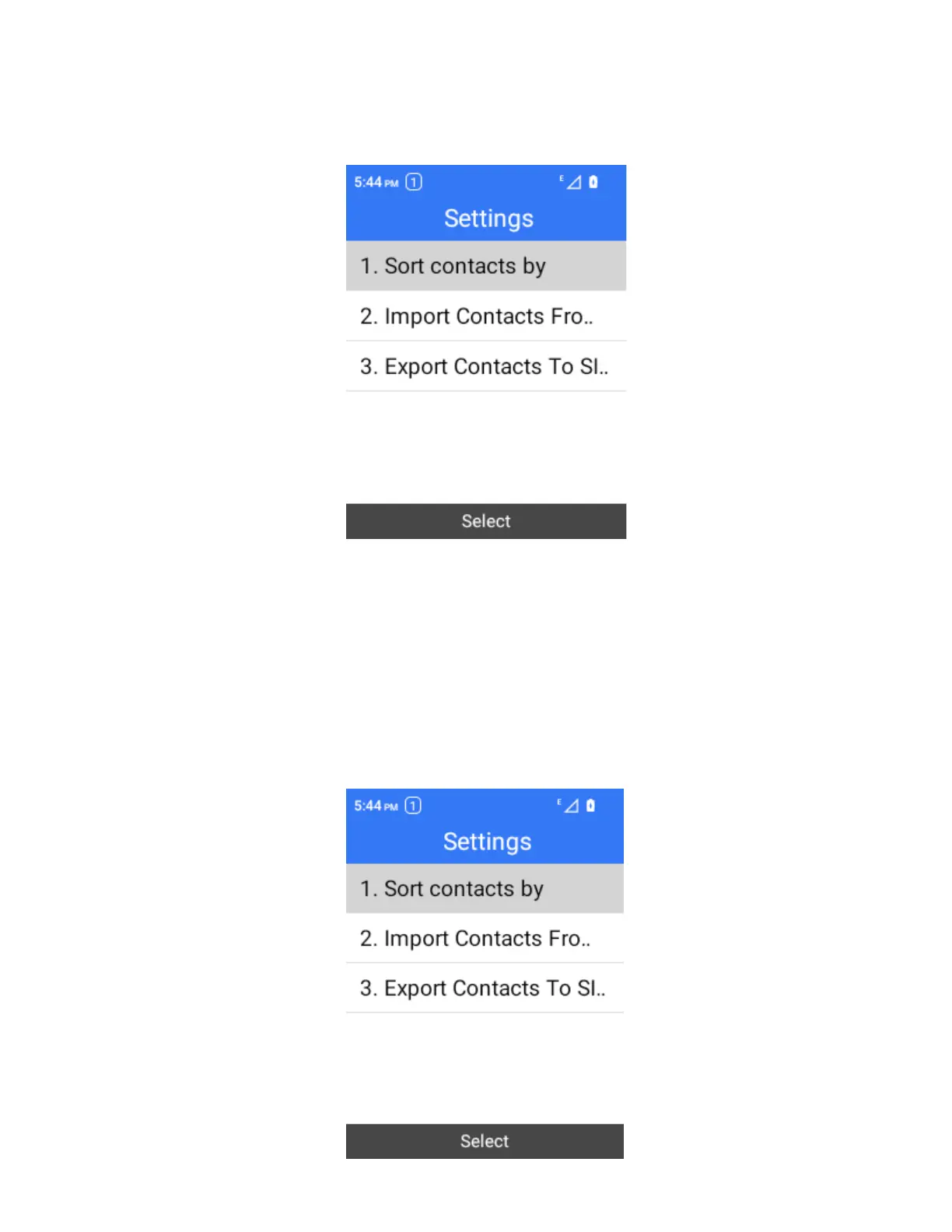
Select Options > Settings.
You will see the Import Contacts menu.
3.
Follow the onscreen instructions to complete the import.
The contacts are imported and stored in the selected account.
Export Contacts
If you are saving contacts to an account that does not automatically back them up via the Cloud, you can
manually back them up to .vcf file for re-import if needed.
1.
From the home screen, press OK to enter the Apps List, then select Contacts.
You will see the Contacts list.
2.
Select Options > Settings.



 To Next Page