3.
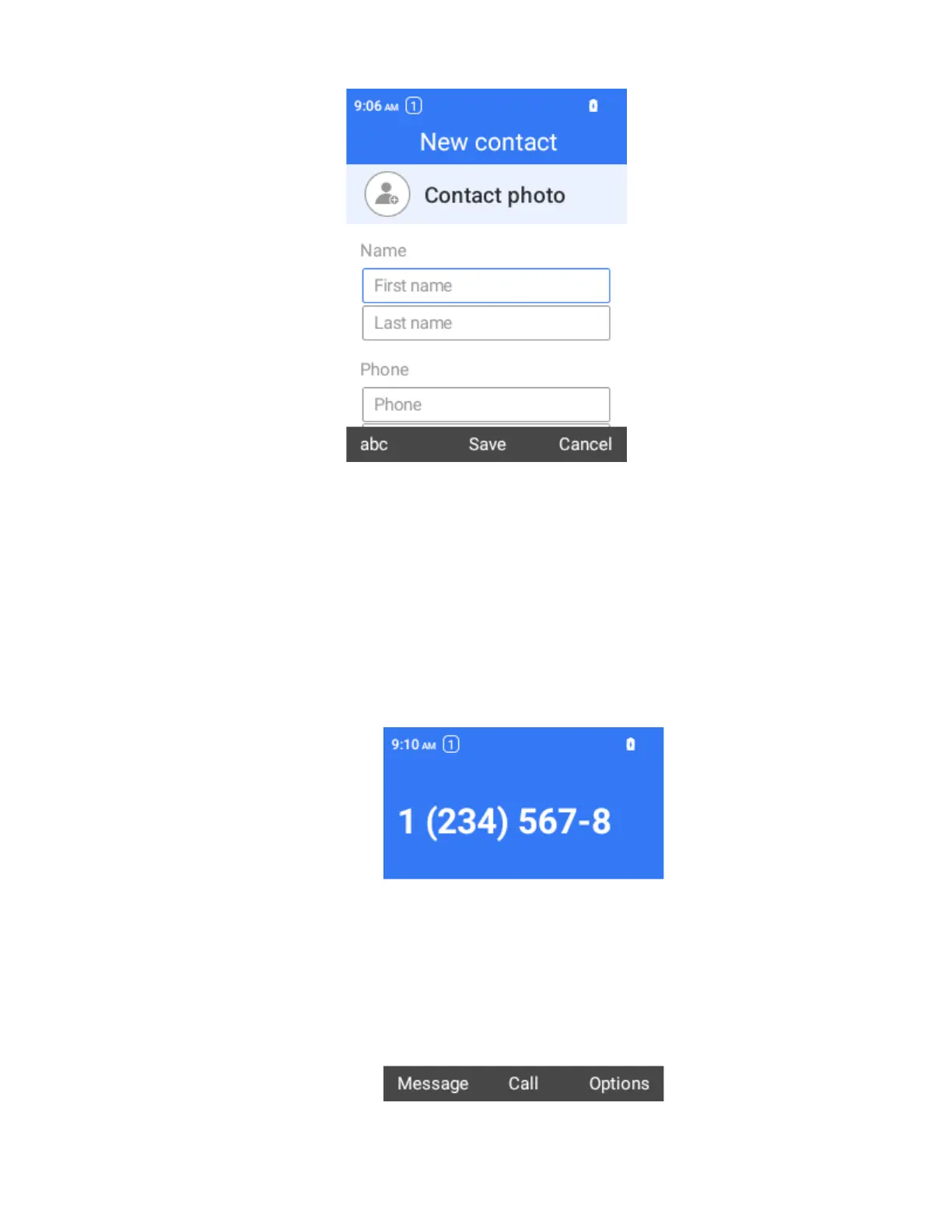
Use the keyboard to enter the contact information.
More fields: Select More fields to include additional information such as IM
address, Notes, Nickname, Website, etc.
4.
When you have finished adding information, select Save.
The contact is added.
Save a Phone Number
You can save a phone number to Contacts directly from the phone keypad.
1.
From the home screen, simply press the phone number.
2.
Select Options.
3.
To add the number to an existing contact, select Add to existing contact. To add a new
contact, select Create new contact.



 To Next Page