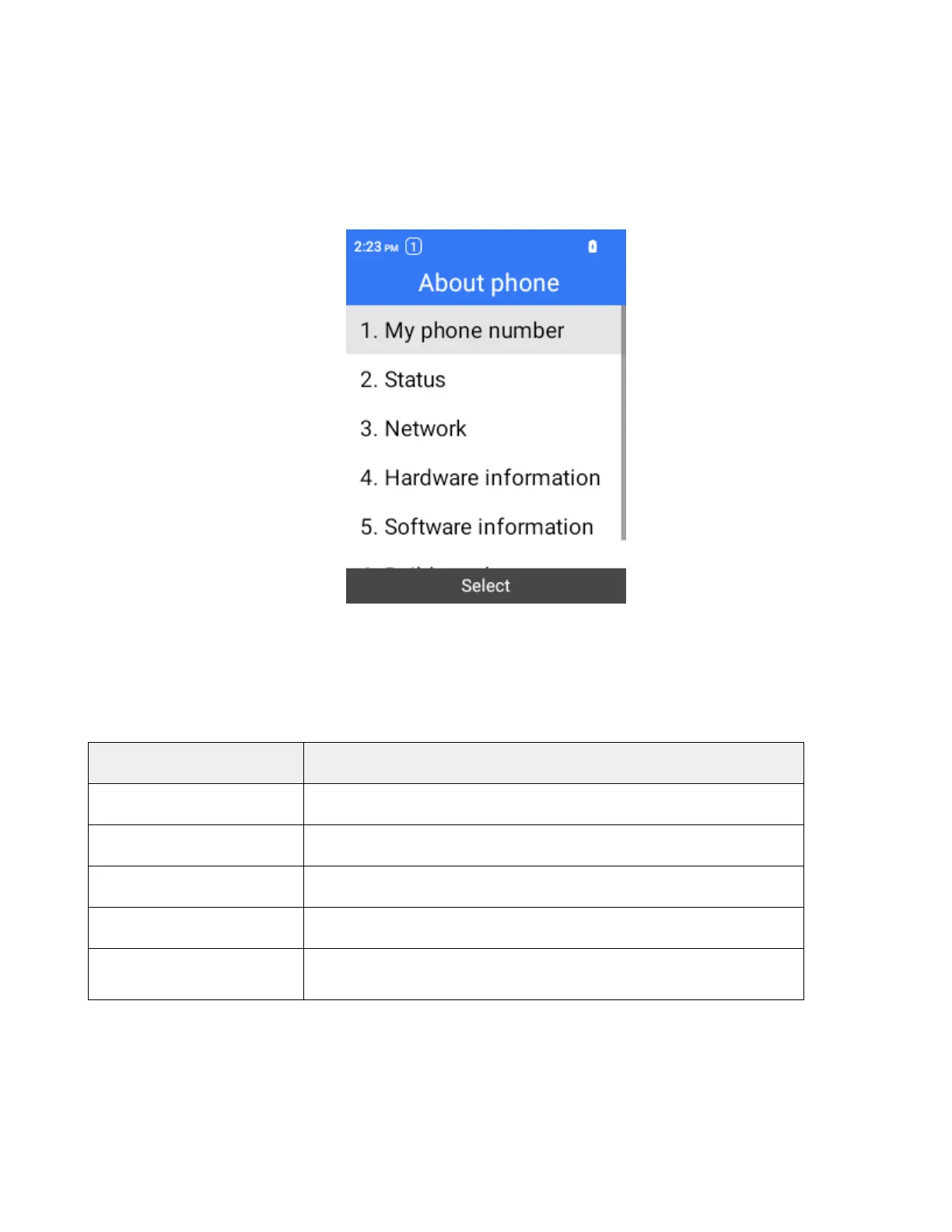
Access About Phone Settings
1.
From the home screen, press OK to enter the Apps List.
2.
Select Settings > About phone.
3.
Select or view available options.
Your phone information is displayed.
About Phone Overview
The following About Phone items may be reviewed or set:
About Phone Item Description
My phone Number
Check the phone number.
Status
Check IMEI, ICCID, Battery level, etc.
Network
Check network, service state, IP address, etc.
Hardware information
Check model, hardware version, up time, etc.
Software information
Check software version, app version, software status, etc.
Software Update
Your phone’s software update settings menu lets you check for, download and apply updates. For
detailed instructions, see Update Your Phone.



 To Next Page