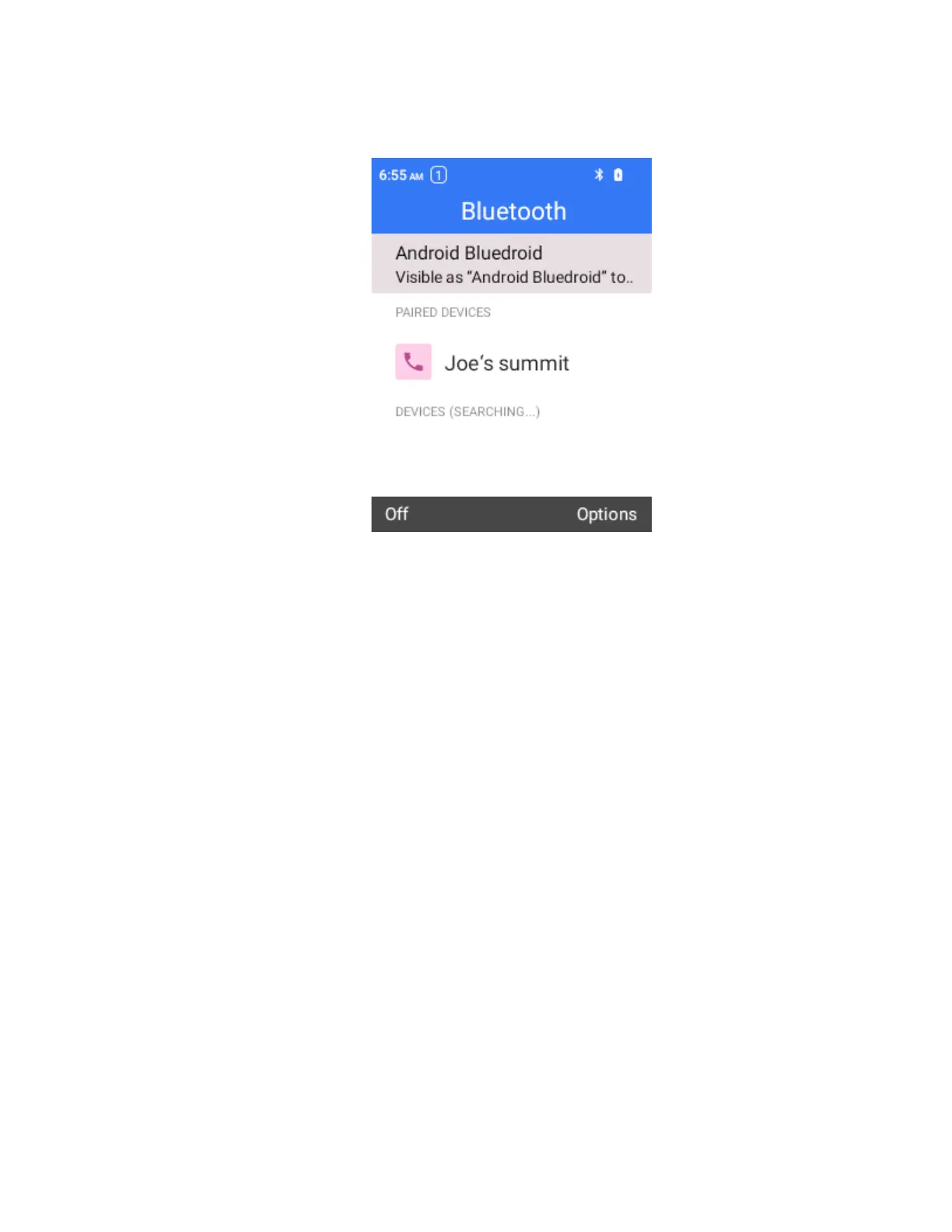
Unpair from a Paired Device
1.
From the “Paired devices” menu, select the paired device.
2.
Press OK to disconnect.
The device is unpaired from your phone. To make another connection with the device, you will
need to pair again.
Connect to a Paired Bluetooth Device
You can pair with a previously paired Bluetooth device without re-entering the password.
Note: the device may automatically connect a previously paired device when the Bluetooth is ON.
Note: Due to different specifications and features of other Bluetooth-compatible devices, display and
operations may be different, and functions such as transfer, or exchange may not be possible with
all Bluetooth-compatible devices.
Send Information Using Bluetooth
You can use Bluetooth to transfer information between your phone and another Bluetooth-enabled device
such as a phone or notebook computer.
Types of Data You Can Send via Bluetooth
You can send the following types of information, depending on the device you are sending to:
●
Images and videos
●
Calendar events
●
Contacts
●
Audio files
In the instructions below, Contacts data is being used as an example.



 To Next Page