2.
Press the Place Call Key to place the call.
The phone dials the number. The call begins when the other party answers.
3.
To end the call, press the Power Key.
The call ends.
Answer Phone Calls
The following information show you how to answer incoming calls, mute the ringer on incoming calls,
reject incoming calls, and more.
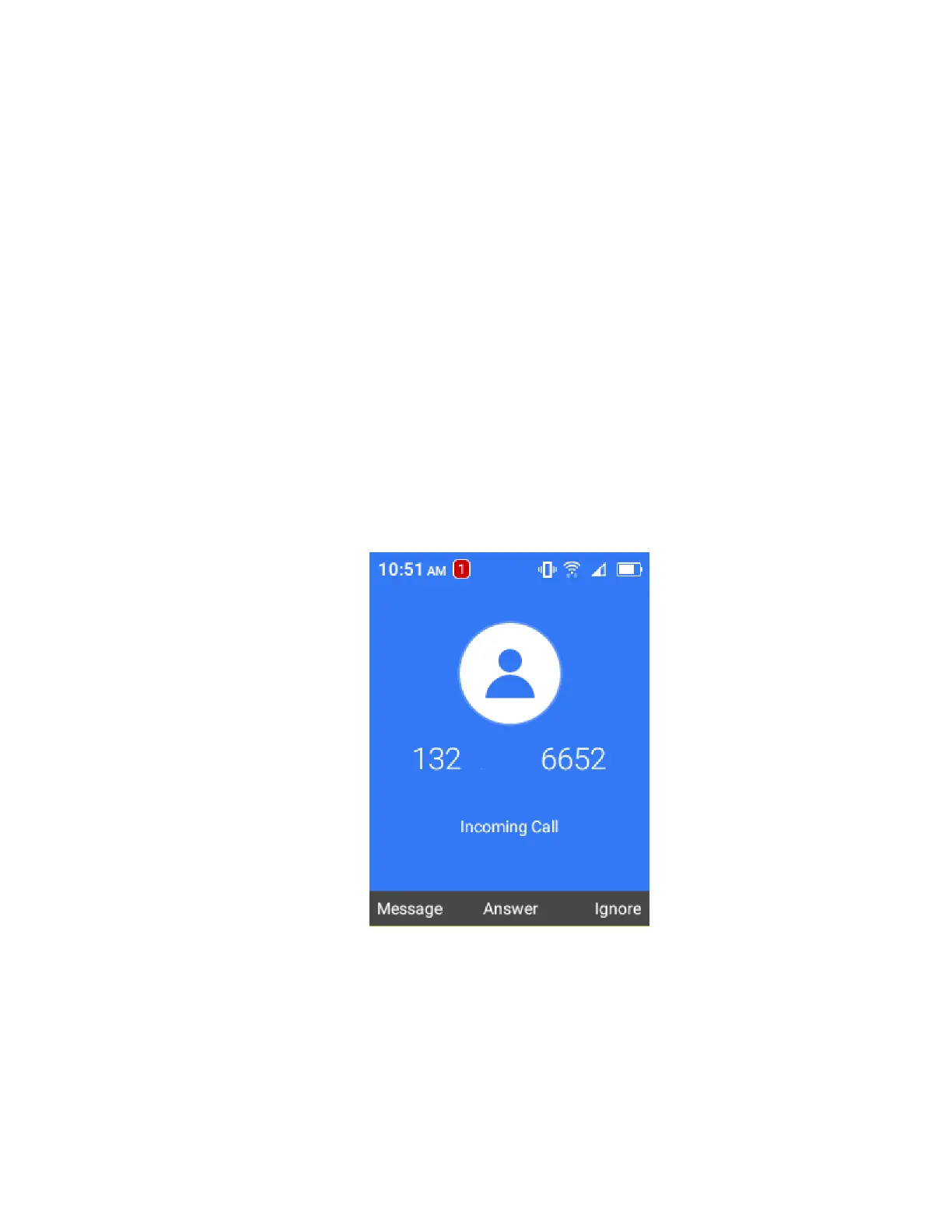
When you receive a phone call from a contact, the incoming call screen appears and displays the caller
name and phone number of the calling party. When you receive a phone call from someone who is not
stored in the Contacts, only the phone number appear on the Incoming call screen.
Answer an Incoming Call
1.
When a call arrives, press the Answer Call Key or OK Key to answer it.
The call begins.
2.
To end the call, press the Power Key.
The call ends.
Mute the Ringing Sound
To mute the ringer without rejecting the call:



 To Next Page