3.
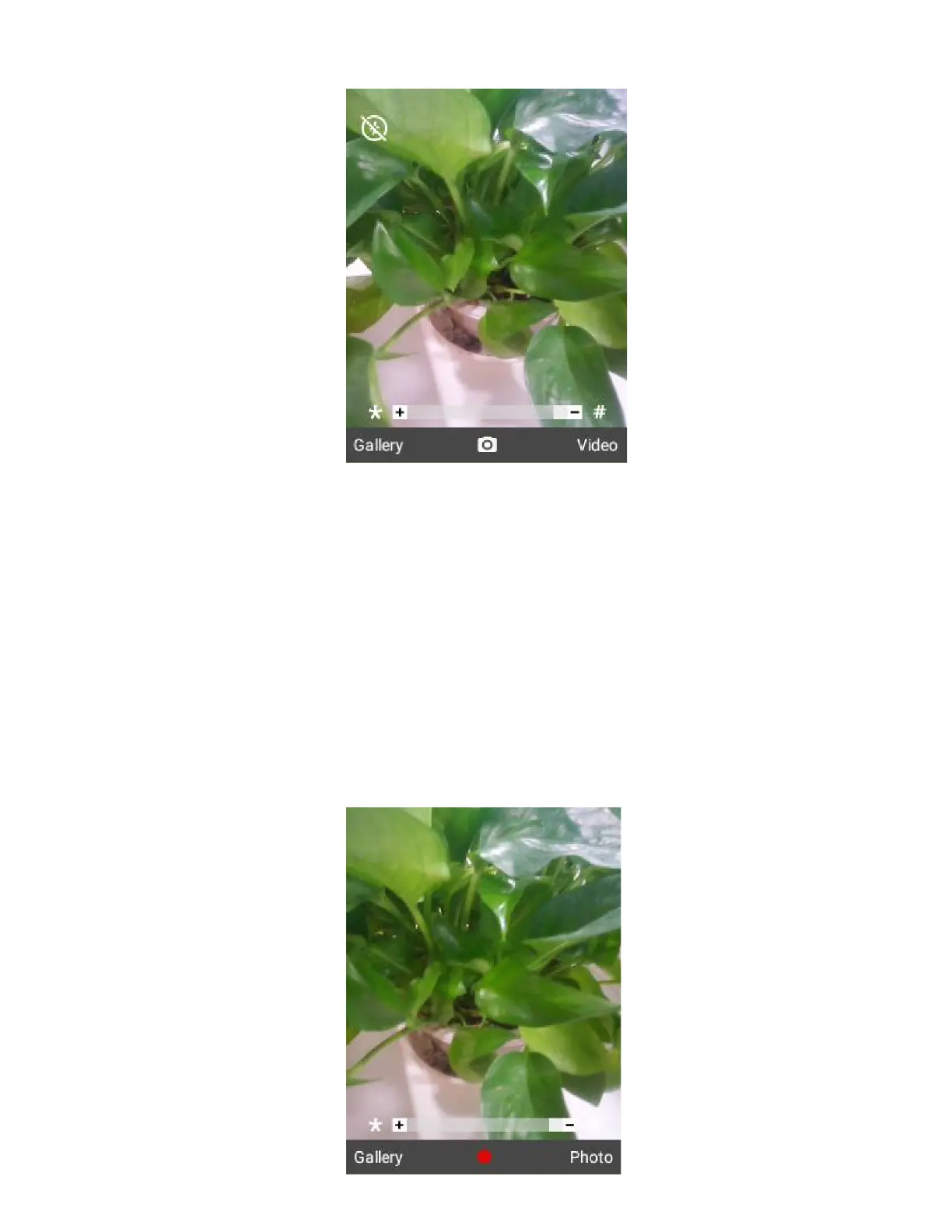
Press the OK Key or the Camera Key located at the side of the phone to take the photo.
The photo is captured and saved to your phone or SD card.
Record Videos
Record videos using your phone’s video camera.
1.
From the home screen, press OK Key to enter the Apps List and then select Camera. Or long press the
Camera Key at the side of the phone.
The camera viewfinder appears.
2.
Switch to video mode and press OK Key.
Video recording begins.



 To Next Page