Receive Information via Bluetooth
Your phone is capable of receiving a wide variety of file types with Bluetooth, including photos, music
tracks, and documents such as PDFs.
1.
When another device attempts to send a file to your phone via Bluetooth, you will see a request
to accept the file.
2.
Select ACCEPT.
The file is sent to your phone.
When your phone receives a file, you will see a notification. To open the file immediately,
select Notifications to display the notifications panel, and then select the notification.
When you open a received file, what happens next depends on the file type:
•
Media files and documents are usually opened directly in a compatible application. For
example, if you open a music track, it starts playing in the Music application.
•
For a vCard contact file, if there are multiple vCard files on your storage card, you can
choose to import one, several, or all of those contacts to your contacts list.
Phone
The following topics outline the use of your device’s phone app, voicemail, and more.
Make and Answer Calls
The following topics describe how to directly dial calls, how to answer incoming calls, and how to use the
in-call screen options
Call Using the Keypad
The most common way to place a call is by using the phone’s keypad.
1.
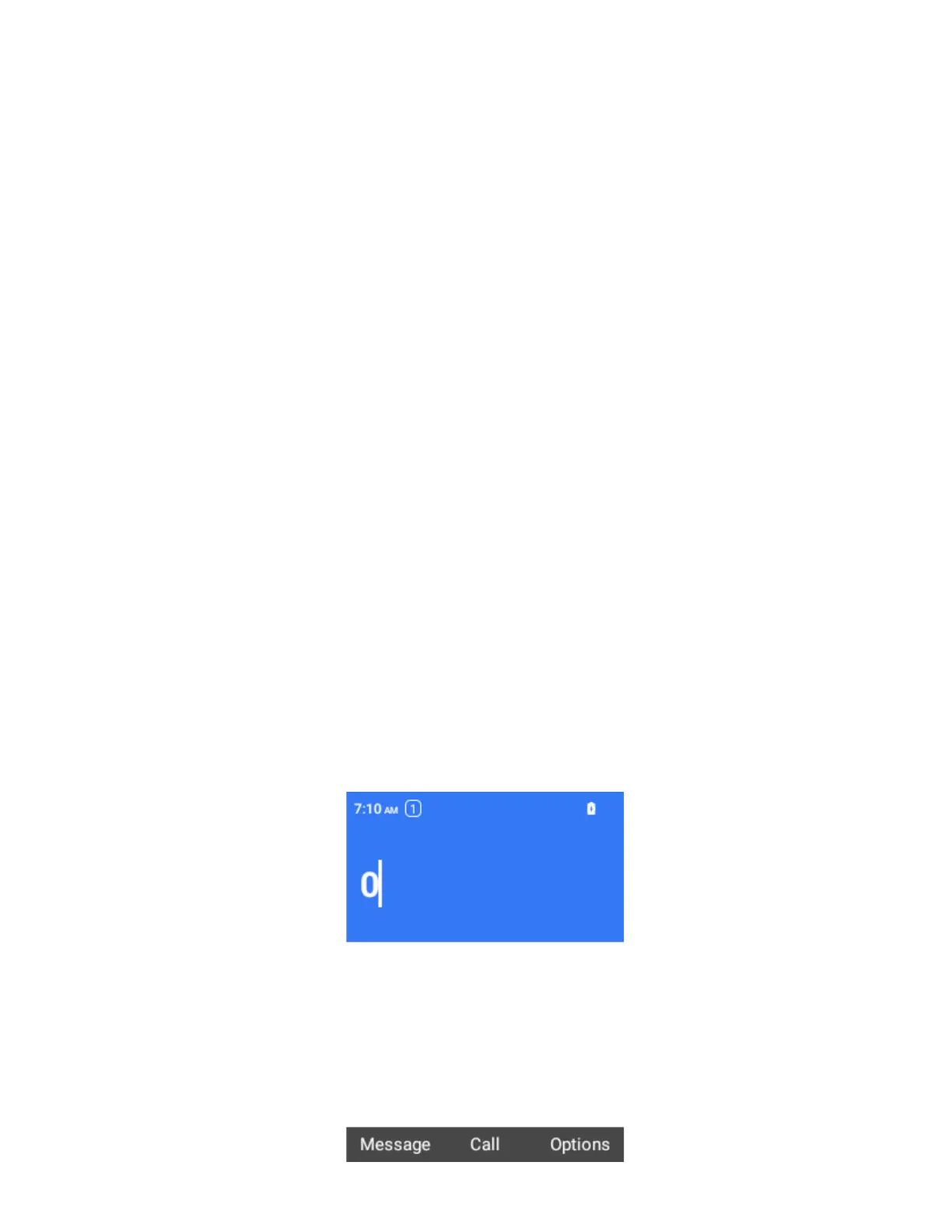
From the home screen, simply dial the number.
As you enter digits, Smart Dial searches for contacts that match. If you see the number you
want to dial, select it to place the call immediately without entering the rest of the number.



 To Next Page