3.
Set options.
The reset settings are applied and saved.
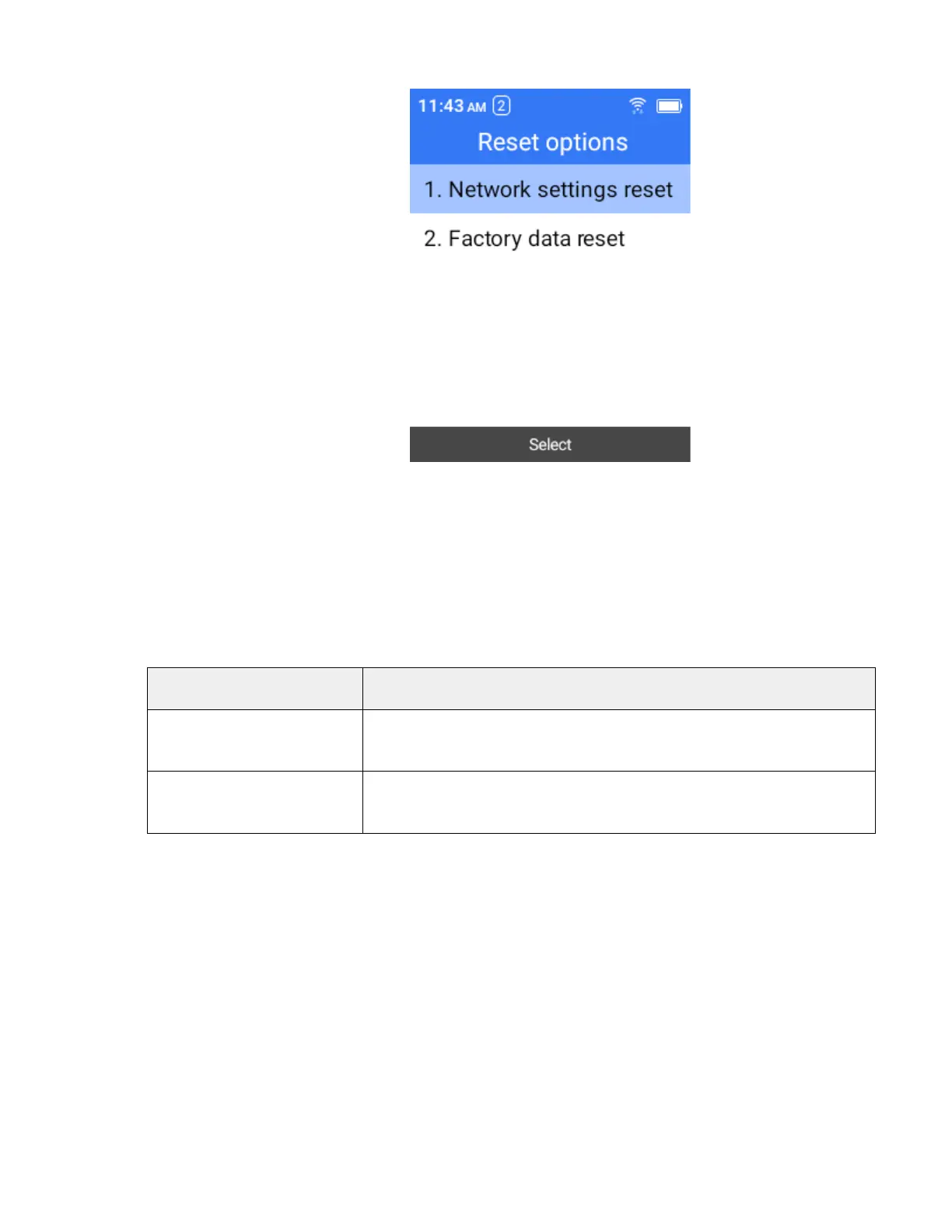
Reset Options Overview
The following options are available in the reset options menu:
Option Description
Network settings reset
Reset all network settings, including Wi-Fi, mobile data and Bluetooth.
Factory data reset (erase
all data)
Reset all settings and delete all data on phone, or SD card, or both.
Notes:
●
Performing a factory data reset erases all data on the phone. It is recommended that
you back up important data before performing a factory data reset.
●
Erased information cannot be restored. Only erase data after you are sure you
have saved everything you need.
About Phone
The about phone menu lets you access important phone information.



 To Next Page