1.
From the home screen, Press OK to enter the Apps List and then select Settings.
2.
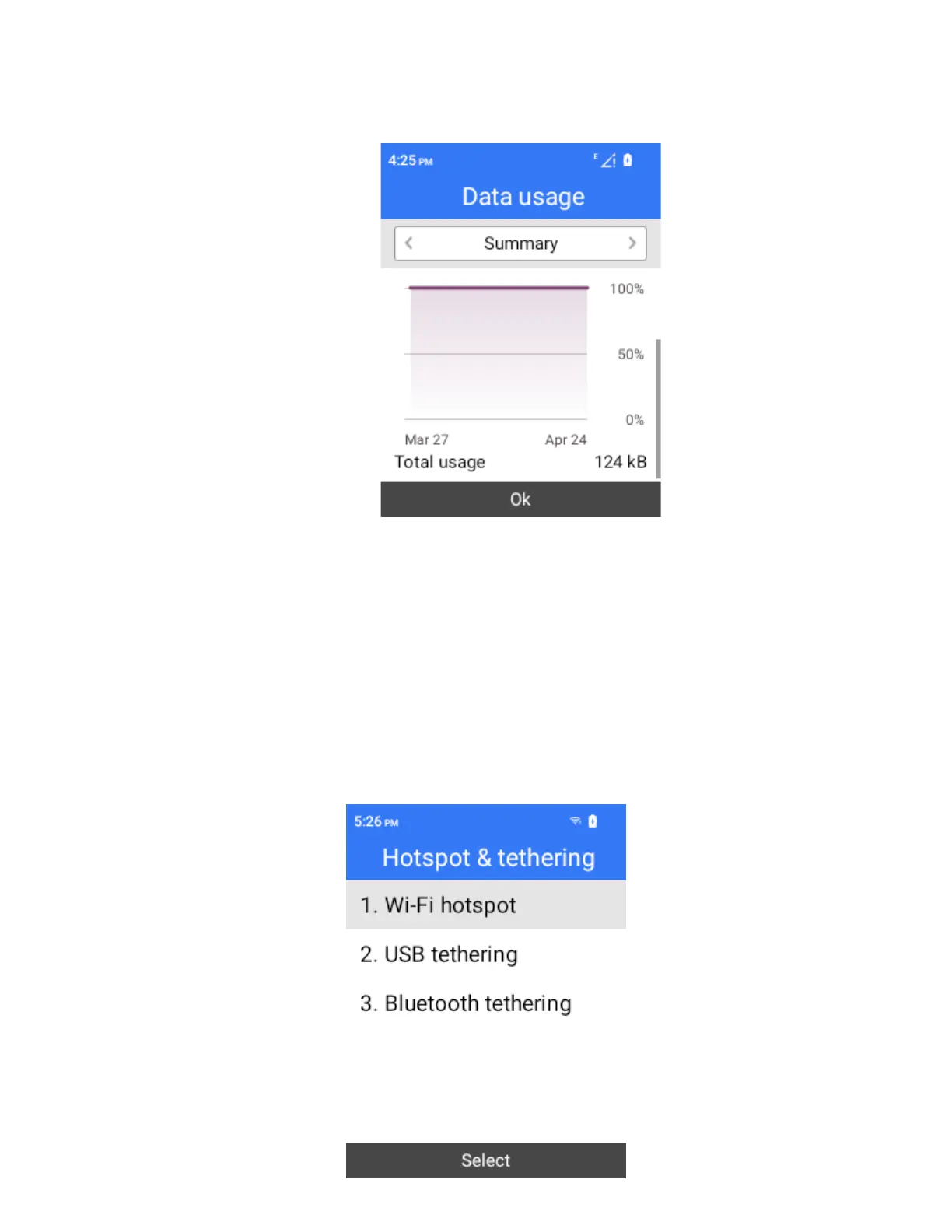
Select Wireless & networks > Mobile network > app data usage > Data usage.
The data usage window opens.
Hotspot & Tethering
Use the settings menu to configure your tethering & Mobile Hotspot settings, which allow you to:
share your phone’s data service with multiple Wi-Fi capable devices
share your device’s internet connection with a computer that connects to your device via USB cable
share your phone’s internet connection via Bluetooth
share phone’s internet connection via Ethernet
For more information about hotspot and tethering settings, see Tethering & Mobile Hotspot.



 To Next Page