3.
When prompted to confirm, select Delete.
Text and MMS Options
The messages settings menu lets you control options for your text and MMS messages including default
SMS app, group Messages, and notifications.
1.
From the home screen, press the Right Soft Key to enter Messages.
2.
On the Messages screen, select Settings. You can set the following:
●
Auto Signature: Add a personal signature to your messages.
●
Group messaging: Use MMS to send a single message when there are multiple recipients.
●
Auto-retrieve: Automatically retrieve messages.
●
Roaming auto-retrieve: Automatically retrieve messages while roaming.
●
Wireless emergency alerts: set wireless emergency alerts here.
Camera and Video
You can use the camera to take photos and videos.
Camera
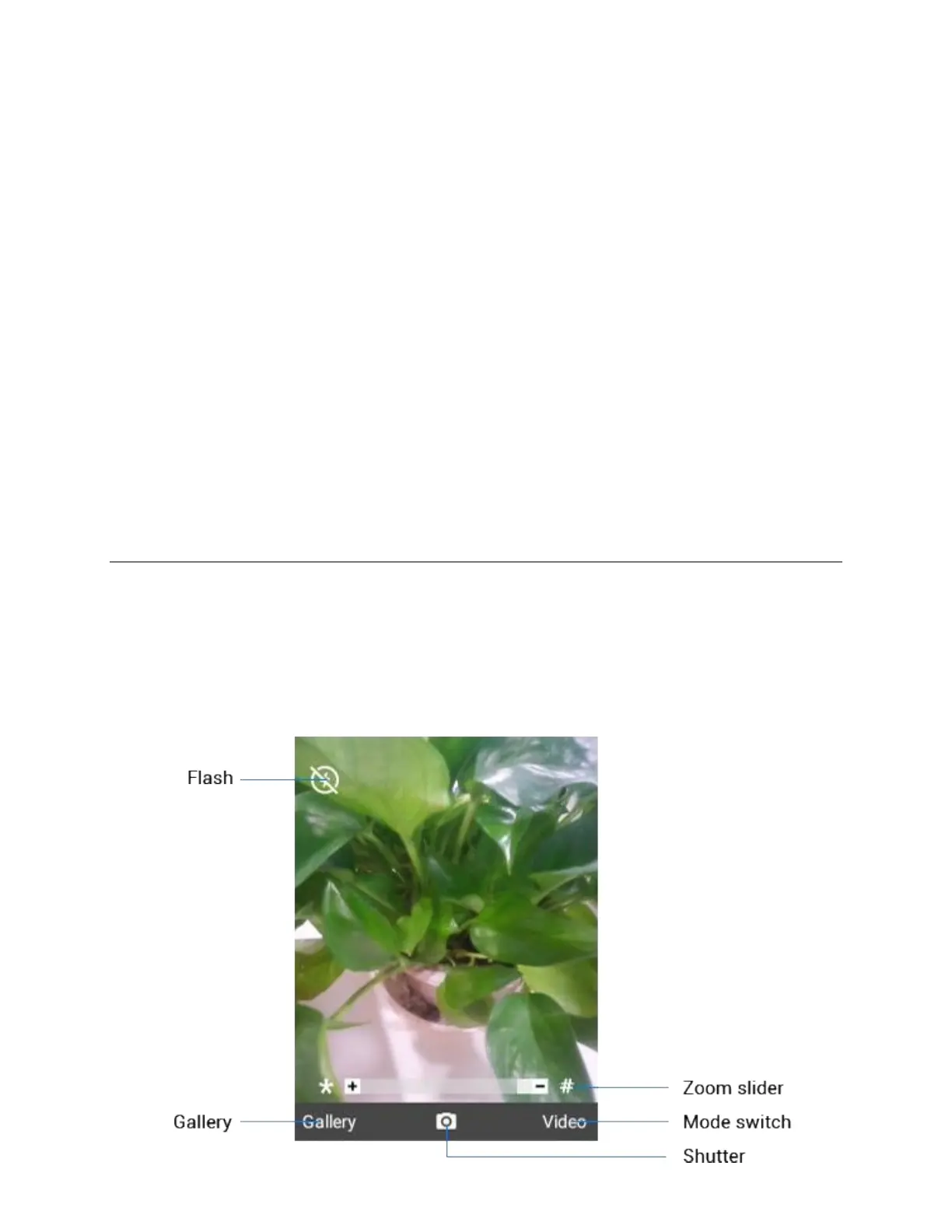
The camera's viewfinder screen lets you view your subject and access camera controls and options.



 To Next Page