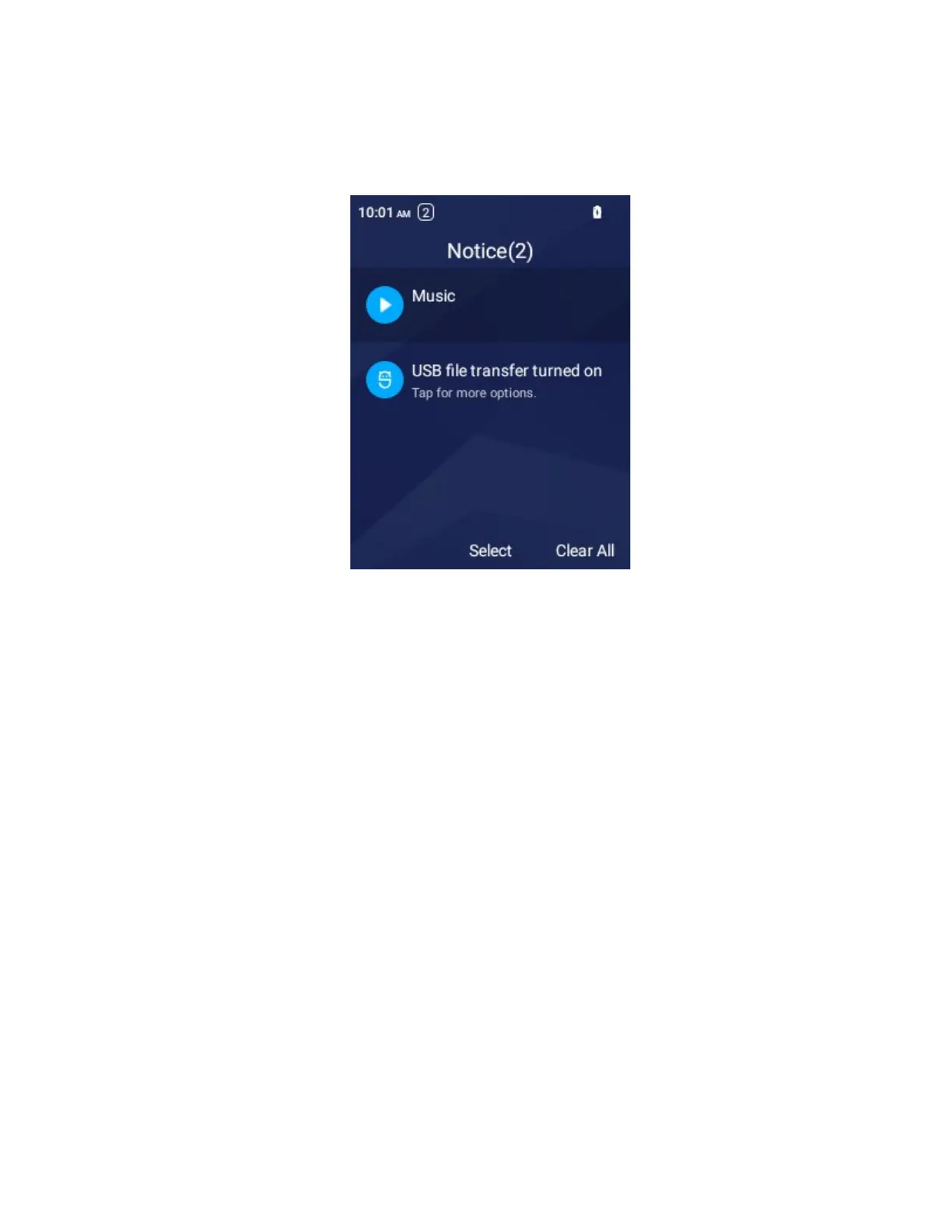
Notifications panel
Notifications remind you of the arrival of new messages, calendar events, etc. Press the Left Soft Key to
open the notifications panel and view details.
■
To check a notification, select Select.
■
To remove a notification, select Clear.
■
To dismiss all notifications, select Clear All.
Change the Wallpaper
Select and assign your phone’s background wallpaper.
1.
From the home screen press OK > Settings > Display > Wallpaper > Wallpaper
2.
Press OK to set the wall paper.
You can also selete wallpaper from your Gallery.
1.
From the home screen press OK > Settings > Display > Wallpaper > Gallery
2.
Choose a pictures and select View, then select Save



 To Next Page