Basic Operations
The following topics offer an overview of your phone’s basic operations
Enter Text
Keyboards
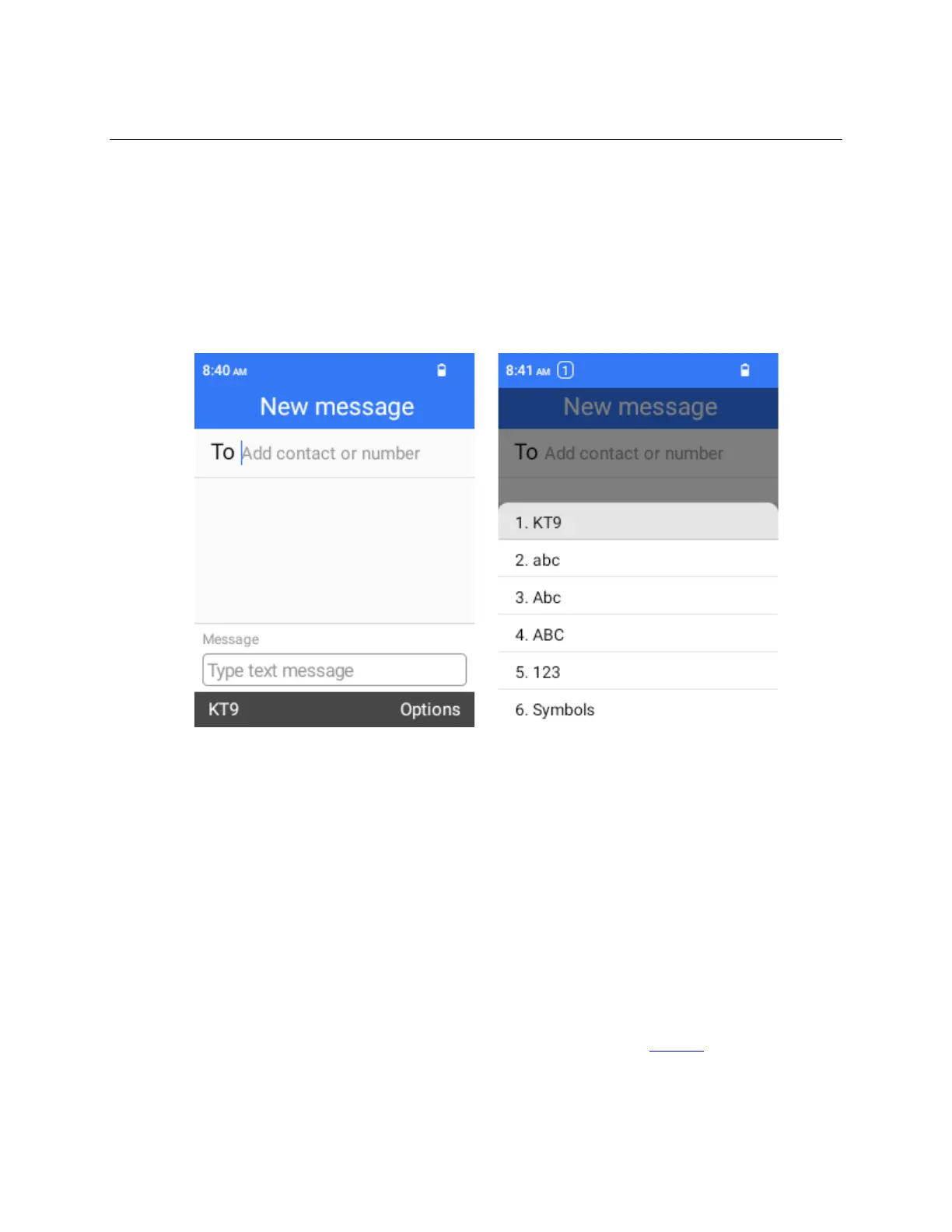
Press OK Key to show the input program, and then use the keypad to enter text. There are several
input methods to choose, when in a text enter screen, press the Left Soft Key to choose between
different input methods.
Lock and Unlock Your Screen
Your phone allows you to quickly turn the screen off when not in use and to turn it back on and unlock it
when you need it.
Turn the Screen Off When Not in Use
To quickly turn the main screen off, simply flip the phone to close the cover.
To save battery power, the phone automatically turns off the screens after a certain period of time when
you leave it idle. You will still be able to receive messages and calls while the phone’s screen is off.
Note: For information on how to adjust the time before the screen turns off, see Display.
Turn the Screen On and Unlock It
1.
To turn the screen on, simply flip the phone open if the cover is closed, if the cover is already open, press
any key to unlock the phone.



 To Next Page