The lock screen appears if set.
2.
Enter the 4-digit password.
The screen is unlocked.
Note: See more on Screen Lock.
Capture Screenshots
You can use your phone’s Power Key and Lower Volume Key to capture screenshots.
■
Press and hold the Power Key and Lower Volume Key at the same time to capture a
screenshot of the current screen.
The current screenshot will be captured and stored in the phone’s Gallery. From the home
screen, press OK to enter the Apps List and then select Gallery.
Home Screen
Basics
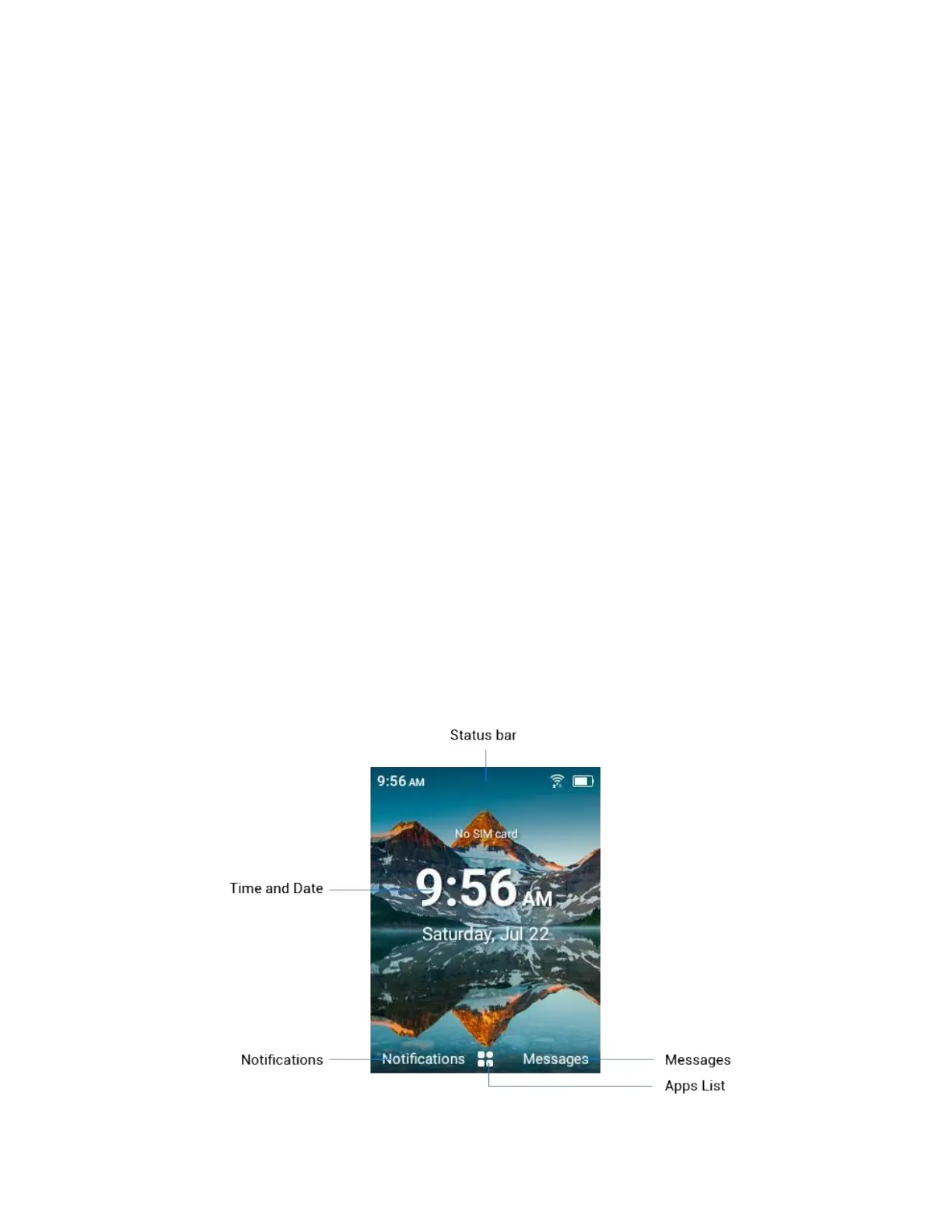
The home screen is the starting point for your phone’s applications, functions, and menus.
Home Screen Layout



 To Next Page