5.
Select OK > Save to apply the changes to the photo.
The cropped photo is saved in the album as a copy. The original photo remains unedited.
6.
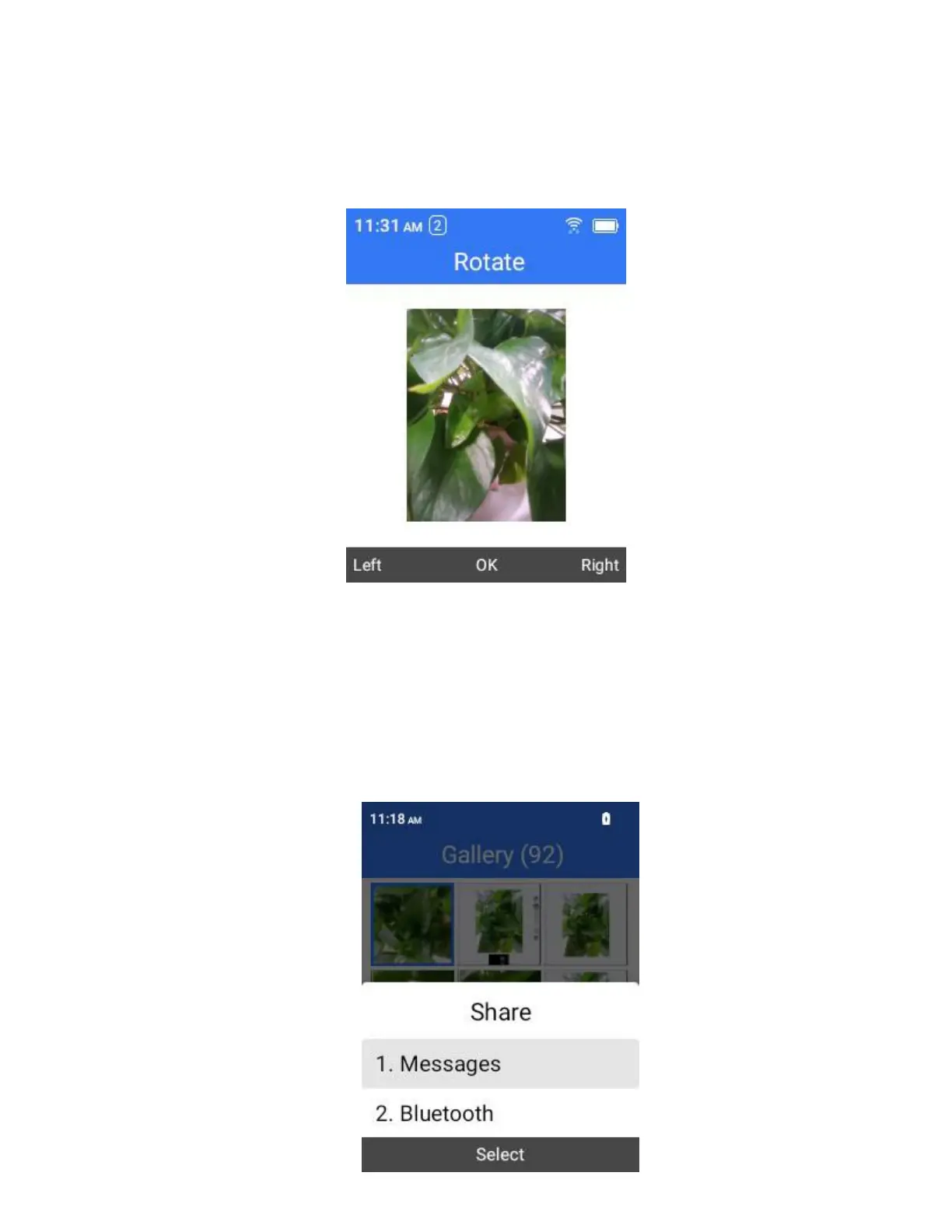
To rotate the photo, select Rotate.
7.
Use the Soft Keys to rotate the photo.
Share Photos and Videos
The Gallery application lets you send photos and videos using multimedia messages and Bluetooth.
1.
From the home screen, press OK to enter the Apps List then select Gallery.
The gallery opens.
2.
Select the photos or videos you want to share. To select multiple items, select Options > Select files.
3.
Select Share and then on the Share via menu, select one of the following methods:



 To Next Page