Sending Contacts Data via Bluetooth
1.
From the home screen, press OK Key to enter the Apps List.
2.
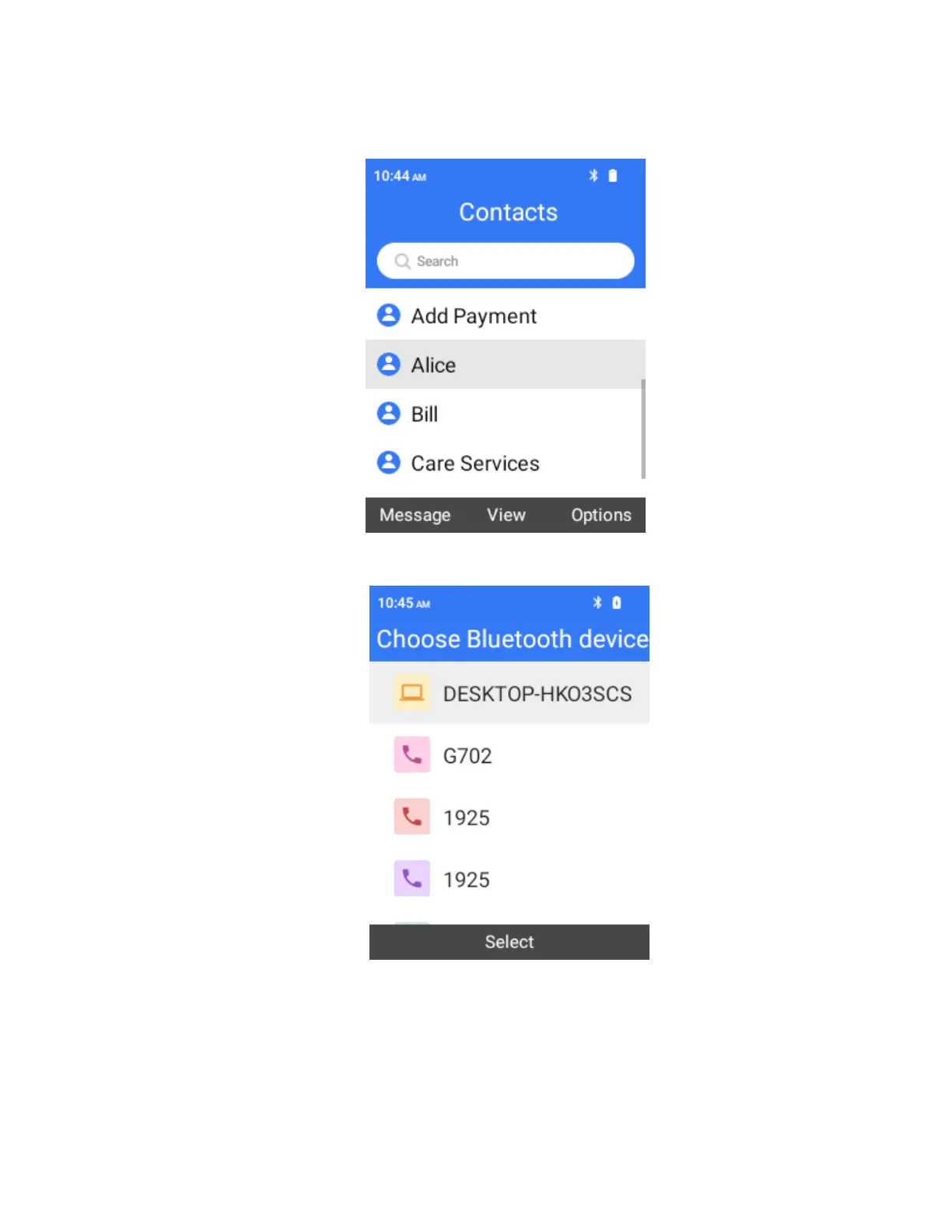
Select Contact > Find the contact you want to share > Options > Share > Bluetooth.
3.
Select a paired device to receive the data.
The contact information is sent.
If you see a message to confirm, follow the onscreen instructions.



 To Next Page