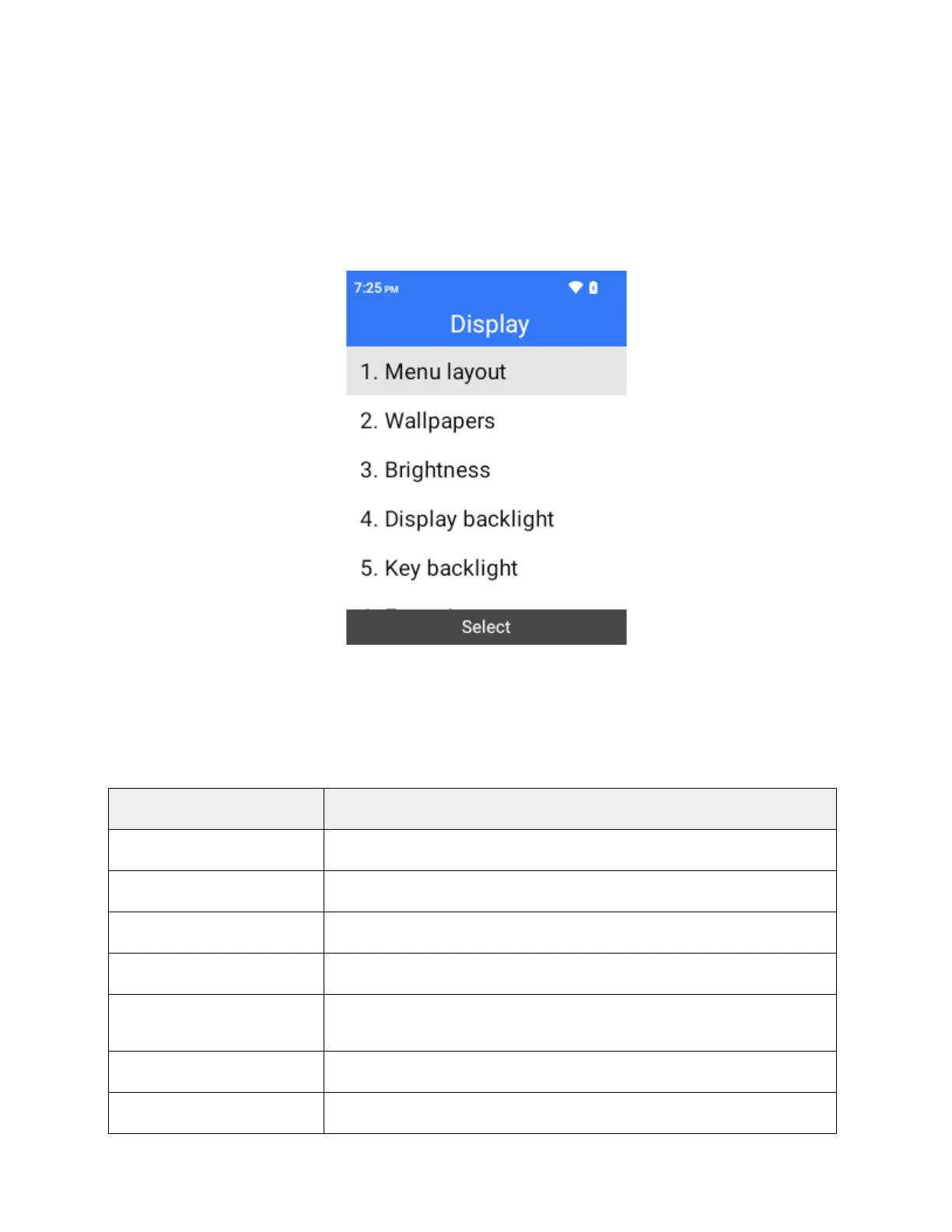
Display
Use the phone's display settings menu to adjust items such as wallpaper, brightness level, screen
timeout, and more.
Access Display Settings
1.
From the home screen, press OK to enter the Apps List then select Settings.
2.
Select Display.
3.
Set your display options.
Your display settings are saved and applied.
Display Settings Overview
The display settings menu allows you to configure the following options:
Change the menu layout between grid and list.
Set wallpaper.
Set the display brightness.
Set a screen timeout duration.
Set a key timeout duration.
Font size Set font size for display.
Change the clock style between digital clock and disc clock.



 To Next Page