3.
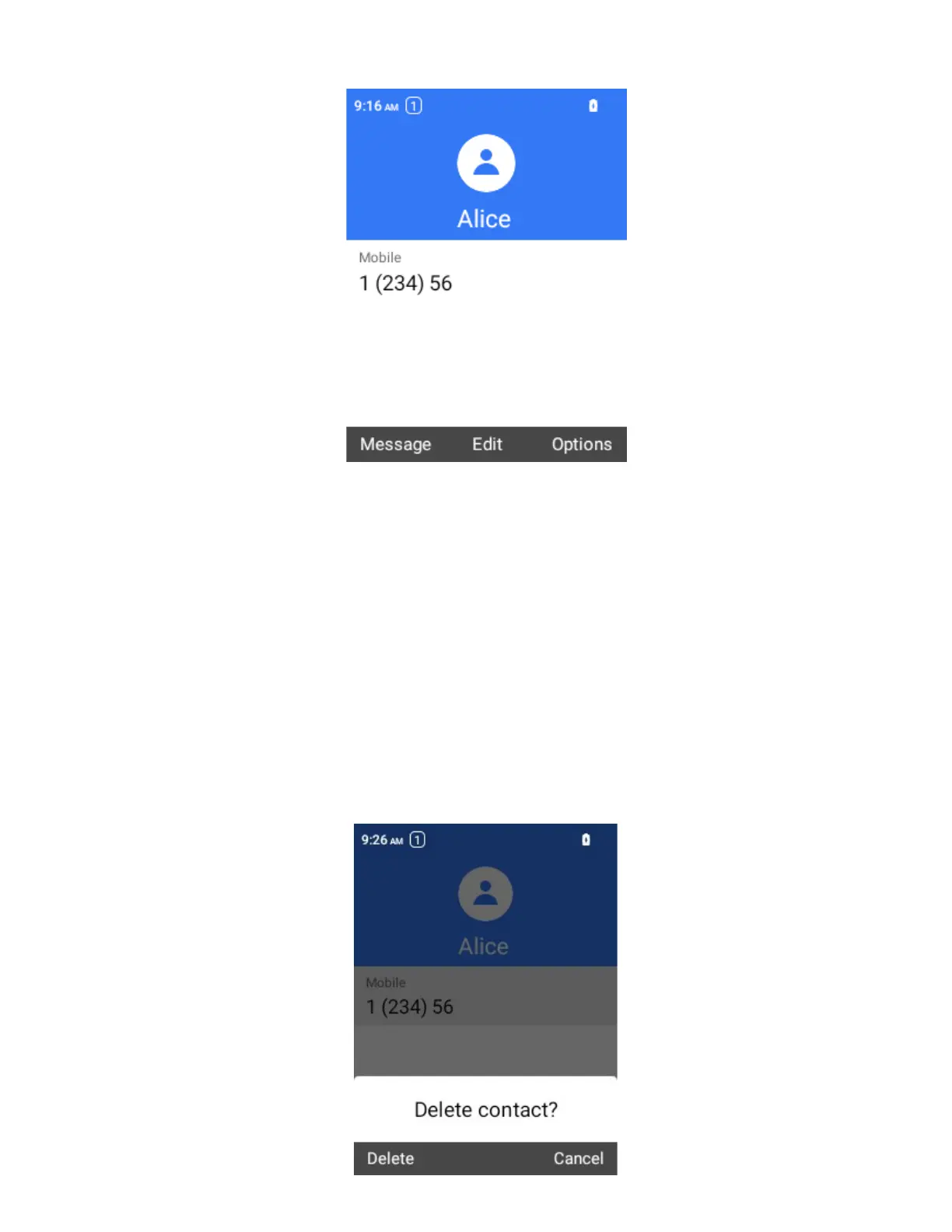
Select Edit.
4.
Select any field you want to change or add.
5.
Add or edit the information, and then select Save.
Your changes are saved to the contact entry.
Note: To select a type (label) for a phone number, email address, or postal address (such as Mobile,
Home, Work, etc.), select Set when the field is selected.
Delete a Contact
You can delete a contact from the contacts details page.
1.
From the home screen, press OK to enter the Apps List, then select Contacts.
You will see the Contacts list.
2.
Select a contact to view its details.
The contact’s detailed listing appears.
3.
Select Options > Delete.



 To Next Page