Chapter 7 Removing and Replacing Storage Devices 7-5
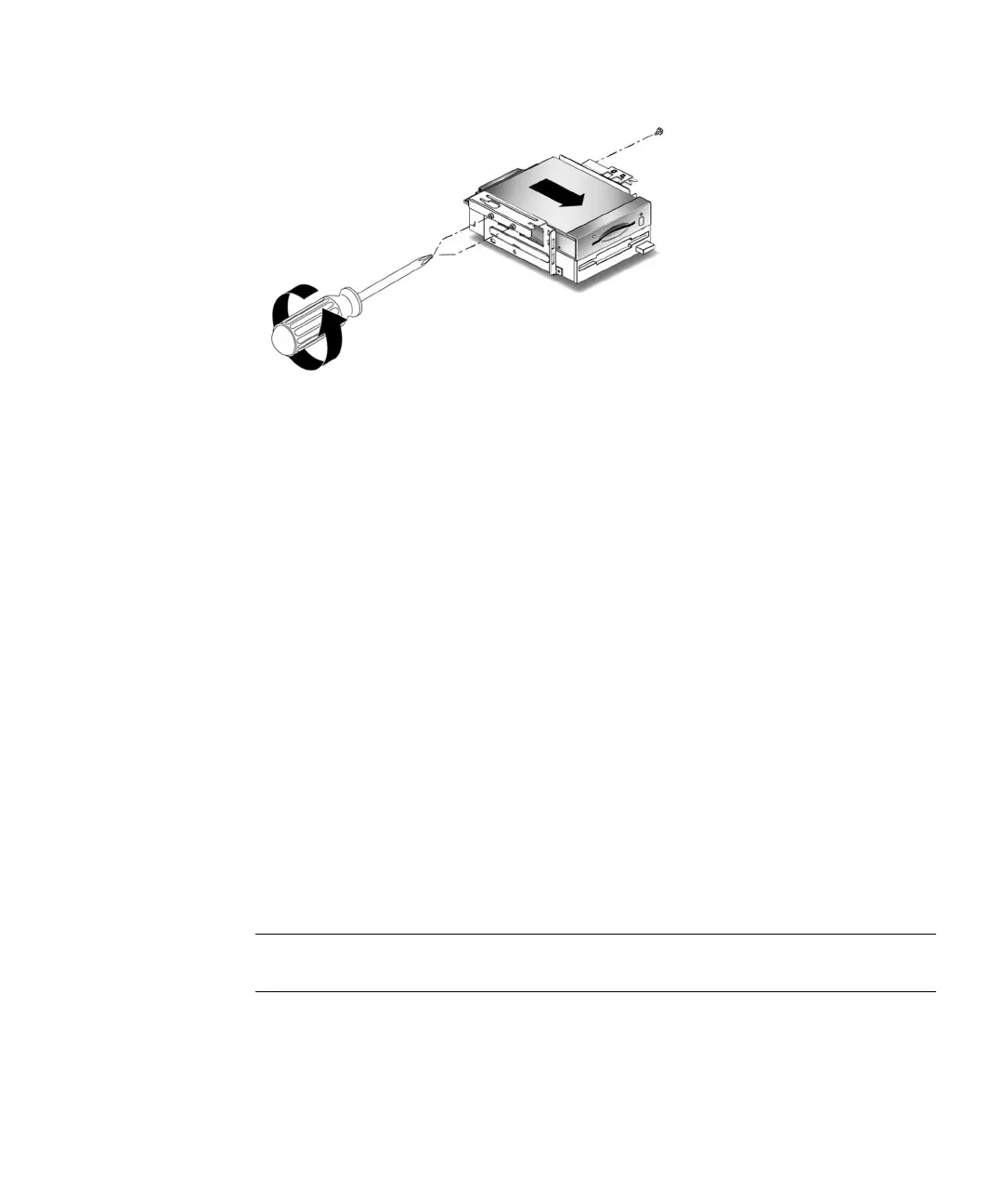
FIGURE 7-3 Removing and Replacing the Smart Card Reader
8. Remove the smart card reader from the peripheral assembly.
7.2.2 Replacing the Smart Card Reader
1. Slide the smart card reader into the peripheral assembly.
2. Using a No. 2 Phillips screwdriver, replace the three screws securing the smart
card reader to the peripheral assembly (
FIGURE 7-3).
3. Position the peripheral assembly into the chassis, aligning the three holes on the
assembly with the three screws on the chassis (
FIGURE 7-1).
4. Slide the assembly forward until it stops.
5. Using a No. 2 Phillips screwdriver, tighten the three screws securing the
peripheral assembly to the chassis.
6. Connect the following:
■ Diskette drive data cable
■ Diskette drive power cable
■ Smart card reader cable
Note – Ensure that the cable assembly connectors are properly oriented by aligning
the connector keys.
7. If you removed any PCI cards, reinstall them on the riser board.
See Section 8.4.2, “Replacing a PCI Card” on page 8-11.



 To Next Page