Chapter 8 Removing and Replacing the Motherboard and Related Components 8-11
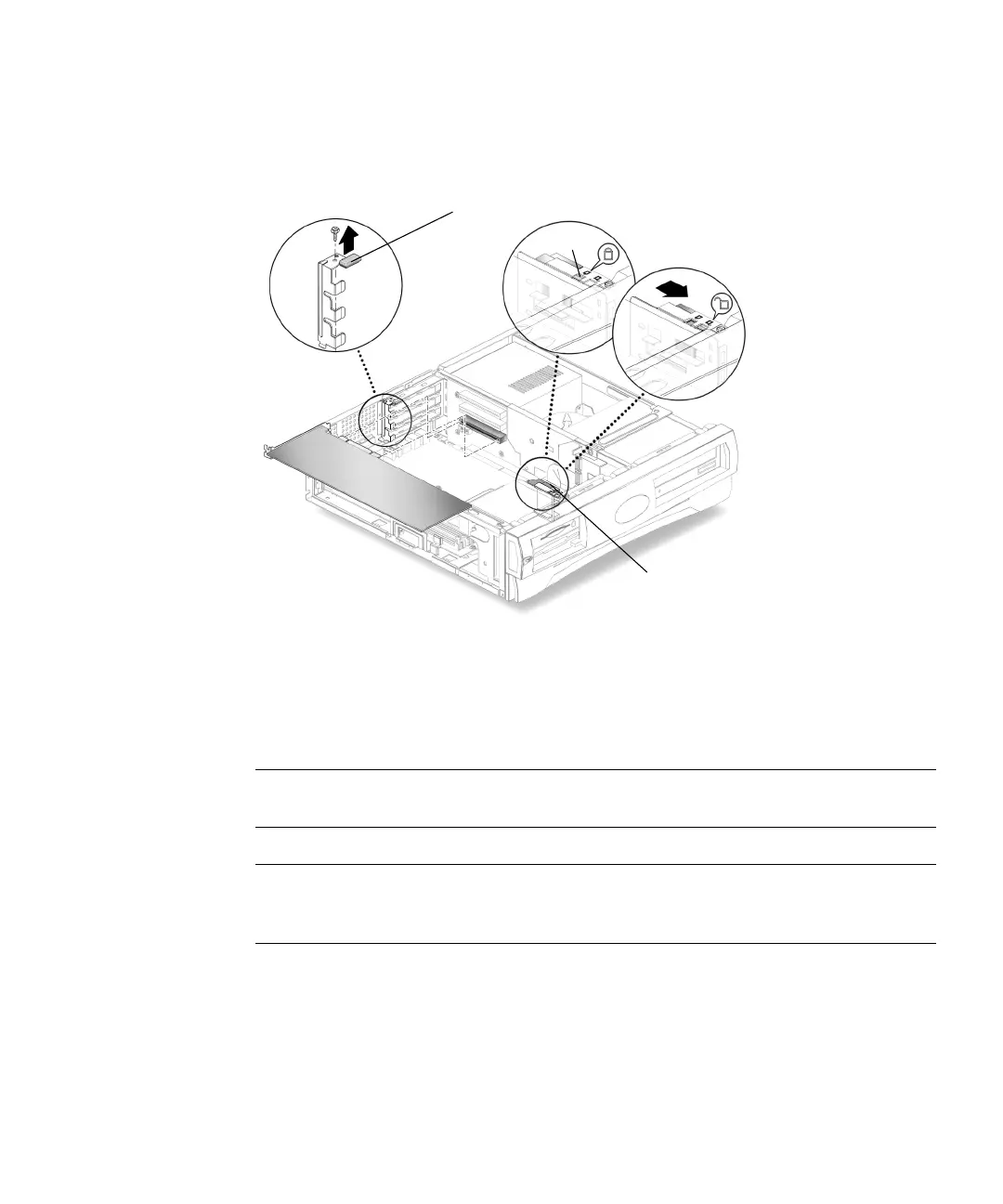
6. Grasp the two corners of the PCI card and pull the card straight out from the riser
board connector.
7. Place the PCI card on an antistatic mat.
FIGURE 8-6 Removing and Replacing a PCI Card
8.4.2 Replacing a PCI Card
Note – Read the PCI card product guide for information about jumper or switch
settings, slot requirements, and required tools.
Note – Maximum power consumption for all three PCI connectors is 50 watts. Do
not install a combination of PCI cards and/or graphic accelerators that exceed a
power consumption of 50 watts.
1. Ensure that there is no back plate in the PCI slot that you intend to use.
2. Position the PCI card into the chassis (
FIGURE 8-6).
3. Insert the PCI card connector so that it touches the associated riser board
connector.
PCI card bracket retainer
Retractable card guide
Detent



 To Next Page