9-2 Sun Blade 150 Service Manual • June 2002
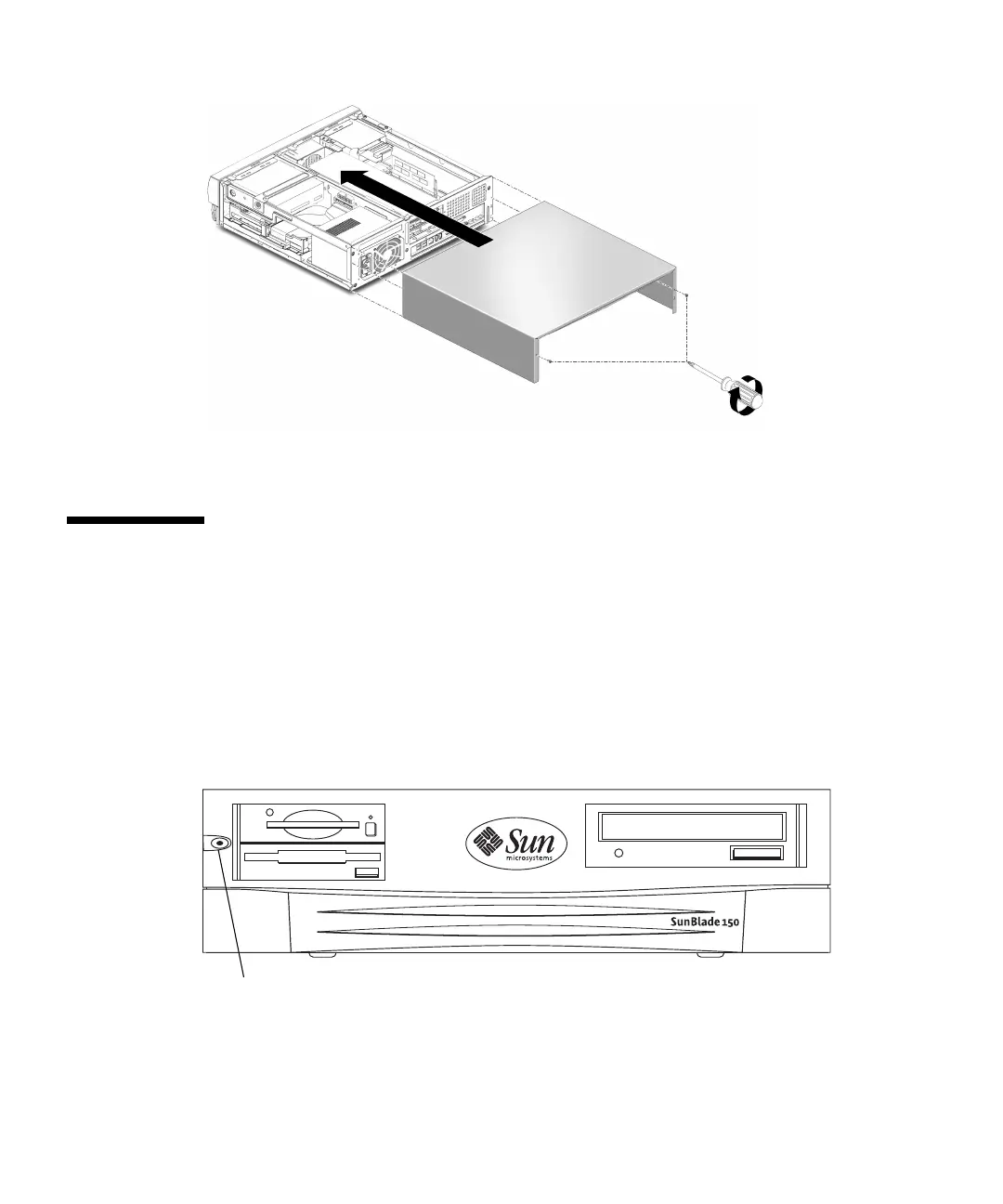
FIGURE 9-1 Replacing the System Cover
9.2 Powering On the System
To power on the system:
1. Connect the system power cord to the system and to an AC power outlet.
2. Reconnect and turn on power to any peripherals (so that the system can recognize
the peripherals when it is powered on).
3. Press the front panel power switch (
FIGURE 9-2).
FIGURE 9-2 System Power Switch
4. Verify the following:
Power switch



 To Next Page