Appendix A Product Specifications and Reference Information A-7
A.6.1 Setting Up the Modem
Any modem that is compatible with CCITT V.24 can be connected to one of the
system serial ports.
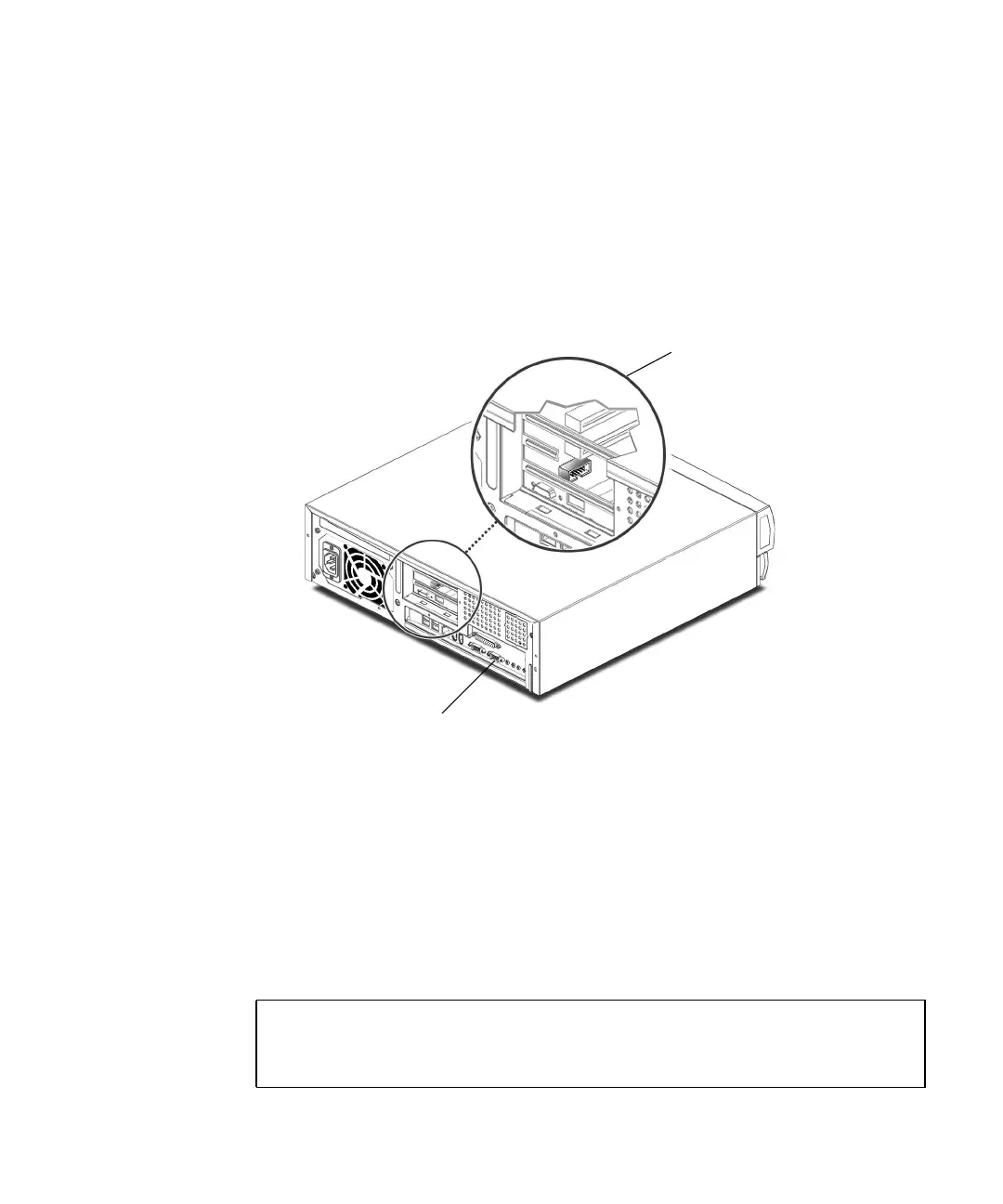
FIGURE A-3 External and Internal Serial Ports
Modems can be set up to function in one of three ways:
■ Dial-out only
■ Dial-in only
■ Bidirectional
To set up a modem:
1. Become superuser and type admintool.
% su
Password:
# admintool
Internal serial port: Riser board J13
External serial port



 To Next Page