GB.GOLDSKE.160901
www.swegon.com 17
We reserve the right to alter specifi cations without notice.
Dashboard
Stop
Alarm log
Timer, low speed
Flow chart
Dashboard
Stop
Alarm log
Timer, low speed
Flow chart
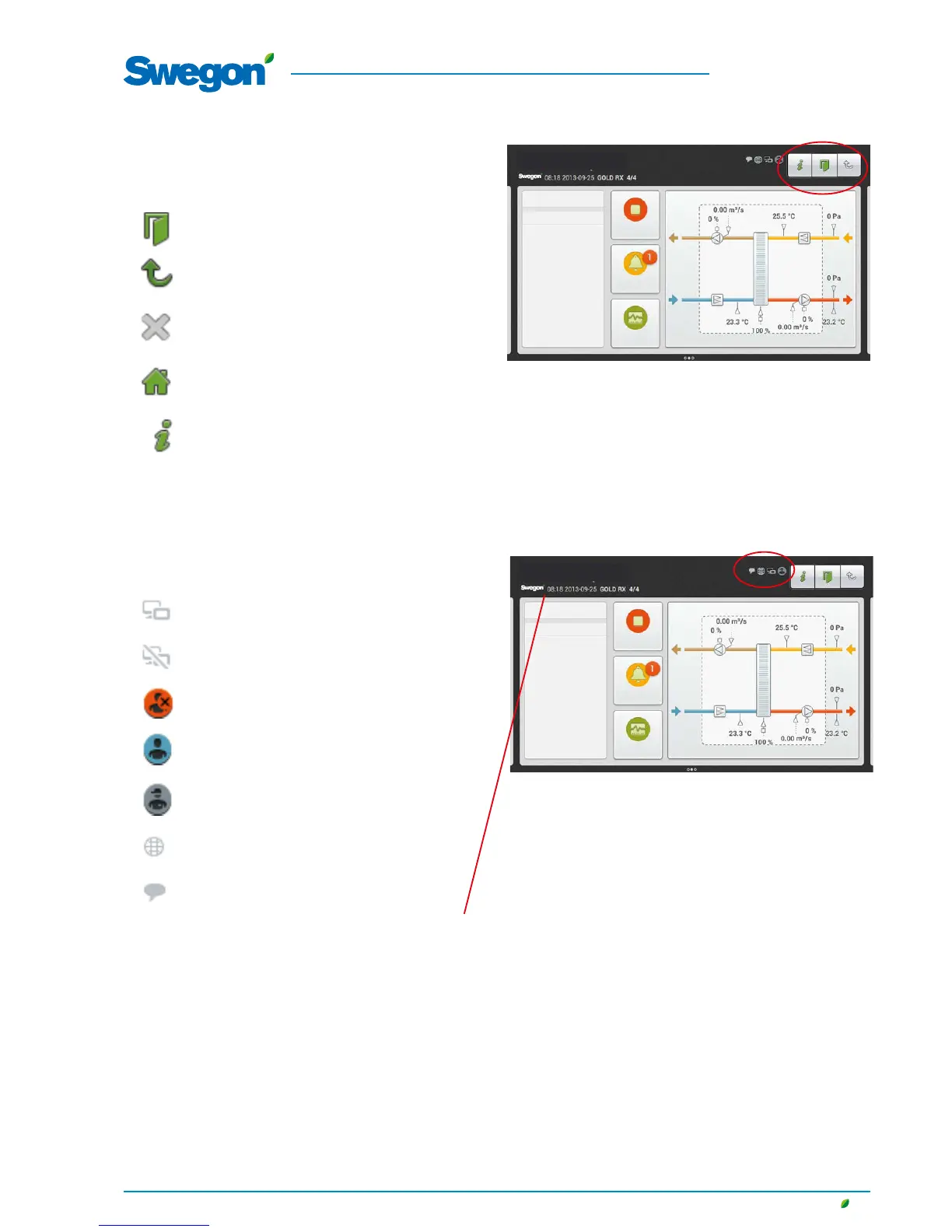
4.1.3 Buttons
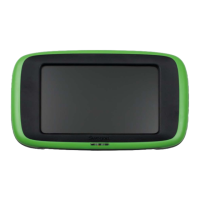
Buttons along the upper edge of the touch screen have the fol-
lowing functions:
Press this button to log out.
Press this button to go one step upward in the
image tree.
Press this button to close a window and to return
to a previously displayed object.
Press this button to return to the dashboard.
Help texts for the current view.
4.1.4 Indicator symbols
Hand-held terminal connected.
The hand-held terminal has no connection.
Not logged on
Logged on user (local)
Logged on installation
Indicates that the web page is active
Indicates that some communication protocol is
activated
The current time/date, type of air handling unit and
the name of the plant are displayed along the upper
edge of the touch screen. See also Section 6.4.10.1.
Log graph
Log graph




 To Next Page