GB.GOLDSKE.160901
www.swegon.com 19
We reserve the right to alter specifications without notice.
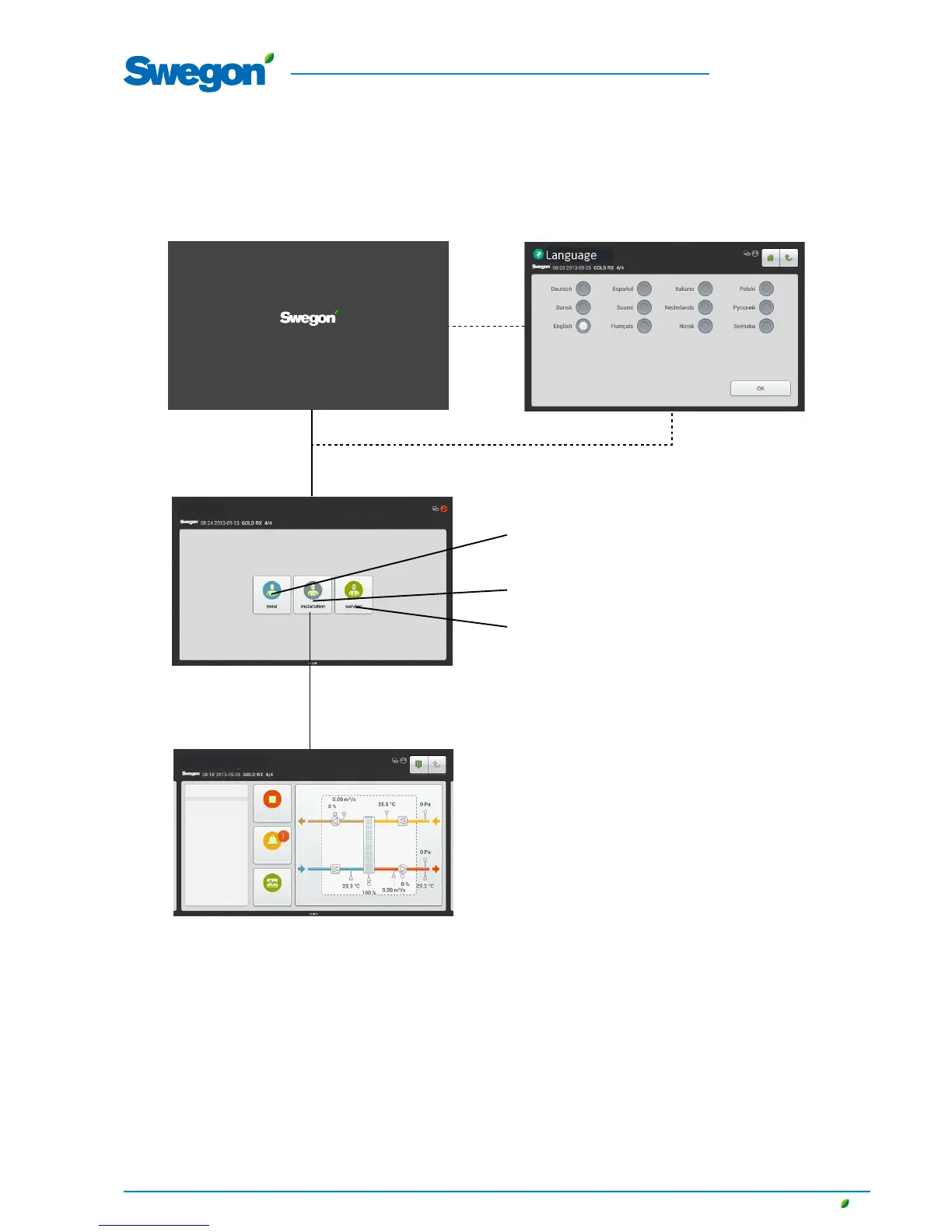
4.2 Image Management
Start-up image
Select required language (displayed when
starting for first time). See Section 4.2.1.
Dashboard. See Section 4.2.2.
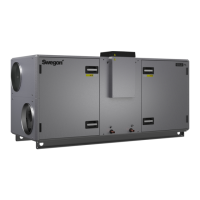
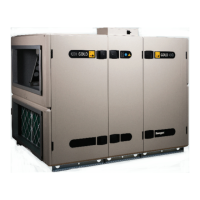
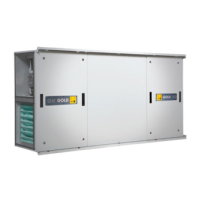
N.B.! The appearance of the image
varies depending on the type of air han-
dling unit and functions selected.
Select the required authorization level.
local (user).See Section 5.
No access code is required.
installation. See Section 6.
Code (=1111) is required for access to this image group
service.
Code and special training are required for access to this image
group.
Prole selection
Dashboard
Stop
Alarm log
Timer, low speed
Flow chart
Log graph




 To Next Page