102
BASIC OPERATIONS
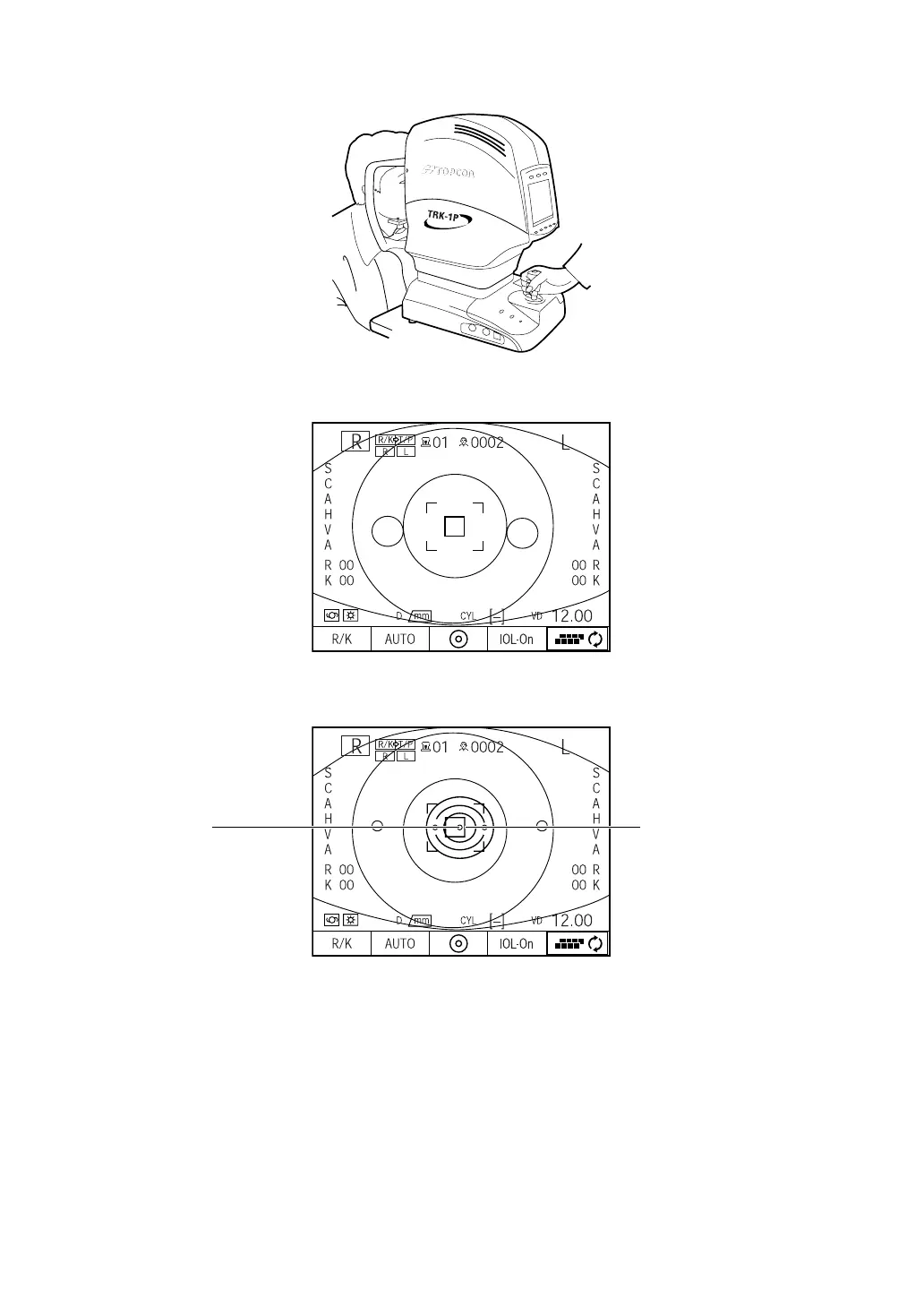
1 Hold the control lever and move the main body to the operator side.
2 Operate the control lever laterally and vertically and get the patient's eye in the center of
the color LCD monitor screen.
3 While moving the main body toward the patient, focus on the patient's eye. A vague refer-
ence dot for alignment appears reflected on the cornea.
4 When the reference dot enters the alignment mark, auto alignment is done for back/forth
and up/down directions, and the reference dot becomes clearly seen.
5 After auto alignment is done for back/forth and up/down directions, auto alignment for lat-
eral directions starts.
Alignment markReference dot














 To Next Page