Chapter 3: System Installation 00.053.129, Revision C SonixTablet Service Manual
3-6
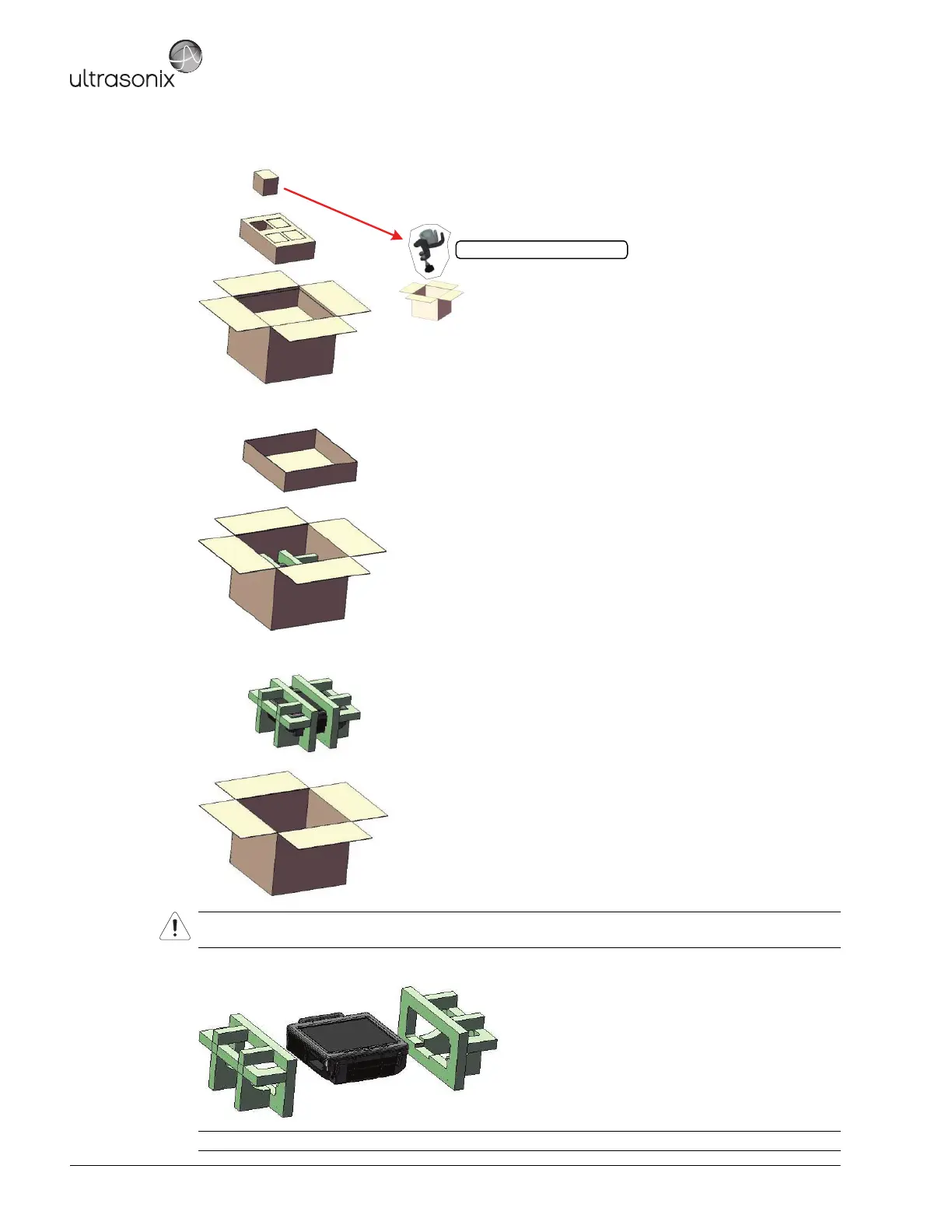
5. Remove the transducer holder packing box, then remove the transducer holders from their individual boxes.
6. Remove the inner carton tray.
7. Carefully remove the SonixTablet and the foam packing in one piece, setting it gently on a solid, flat surface.
8. Gently pull the foam packing away from the sides of the SonixTablet.
Warning: Although the SonixTablet is portable, it weighs more than 30 lbs (13+ kg). To avoid injury, be sure to
follow proper workplace/ergonomic lifting techniques when transporting the system.
Caution: Be sure to let place the system gently on the table top as the foam packing is removed.
Transducer Holder (in plastic bag)



 To Next Page