SonixTablet Service Manual 00.053.129, Revision C Chapter 3: System Installation
3-7
9. Remove the system from the plastic bag.
10. Set the system upright on the table surface.
To Unpack Transducers:
1. Ensure the top of the transducer box is facing in the correct direction and slice through the tape sealing it.
2. Remove the transducer case(s).
Warning: Do not place the device on any surface that blocks/restricts ventilation (e.g., do not set the device
on a soft surface such as a bed). Failure to comply with this directive could inhibit system airflow and
cause the system to overheat - which is not covered by the system warranty.
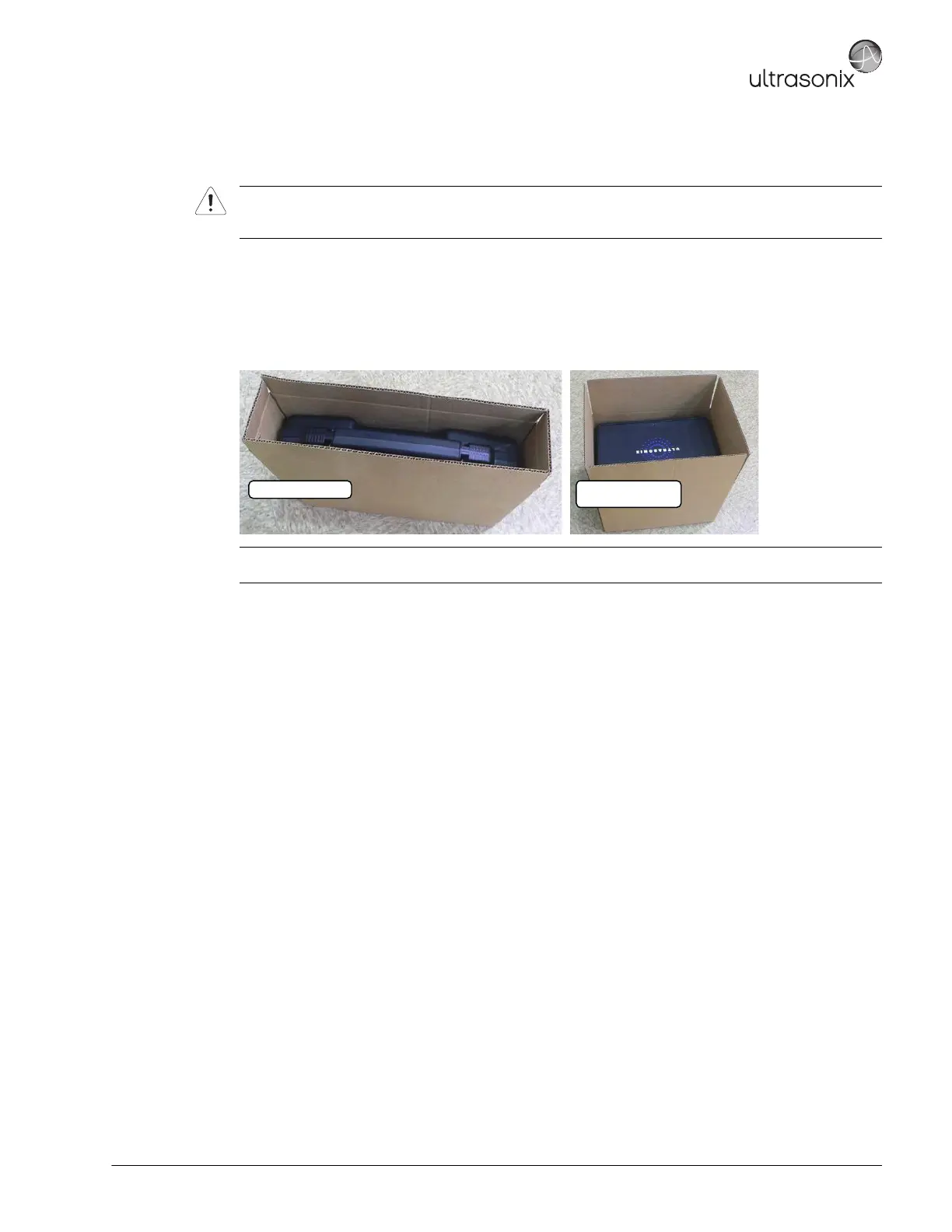
Note: The transducer packing carton will vary in size, depending on whether it contains, one (1), two (2) or
three (3) transducers.
One (1) Transducer
Two (2) or Three (3)
Transducers



 To Next Page