Chapter 8: DICOM 00.053.129, Revision C SonixTablet Service Manual
8-6
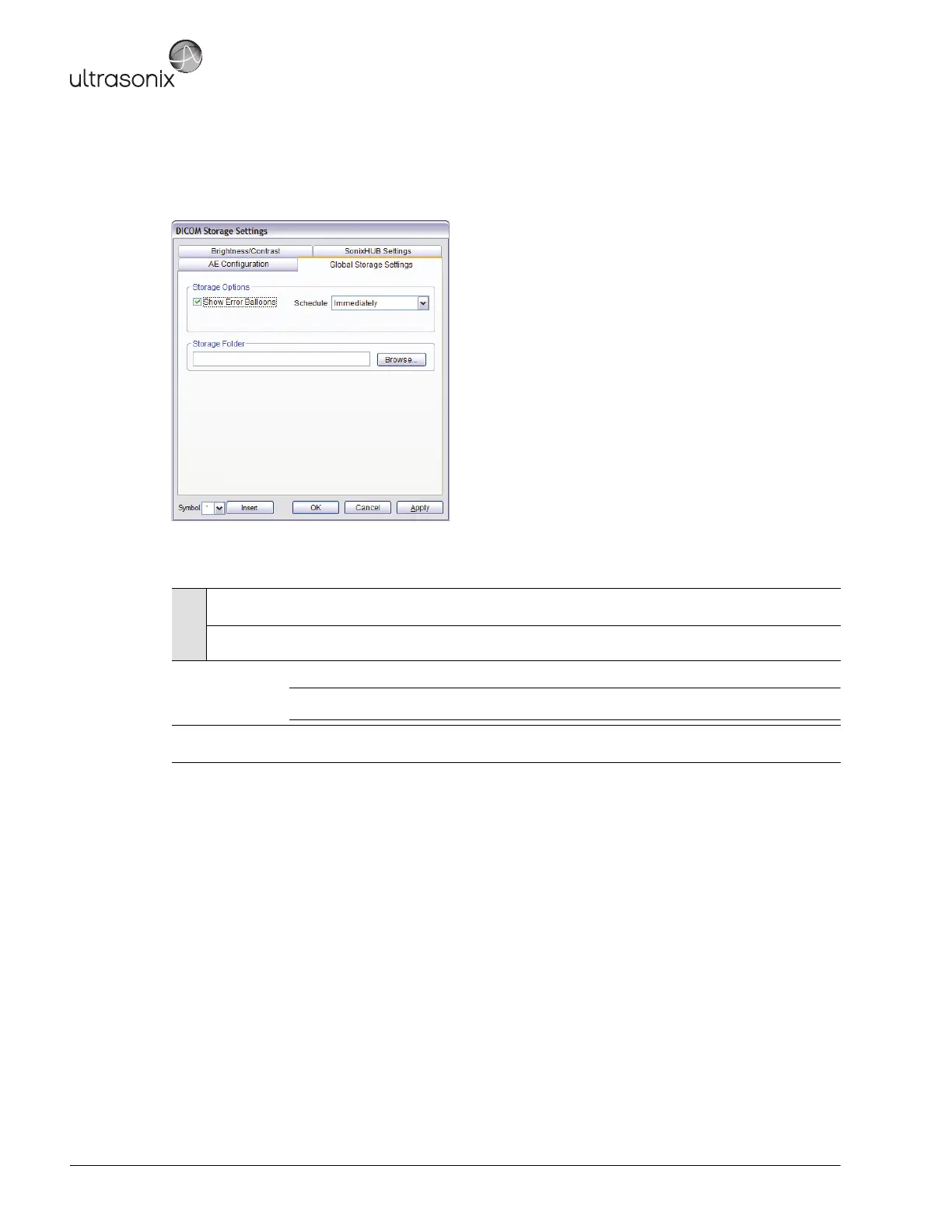
The DICOM Global Storage Settings dialog specifies global image storage parameters.
Figure 8-5: DICOM Storage Settings – Global Storage Settings
Table 8-4: DICOM Storage Settings – Global Storage Settings
Storage
Options
Show Error
Balloons
Select to enable the display of DICOM Storage error messages (e.g., Failed to connect to DICOM).
Schedule Select an auto-transfer setting: End of Exam, Immediate, On Idle.
Storage Folder
Select the location (local or remote) where the images will be stored.
Note: If a value is specified, the AE Configuration and Storage Commitment dialogs are disabled
– images can not be stored to an SCP.
Insert (Symbol)
Enables the insertion of text symbol(s) not available on the keyboard (e.g., punctuation, symbols and
letters from other languages).



 To Next Page