Chapter 8: DICOM 00.053.129, Revision C SonixTablet Service Manual
8-12
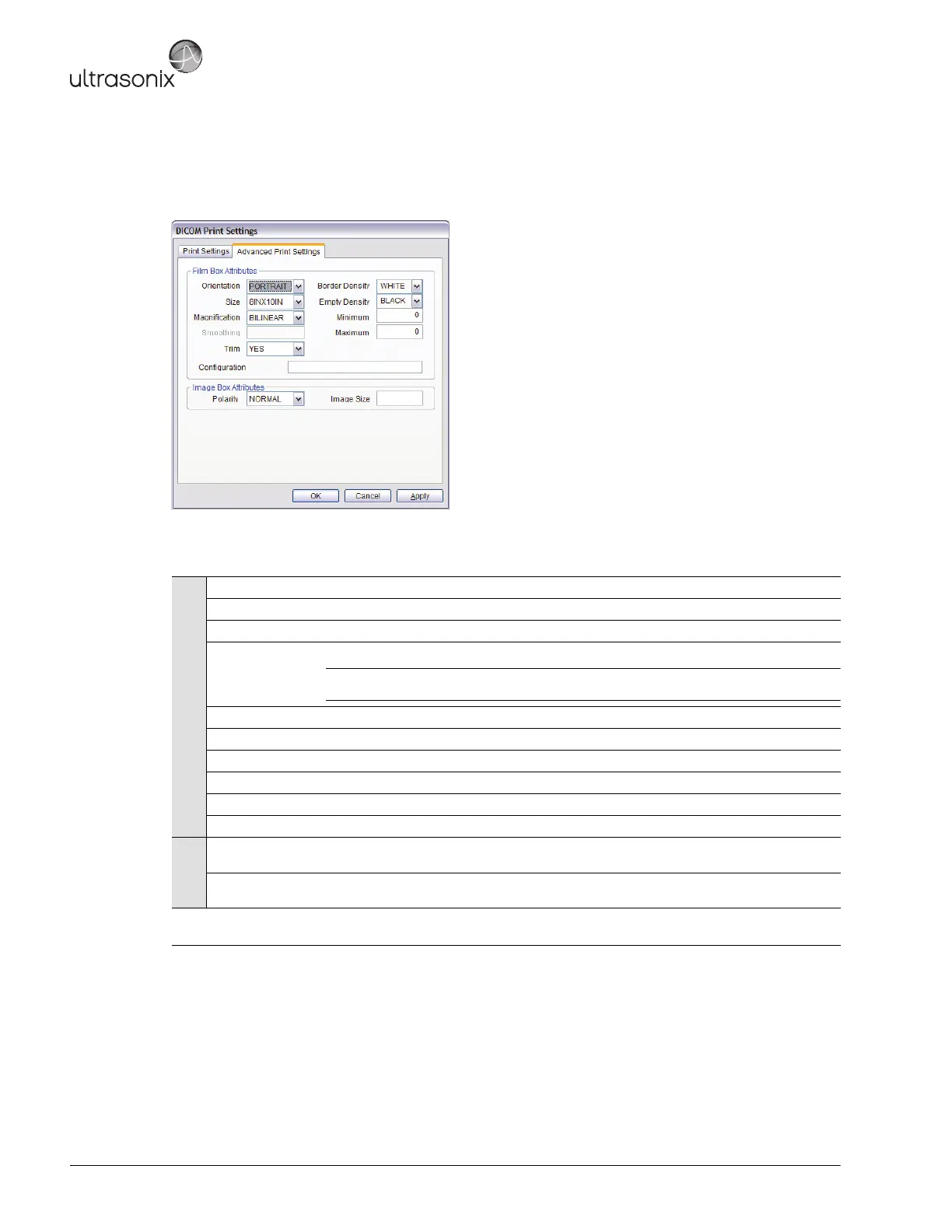
The Advanced Print Settings dialog enables configuration of advanced printing options.
Figure 8-10: DICOM Print Settings – Advanced Print Settings
Table 8-9: DICOM Print Settings – Advanced Print Settings
Film Box Attributes
Orientation Select the Orientation of the print page: Portrait or Landscape.
Size Select the Size of the print page.
Magnification Select the method of Magnification: Replicate, Bilinear, Cubic or None.
Smoothing
Select the Smoothing.
Note: This option is printer-specific and only available if Cubic Magnification is selected in
the previous field.
Trim Select Yes or No to use a border (Trim) on each page.
Configuration Enter printer-specific Configuration information.
Border Density Select the Border Density: Black or White.
Empty Density Select the Empty Density: Black or White.
Minimum Density Enter the minimum image density in hundredths of OD (Optical Density).
Maximum Density Enter the maximum image density in hundredths of OD.
Image Box
Attributes
Polarity Select the Polarity: Normal or Reverse.
Image Size Enter the printer-specific Image Size in mm.
Insert (Symbol)
Enables the insertion of text symbol(s) not available on the keyboard (e.g., punctuation,
symbols and letters from other languages).



 To Next Page