SonixTablet Service Manual 00.053.129, Revision C Chapter 8: DICOM
8-11
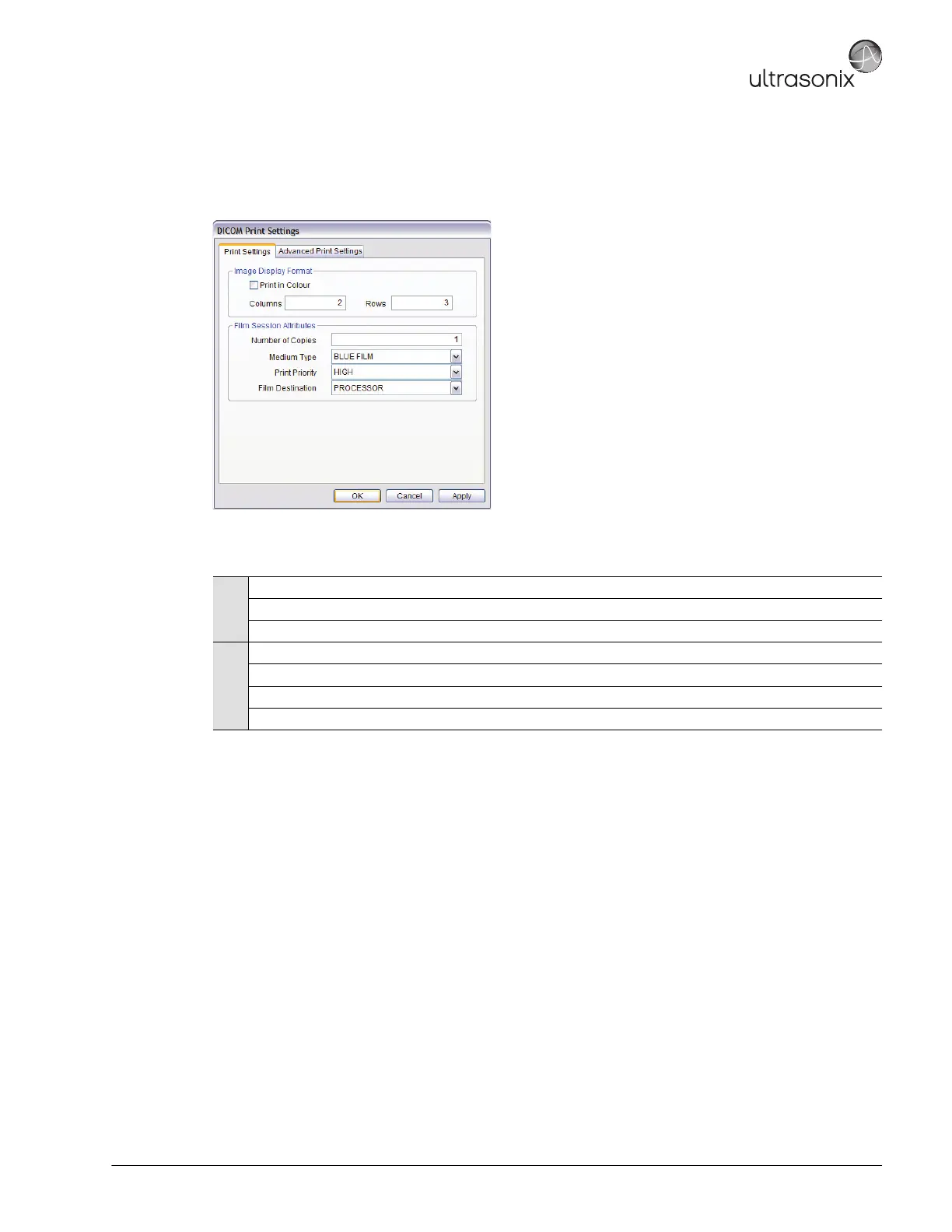
The DICOM Print Settings dialog enables configuration of general print properties.
Figure 8-9: DICOM Print Settings – Print Settings
Table 8-8: DICOM Print Settings – Print Settings
Image
Density
Print in Color Select to print images in color. Deselect to print grayscale (default).
Columns Select the number of Columns per page.
Rows Select the number of Rows per page.
Film Session
Attributes
Number of Copies Select the Number of Copies of each page to be printed.
Medium Type
Select the type of medium on which the images will be printed: Paper, Clear Film or Blue
Print Priority Select the print job priority: High, Medium or Low.
Film Destination Select the location to which the print job will be sent: Processor or Magazine.



 To Next Page