Chapter 8: DICOM 00.053.204, Revision A SonixTouch Q+ Service Manual
8-6
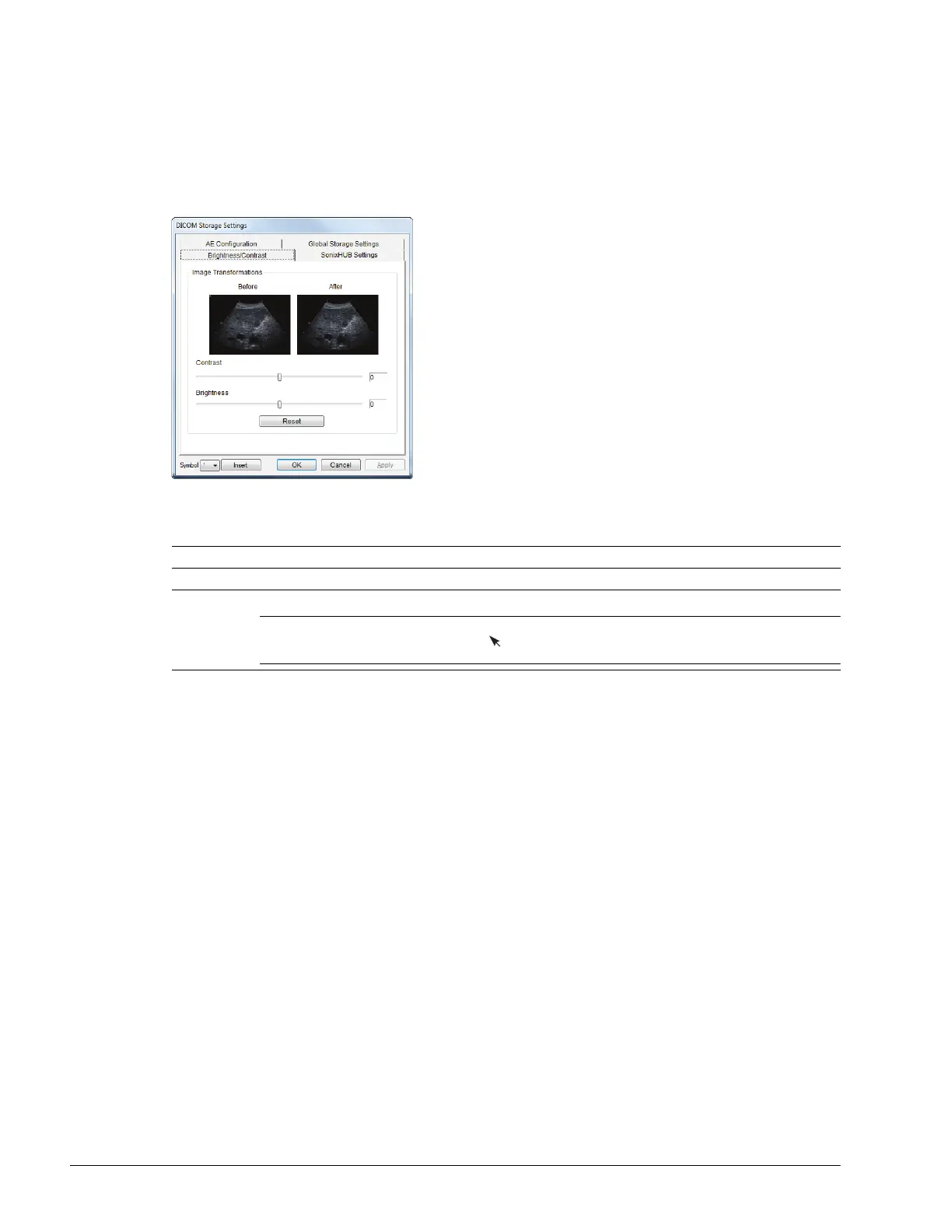
8.1.2.4 DICOM Storage Settings – Brightness/Contrast
The DICOM Storage Brightness/Contrast dialog changes the Brightness and Contrast settings. These settings
are applied to the images that are sent to the SCP, not the images stored locally.
The effects of these settings can be seen in the Before and After images.
Figure 8-6: DICOM Storage Settings – Brightness/Contrast
Table 8-5: DICOM Storage Settings – Brightness/Contrast
Contrast Adjusts the level of Contrast applied to the images.
Brightness Adjusts the level of Brightness applied to the images.
Reset
Resets the values of DICOM Storage Brightness and Contrast back to zero.
Note: To adjust the Brightness/Contrast settings, position the trackball arrow over the Brightness or
Contrast slider. Press and hold the button while moving the trackball left or right to the desired
position.



 To Next Page