Chapter 9: Network Configuration 00.053.204, Revision A SonixTouch Q+ Service Manual
9-4
9.1.2 Dialup Network Configuration (If Available)
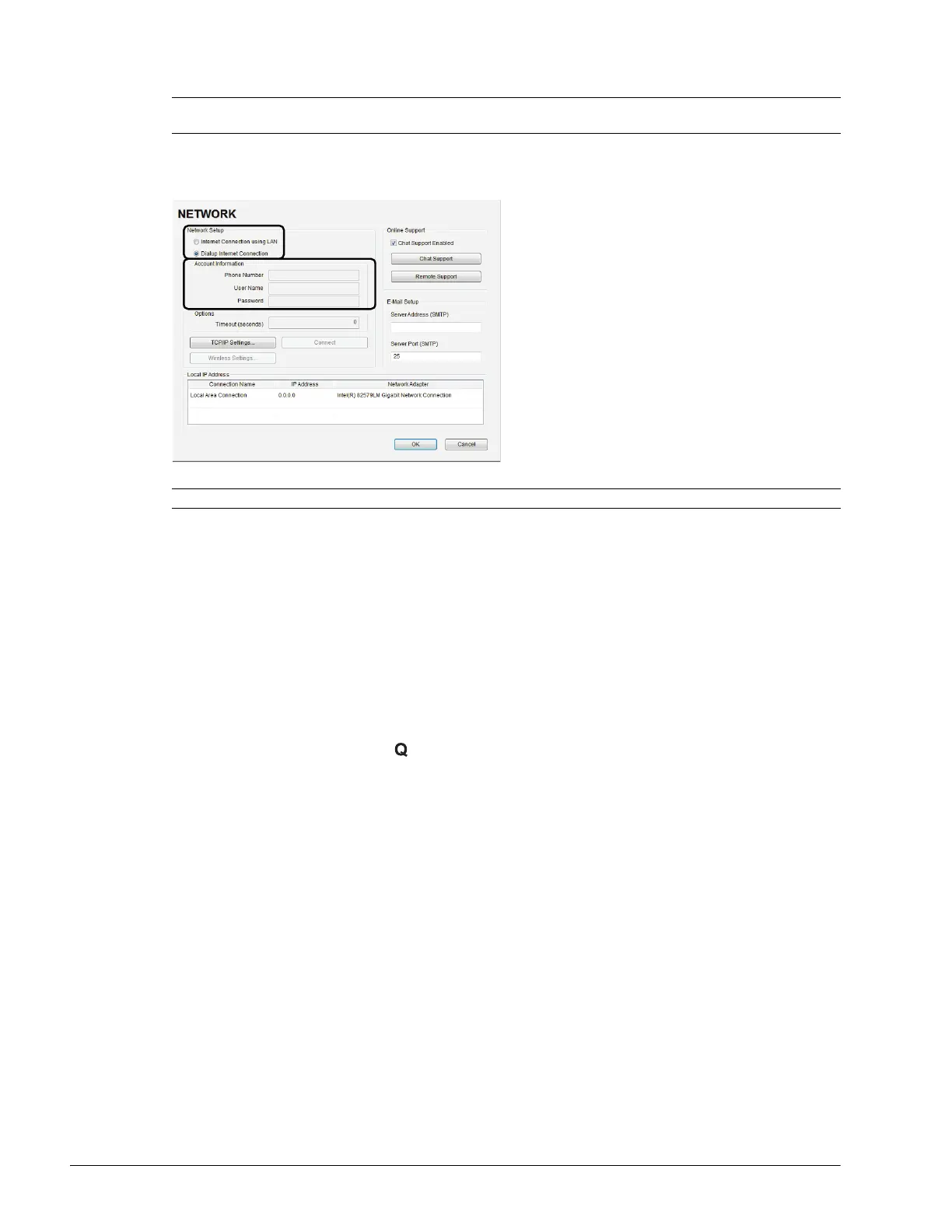
Figure 9-3: Network Configuration Page (Dialup)
To Configure a Dial-up Connection (If Available):
1. Connect the modem's USB connector to the Back Connectivity Panel (refer to Figure 7-4 for available
connection ports).
2. Connect the other end of the modem to a telephone jack in the wall.
3. Tap the touch screen Menu button.
4. Select Administrator > Network > Dialup Internet Connection.
5. Complete the Account Information and Options sections: Phone Number, User Name, Password and
Timeout (seconds).
6. Select OK and press the console button to exit the menu system.
Note: A dialup connection requires a third-party, USB modem. Contact your dealer or Ultrasonix Technical Support
to learn more about this option.
Note: While the system is dialing out, the current dialing status to the ISP will be displayed.



 To Next Page