SonixTouch Q+ Service Manual 00.053.204, Revision A Chapter 5: Software
5-3
5.2 SHOW/HIDE PROTOCOLS (VIA SERVICE MODE)
Follow the directions below to hide any Protocols the customer may not wish to see (have accessible).
To Show/Hide Protocols:
1. Tap the touch screen Menu button.
2. Select Administrator > Service.
3. Enter the Service Password and select OK.
4. From the Advanced Tools and Options drop-down menu select Show/Hide Protocols.
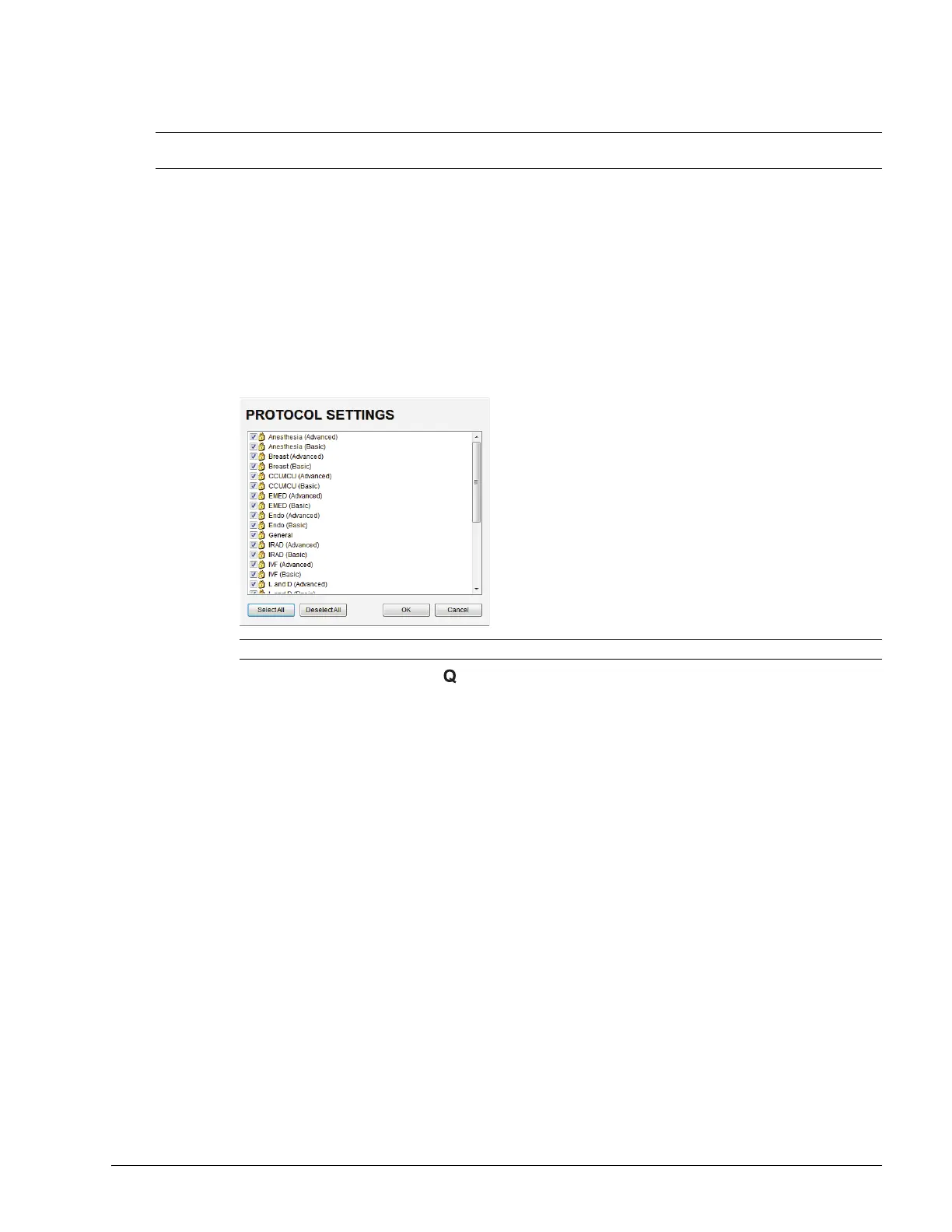
5. Select Go to access the Protocols Settings dialog.
6. Select/deselect the relevant Protocols.
7. Select OK, then press the console button to close all Menu dialogs.
Note: Users can also configure the available Protocols for themselves from Menu > Administrator > Preset >
Protocols….
Note: Any Protocol with a checkmark will be visible and therefore available for selection during imaging.



 To Next Page