SonixTouch Q+ Service Manual 00.053.204, Revision A Chapter 4: Performance Testing
4-3
4.5 PULSED DOPPLER SOUND TEST
To Conduct a Pulsed Doppler Sound Test:
1. Ensure the system is powered on and has completed the initialization sequence.
2. Ensure the system has an exam screen showing.
3. Tap the touch screen PW button.
4. Press the console button.
5. Tap Audio and turn the associated dial clock-wise until it reaches 100% .
6. The sound of static should be audible.
4.6 LICENSES
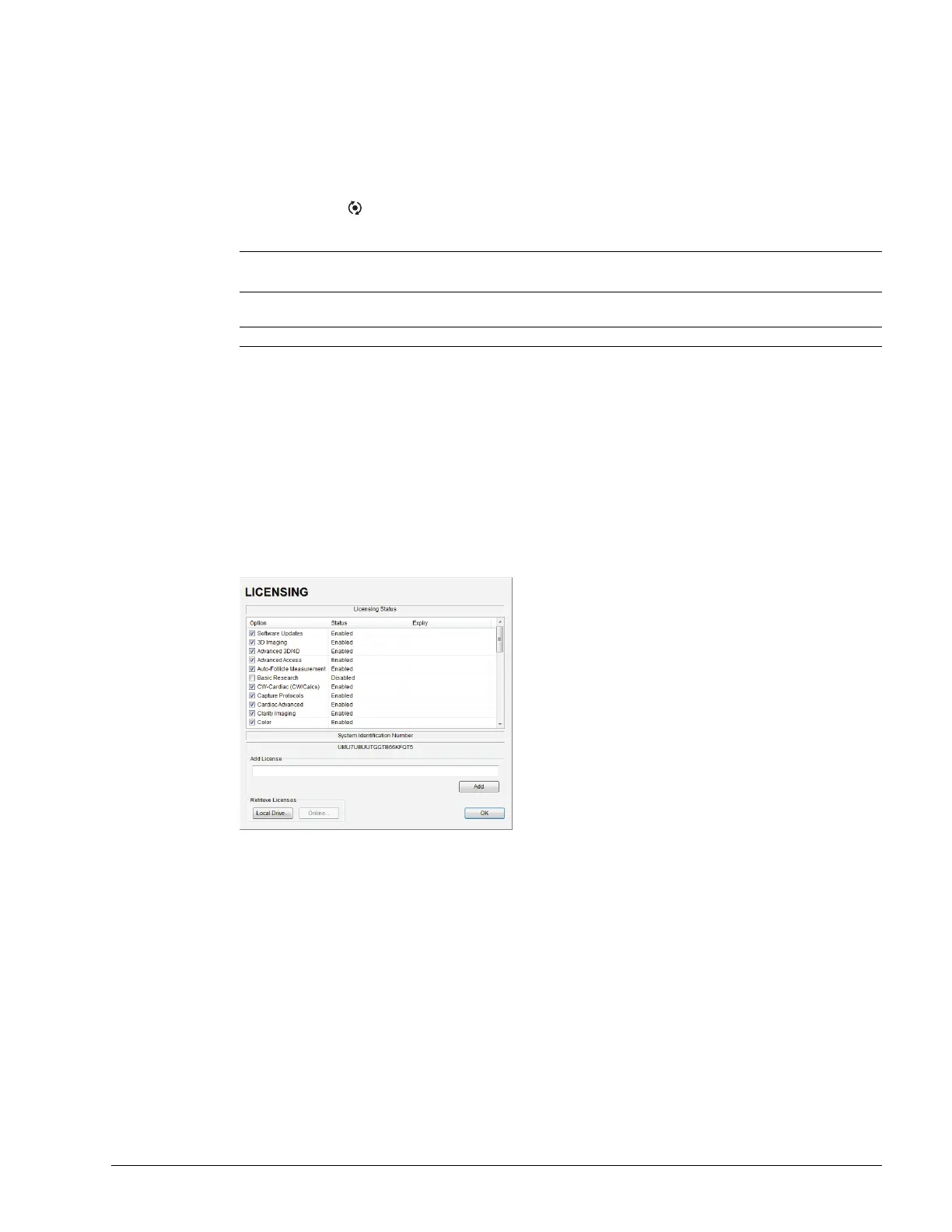
Check system licenses to ensure at least some licenses are Enabled. If no licenses are Enabled, repeat section 3.4 Set
System Date and Install Licenses.
To Check System Licensing:
1. Tap the touch screen Menu button.
2. Select Administrator > Licensing.
3. If none of the licenses are Enabled, repeat section 3.4 Set System Date and Install Licenses or reload
license.key following the instructions in section 10.2 Re-Import License.key.
Note: There is a level indicator on the LCD display.
Refer to Table 4-2 for more information on the touch screen dials.
Note: If static is not audible, use the trackball to move the gate away from the top of the LCD display.



 To Next Page