Chapter 3: System Installation 00.053.204, Revision A SonixTouch Q+ Service Manual
3-20
3.3.7 Peripherals (If Applicable)
Unpack and inspect all peripherals included with the system. Itemize any problems, record the model and serial
numbers and report the damage to Ultrasonix.
To configure the printer, refer to Chapter 6: Peripherals and Accessories.
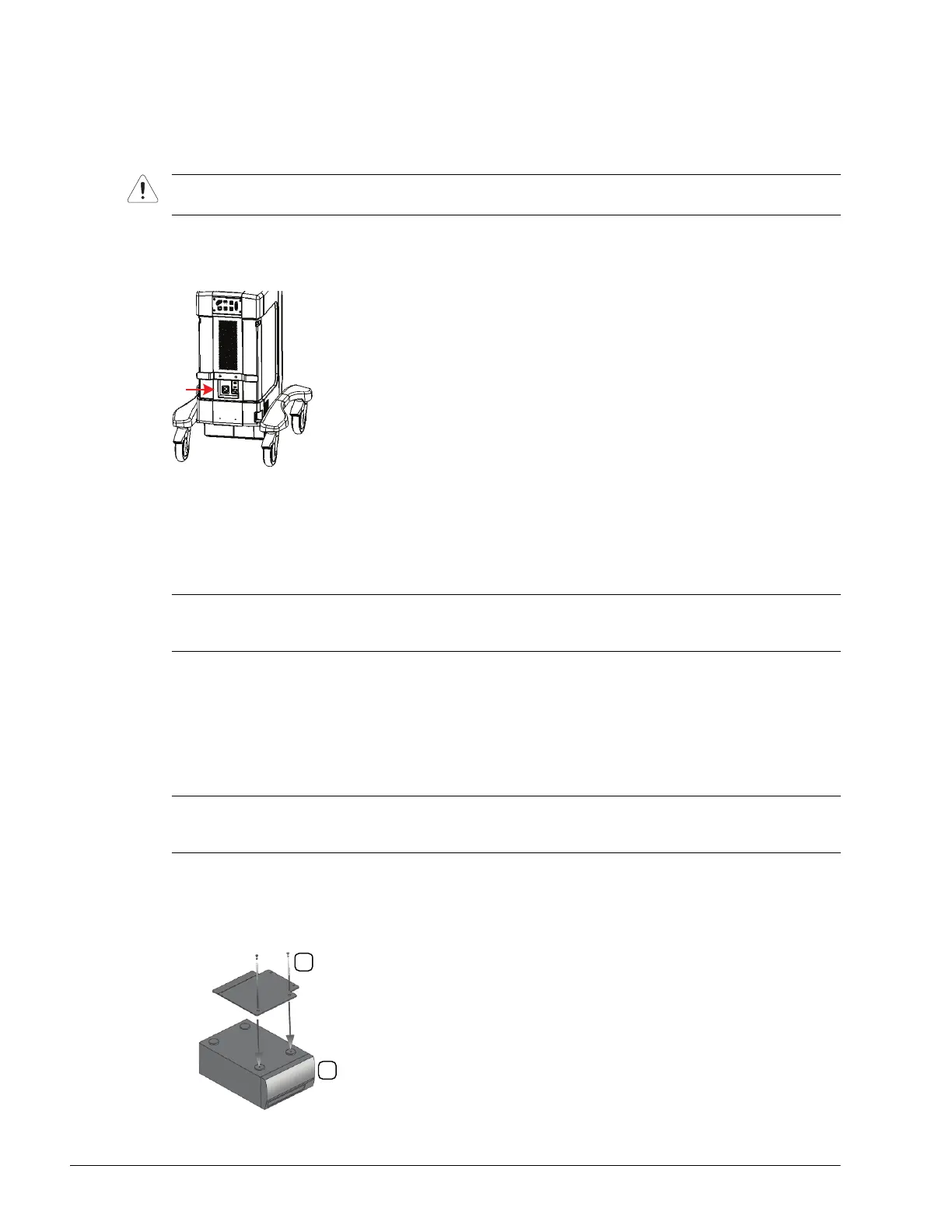
Figure 3-7: Peripheral Receptacle Location
3.3.7.1 USB Printer Mounting Kit (If Applicable)
If the USB printer was purchased from Ultrasonix, it can be mounted on the system without the peripheral tray
using a specially designed printer mounting kit.
Equipment/Tools Required:
• #1 Phillips screwdriver
• USB printer with mounting kit (mounting plate, two screws, two thumbscrews).
To Mount the Printer Plate to an Existing USB Printer:
1. Gently turn the printer upside down and place it on a secure surface.
2. Orient the printer so the front (1) faces forward.
3. Using the two supplied screws (2), attach the mounting plate to the printer.
4. Continue to the next set of instructions (To Mount the USB Printer Directly to the System).
Caution: Only Ultrasonix-approved peripheral devices may be connected to the peripheral receptacle (Table 3-7).
Refer to the most recent price list to determine the exact make(s)/model(s) of Ultrasonix-approved devices.
Note: When ordered with a new system, the mounting plate will be attached to the printer at the factory. When a
new system will be used with an existing printer, the mounting plate will have to be attached in the field.
Refer to 6.3.1 Local Printer Setup for details on configuring the USB printer.
Note: The printer must be the same make/model as the USB printer on the Ultrasonix price list.
If the printer arrived with the mounting plate attached, skip to the next set of instructions: To Mount the USB
Printer Directly to the System:.



 To Next Page