Chapter 7: Field Service Components 00.053.204, Revision A SonixTouch Q+ Service Manual
7-34
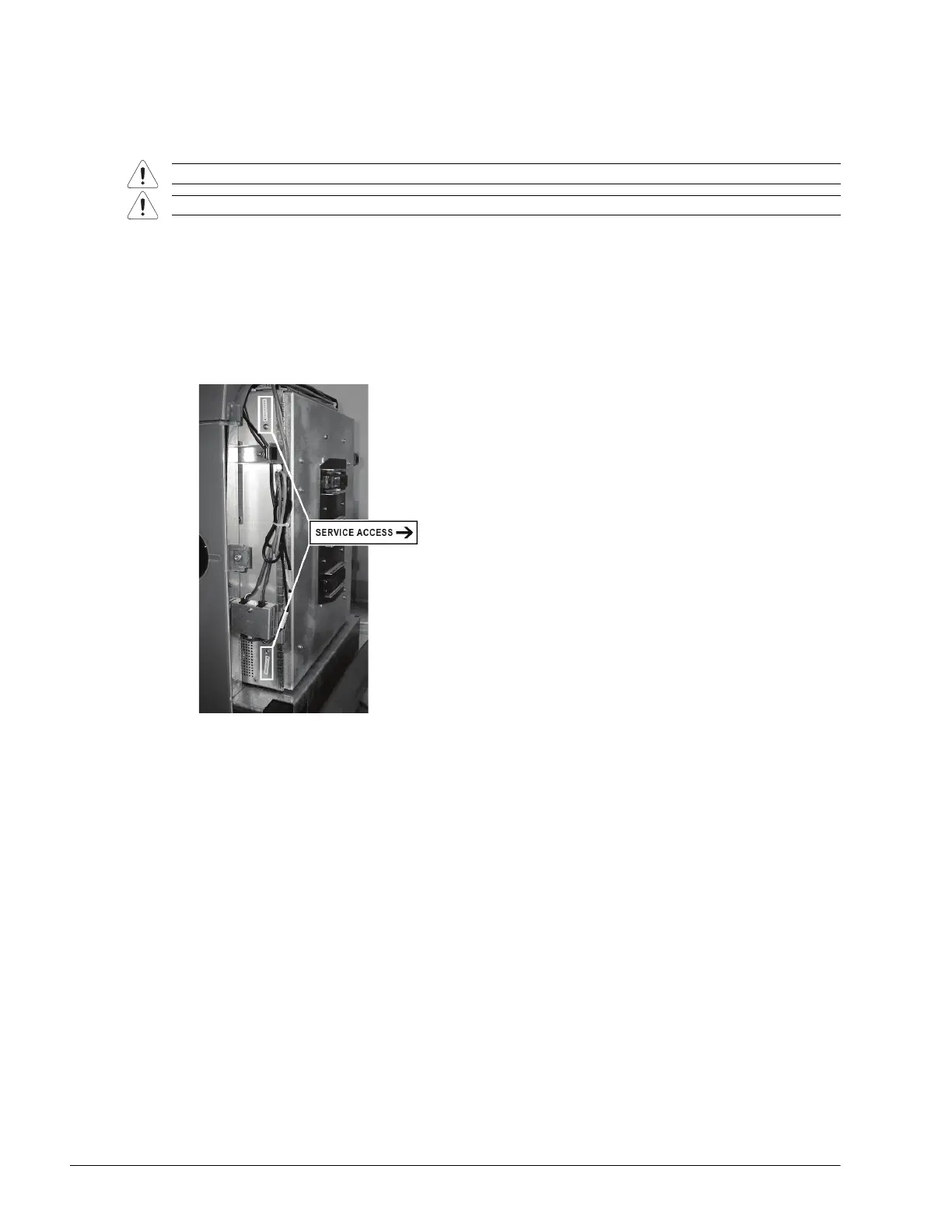
7.4.5 Closing the Front Block/Ultrasound Module
Equipment/Tools Required:
• #2 Phillips screwdriver.
To Close the Front Block/Ultrasound Module:
1. Ensure all cables are connected (7.4.4, step 3 to step 5).
2. Close the front block, carefully tucking in all cables so they cannot interfere with any internal fans. This will also
ensure that no undue stress is placed upon the cables the next time the front block is opened.
3. Using the #2 Phillips screwdriver, secure the front block with the two service access screws.
4. If required, reinstall the modulo (7.3.2).
5. Reinstall the side shroud (7.2.6).
Warning: Do not perform any internal system maintenance if the UPS breakers are turned on.
Caution: Always wear a grounding strap when opening and working inside the modulo.



 To Next Page