SonixTouch Q+ Service Manual 00.053.204, Revision A Chapter 7: Field Service Components
7-11
7.2 TURNING THE UPS BREAKERS ON AND OFF
7.2.1 Determining Whether the UPS Breakers are ON or OFF
To determine whether the breakers are ON or OFF without removing the side shroud, check to see if there is a
visible white marking at the top of each breaker. If there is, the breaker is OFF.
Figure 6-1: Breaker Position OFF
7.2.2 Turning OFF/Resetting the UPS Breakers
To Turn OFF the UPS Breakers:
1. Ensure the system is powered down and the power cord is disconnected from any power source.
2. Turn 2: AC Input Breaker to the OFF position.
3. Turn 1: Battery Breaker to the OFF position.
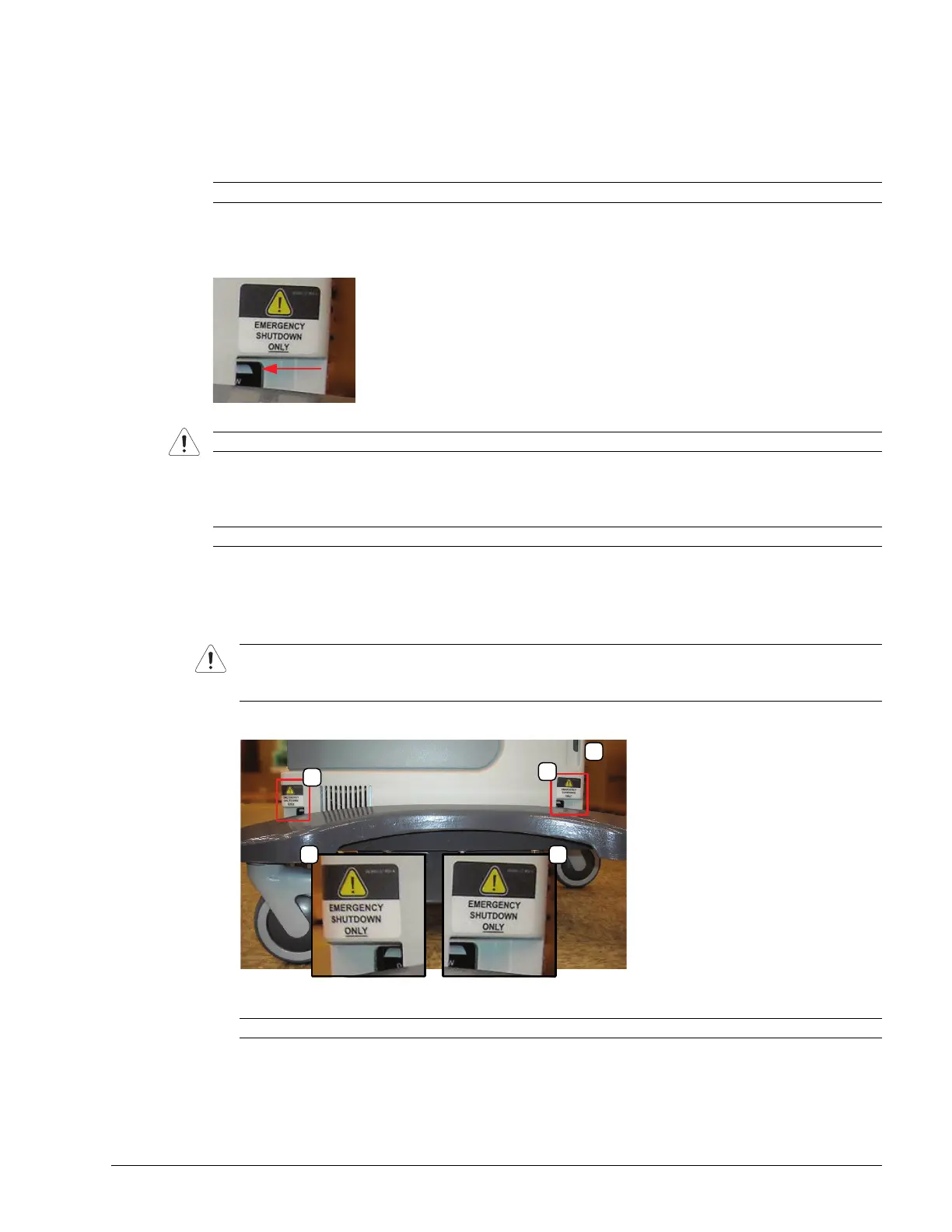
Note: Breaker access is at the bottom of side shroud B (Figure 6-1).
Warning: Do not perform any internal system maintenance if the UPS breakers are turned on.
Note: Breaker access is at the bottom of the left side shroud (Figure 6-1).
Caution: Unless a breaker has been tripped, it is important to turn OFF the breakers in the order specified.
A tripped breaker will be in a central position, rather than ON or OFF. Determine which breaker has been
tripped and turn if off first, then turn off the remaining breaker.
Note: Be sure to locate the breakers based on the system front (3).



 To Next Page