SonixTouch Q+ Service Manual 00.053.204, Revision A Chapter 6: Peripherals and Accessories
6-3
9. Select Yes to set the selected printer as the default.
10. Select Next to print a test page.
11. Select Finish to complete the installation.
6.3.3 Configuring Custom Keys
6.3.3.1 Paper Printing Configuration
To Configure a Print Key for Paper Printing:
1. Tap the touch screen Menu button.
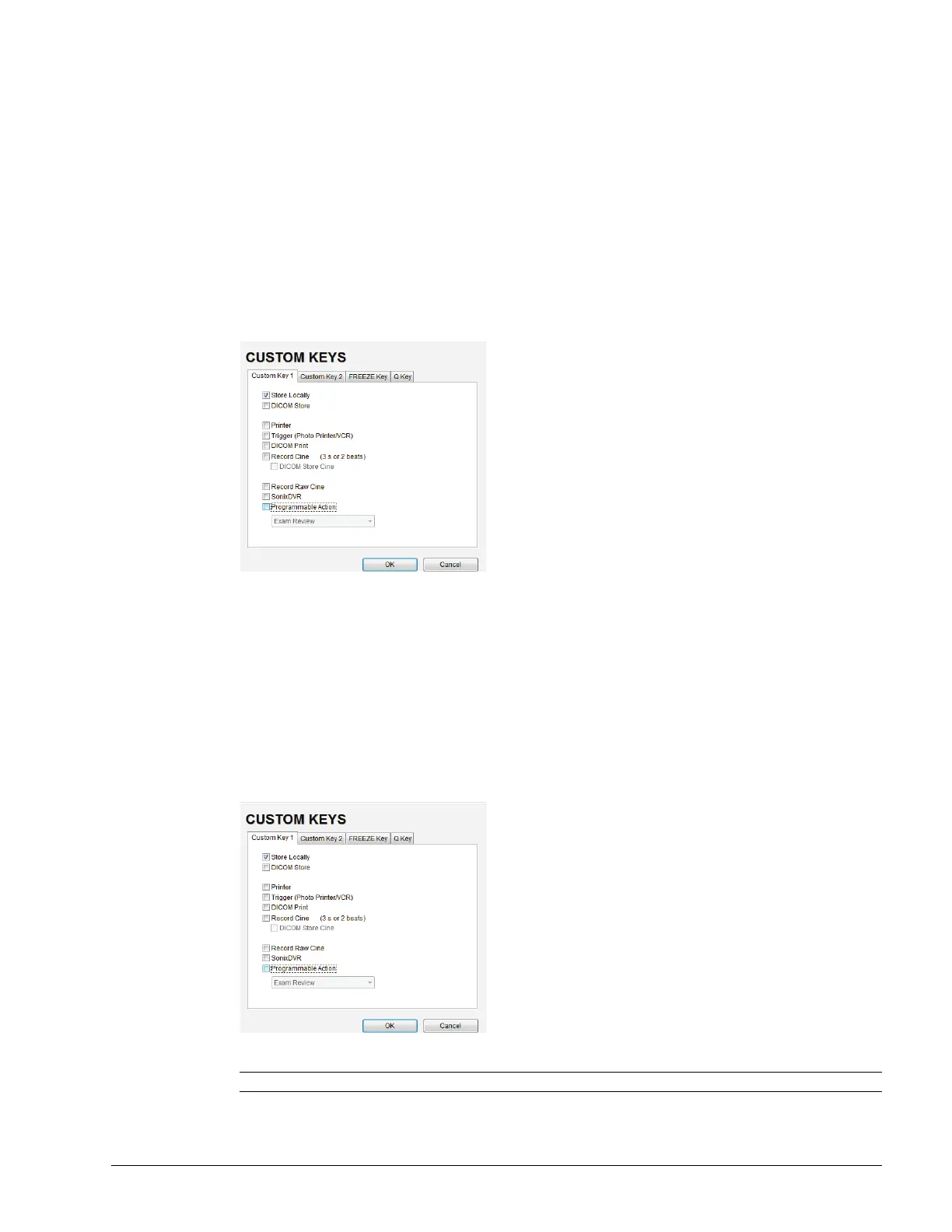
2. Select Administrator > Custom Keys.
3. Select the desired Custom Key tab.
4. Select the Printer checkbox.
5. Select OK.
6.3.3.2 Trigger Configuration
To Configure the Custom Key Function for Trigger:
1. Tap the touch screen Menu button.
2. Select Administrator > Custom Keys.
3. Select the desired Custom Key tab.
4. Select Trigger and select OK.
5. To print a test image on the thermal printer, press the relevant console button.
Note: If Trigger is not accessible (i.e., grayed out), deselect Record Cine, then select Trigger.



 To Next Page