Chapter 6: Peripherals and Accessories 00.053.204, Revision A SonixTouch Q+ Service Manual
6-6
To Configure the Footswitch Settings:
1. Tap the touch screen Menu button.
2. Select Administrator > Peripherals > Footswitch.
3. Configure the Footswitch options as required.
4. Select OK to accept the changes and exit or Cancel to exit without saving.
6.5 BARCODE READER
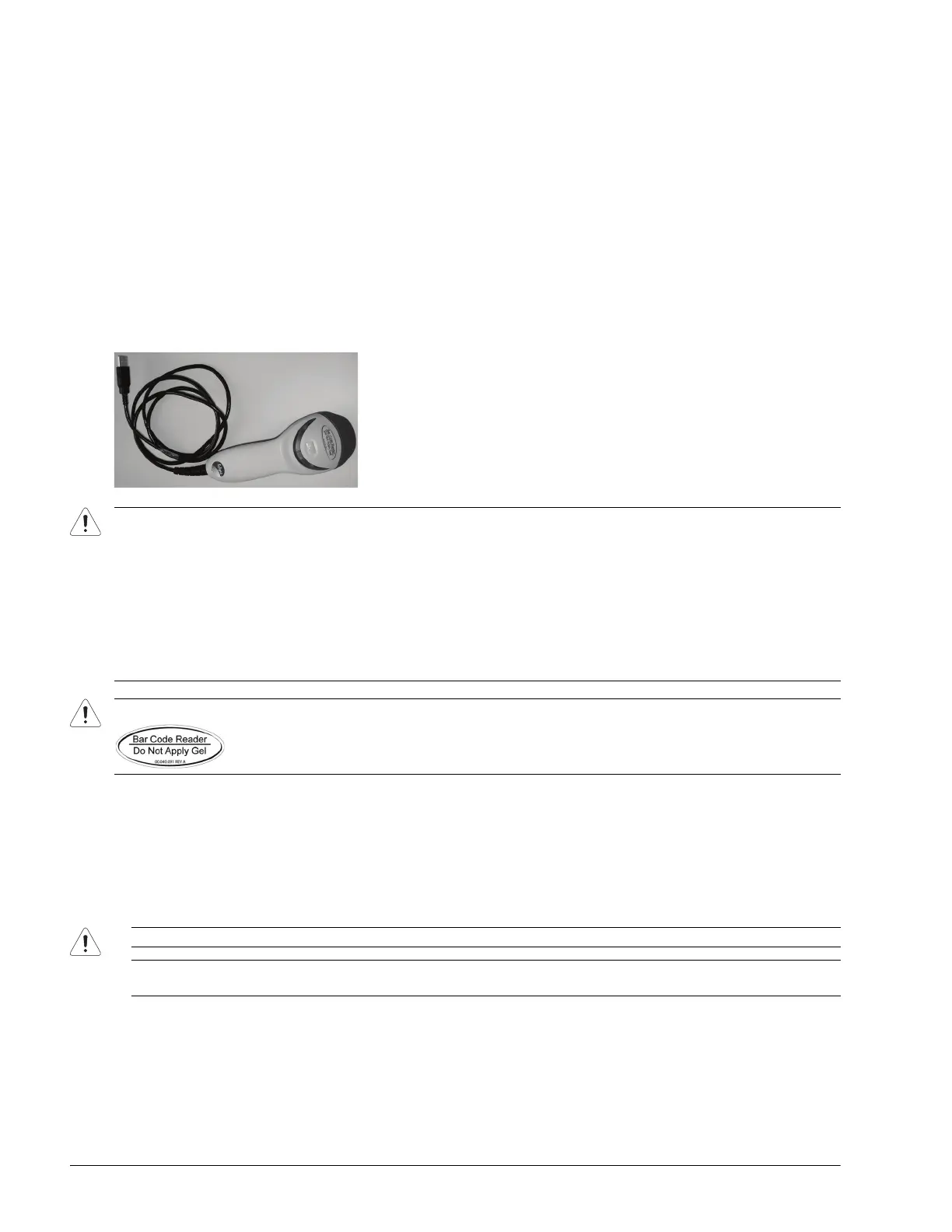
Plug the barcode reader's USB connector into one of the USB ports on the console (7.3.3). To keep it handy, store the
barcode reader in one of the transducer holders.
Figure 6-4: Barcode Reader
6.6 CONNECTING AN EXTERNAL TELEVISION TO THE SYSTEM
The two methods by which an external TV can be connected to the system are:
• via the TV’s HDMI (High Definition Multimedia Interface) or DVI input
• via the TV’s PC IN connector, providing this connection is either DVI or HDMI.
Warnings:
USE OF CONTROLS or adjustments or performance of procedures other than those specified in the manufacturer's User's
Guide (delivered with system) may result in hazardous laser light exposure.
NEVER attempt to look at the laser beam, even if the barcode reader appears to be non-functional.
NEVER point the laser beam in anyone's eyes.
USE OF OPTICAL instruments with the laser equipment will increase eye hazard.
UNDER NO CIRCUMSTANCES should users or technicians attempt to open or service the laser scanner. Attempting to
open the barcode reader may cause exposure to hazardous laser light. Should the barcode reader require maintenance or
replacement, contact Ultrasonix Technical Support.
Caution: Do not apply ultrasound gel to the barcode reader.
Caution: When connecting an external TV, be sure to follow all instructions carefully.
Note: While a selection of televisions were tested against the following instructions, Ultrasonix cannot guarantee that all
TVs will function as an external monitor.



 To Next Page