SonixTouch Q+ Service Manual 00.053.204, Revision A Chapter 5: Software
5-1
CHAPTER 5: SOFTWARE
5.1 SOFTWARE UPDATE
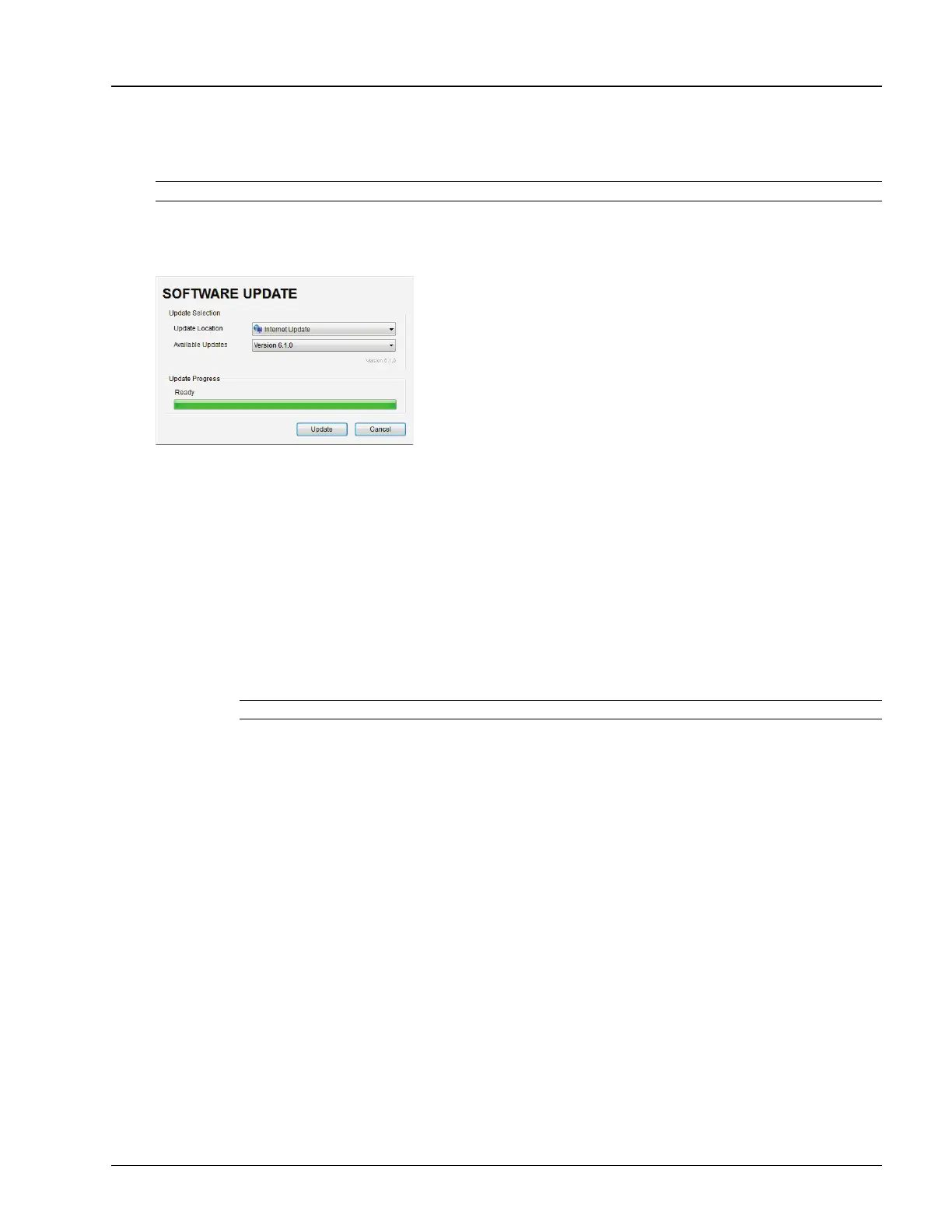
This option allows users to install software updates via the Internet or with a USB key.
Figure 5-1: Software Updates
5.1.1 Software Update via the Internet
To Update via the Internet:
1. Ensure the system has a live Internet connection.
2. Tap the touch screen Menu button.
3. Select Administrator > Software Updates.
4. The system will default to the Update Location "Internet Update".
5. Select Update.
6. The system will automatically download, auto-install, and restart the software.
Note: Access to Software Update is available only with a valid warranty license.
Note: If an error occurs during installation, contact Ultrasonix Technical Support for further instructions.



 To Next Page