Chapter 5: Software 00.053.204, Revision A SonixTouch Q+ Service Manual
5-4
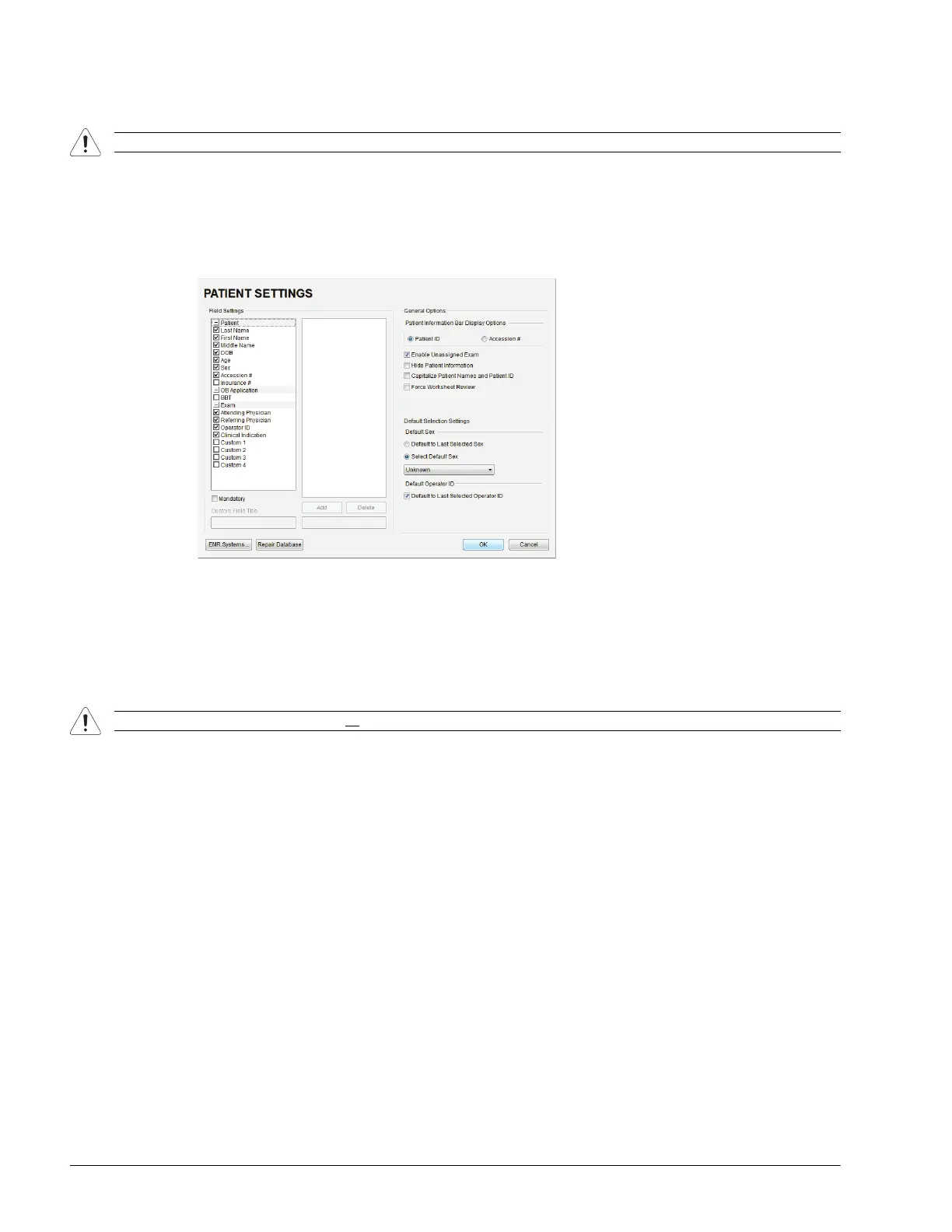
5.3 PATIENT DATABASE REPAIR
This option is to be used only if the patient database becomes corrupted.
To Repair the Patient Database:
1. Tap the touch screen Menu button.
2. Select Administrator > Patient > Repair Database.
3. Select OK to exit.
5.4 SYSTEM RECOVERY
Before performing a system recovery, consult Ultrasonix Technical Support as this should only be done as a last resort.
Technical Support will provide the appropriate documentation to carry out a system recovery.
Caution: Backup patient data on a regular basis (7.1 Protecting Patient Data).
Caution: System Recovery may erase all
data on the hard drive, including Patient/Exam data!



 To Next Page