Chapter 3: System Installation 00.053.204, Revision A SonixTouch Q+ Service Manual
3-6
3.2.2.1 Unpacking a System
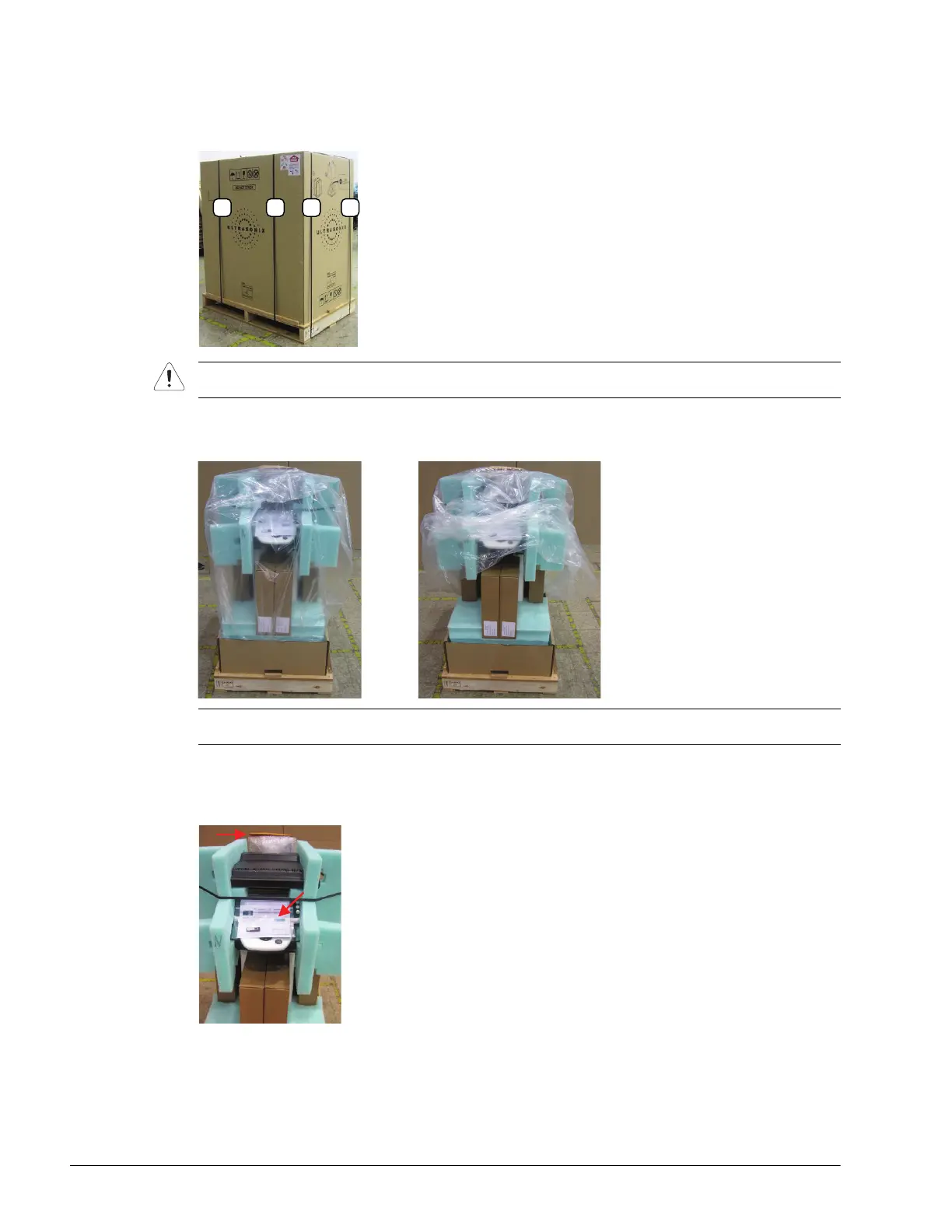
To Unpack a System:
1. Cut and remove the four ¼” nylon strap around the box.
2. Lifting from the bottom, remove the cardboard cover.
3. Lift off the plastic bag covering the system.
4. Remove the following items from the system:
• front: license setup card and USB key
• rear: document envelope.
Caution: Stand out of the way when cutting these straps as they are under tension and may snap back when
severed.
Note: Do not cut the bag. As the edges are simply tucked into the box at the base of the system it can be
easily removed.



 To Next Page