SonixTouch Q+ Service Manual 00.053.204, Revision A Chapter 3: System Installation
3-15
3.3.3 Powering the System
Before turning on the system, connect the power cord.
To Connect the Power Cord:
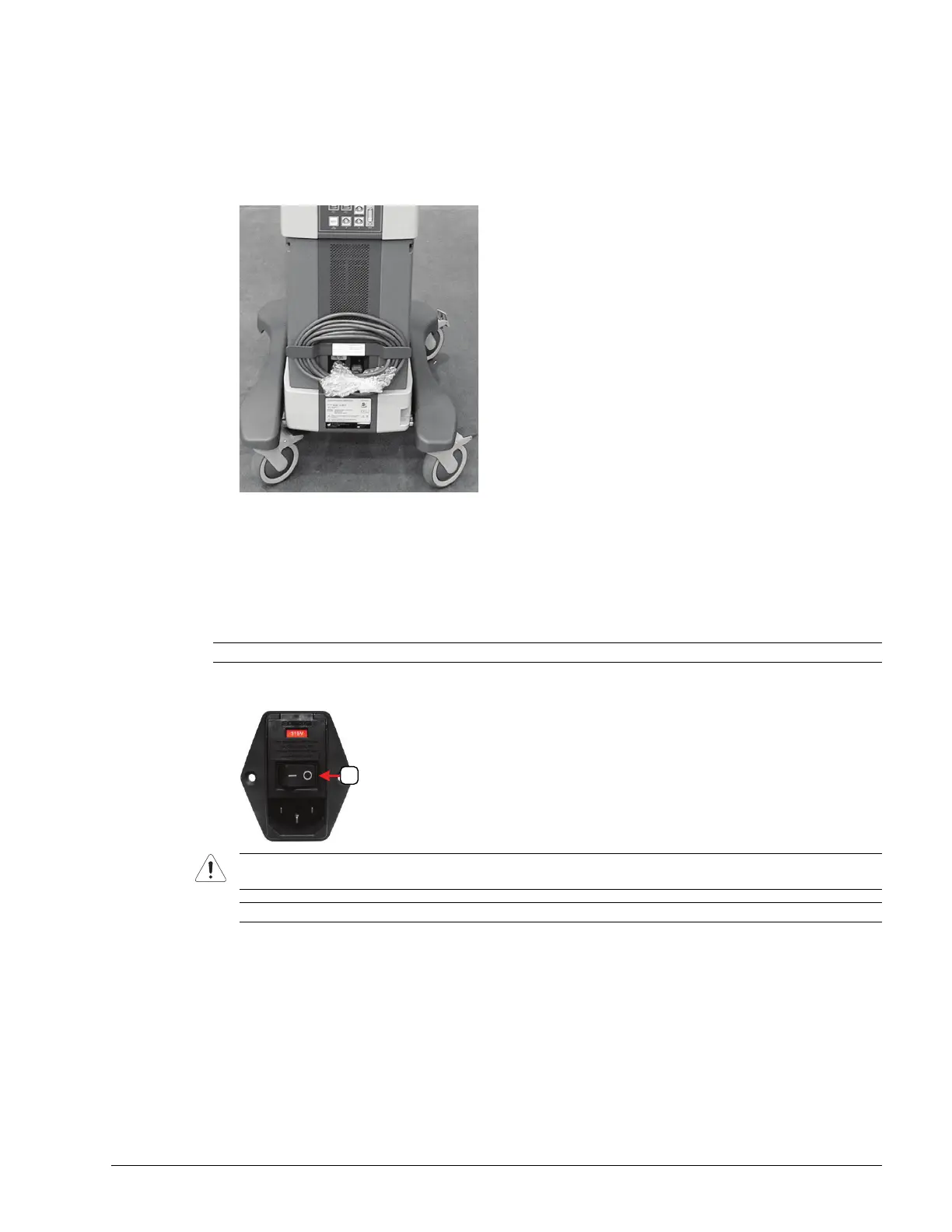
1. Remove the bubble wrap protecting the AC (system) power cord and unwrap the cord from its holder.
2. Ensure the power cord is firmly connected to the AC power cord receptacle (Figure 3-5).
3. Plug the power cord into a wall outlet (hospital-grade electrical outlet recommended).
3.3.3.1 Turning on Main Power Switch
To Turn on Main Power Switch:
1. Press the Main Power switch on the back of the system.
Note: Ensure the power cord is connected.
Caution: DO NOT use Main Power Switch (1) for regular power shut downs. Failure to follow the correct
procedure may result in loss of patient data and/or hard drive failure.
Note: The Main Power Switch in this image is in the OFF position.



 To Next Page