Chapter 11: Maintenance 00.053.204, Revision A SonixTouch Q+ Service Manual
11-6
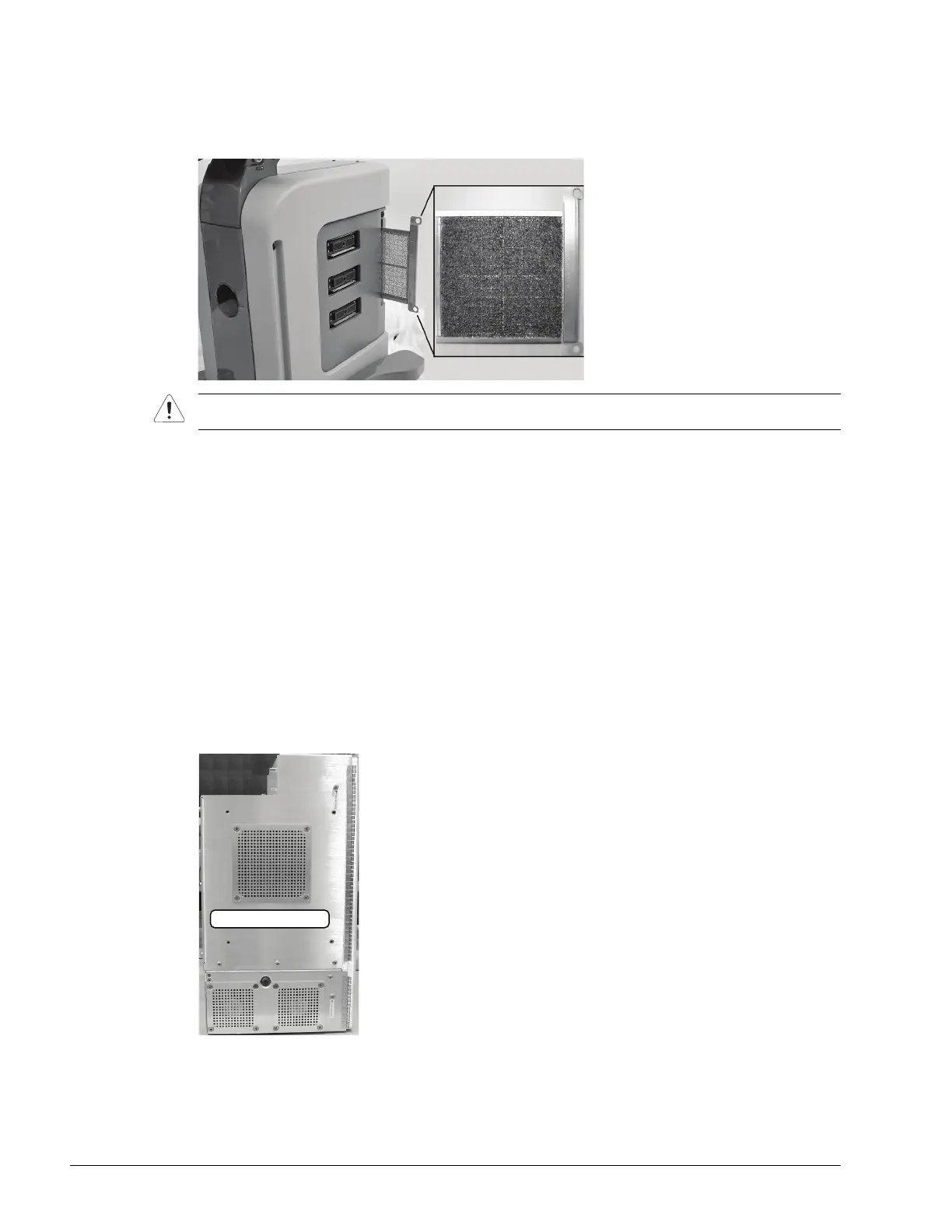
To Clean the System Filter:
1. Power off and unplug the system.
2. Taking care not to rip/damage the filter, gently pull on the two aluminum system filter frame handles until the
filter is free of its slot on the right side of the system.
3. Vacuum thoroughly and gently reinstall the filter.
4. Plug in and power on the system.
11.2.11.2Cleaning the Modulo Fan and Exhaust Filters
Equipment/Tools Required:
• #2 Phillips screwdriver.
To Clean the Modulo Fan and Exhaust Filters:
1. Power off and unplug the system.
2. Remove the side shrouds (7.2.5) and the modulo (7.3.1).
3. After removing the modulo, use the #2 Phillips screwdriver to remove the three exhaust fan filters from the side
of the modulo.
4. Vacuum both sides, then reinstall the filters.
Caution: When reinstalling, ensure the filter side faces toward the front of the system and the grid covering
the back of the filter faces towards the back.



 To Next Page