SonixTouch Q+ Service Manual 00.053.204, Revision A Chapter 11: Maintenance
11-7
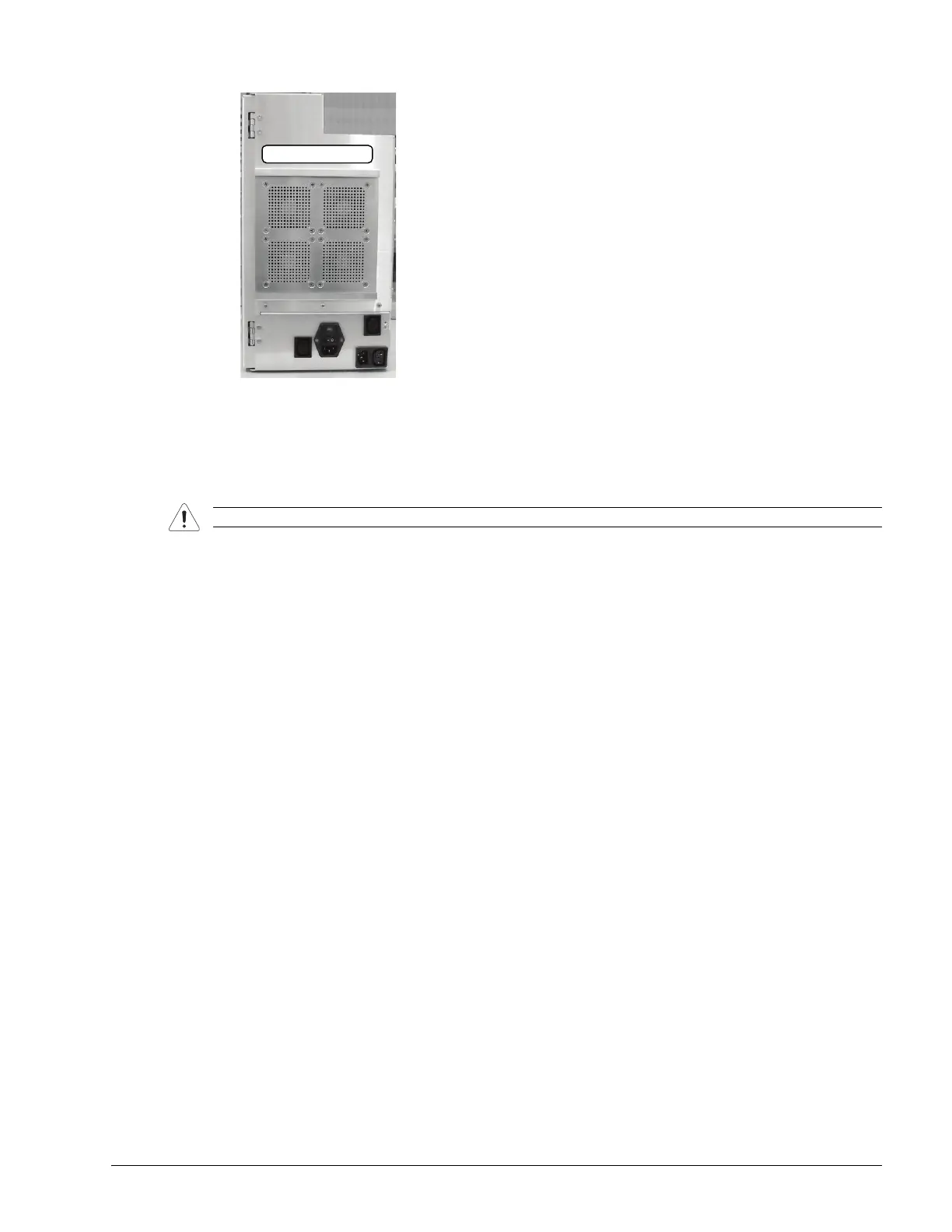
5. Inspect the air intake cover on the opposite side of the modulo.
6. If necessary, use a #2 Phillips screwdriver to remove it, vacuum both sides, then reinstall it.
7. Reinstall the modulo (7.3.2) and the side shrouds (7.2.6).
11.2.12 Fans
The system has many fans located in different areas. Fans tend to accumulate the largest amount of dust within the
modulo. The places to check are listed below. Use the procedures in section 7.3 Replacing the Modulo to aid in
the assembly and disassembly of the system.
• CPU (Central Processing Unit) Fan
• Side Fans on Chassis
• Cooling fans on front block.
Use a vacuum cleaner to remove the dust from the external side vents of the system.
Caution: Power off and unplug the system prior to cleaning fans.



 To Next Page