Chapter 3: System Installation 00.053.204, Revision A SonixTouch Q+ Service Manual
3-18
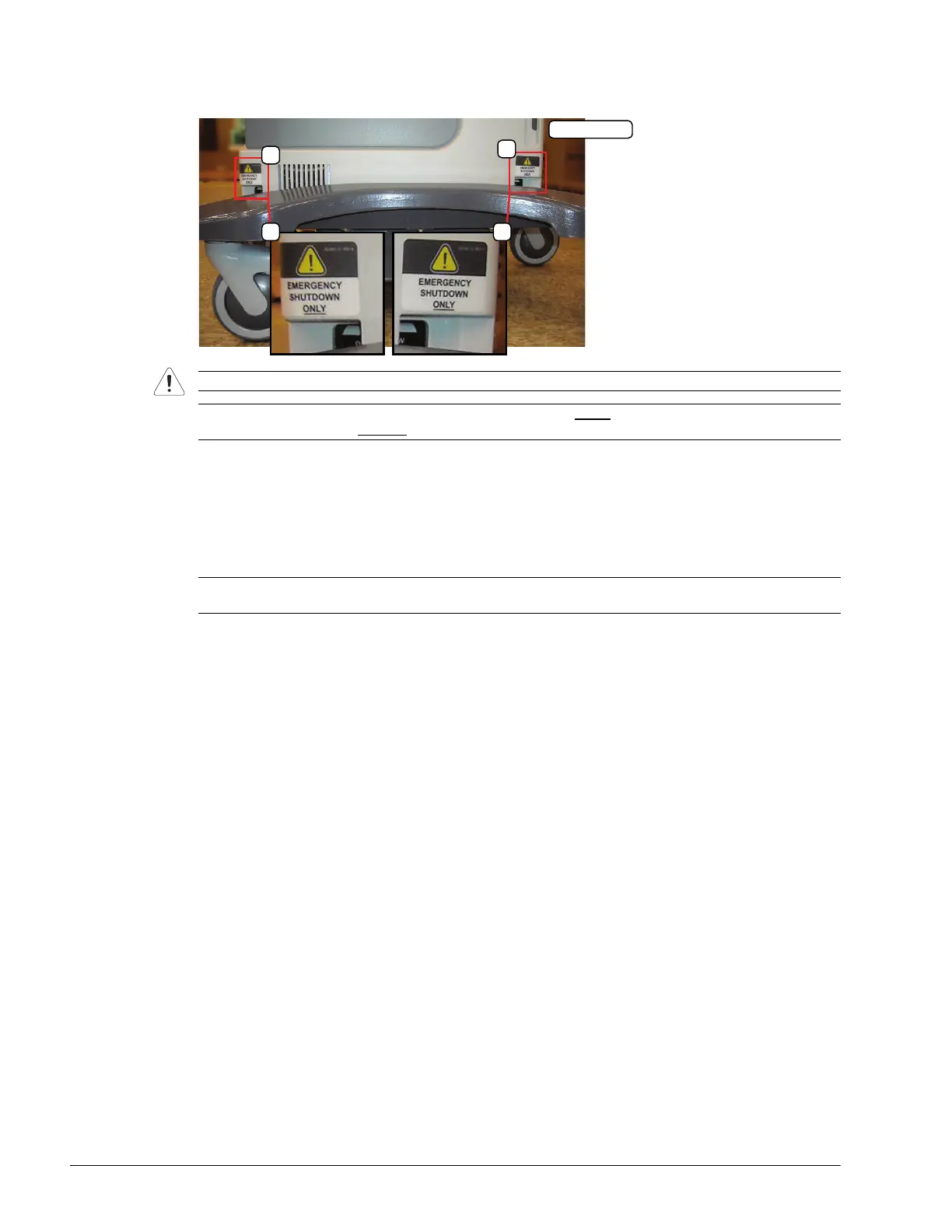
To Configure the UPS:
1. Using the openings provided to access the UPS breakers, turn 1: Battery Breaker to the ON position.
2. Turn 2: AC Input Breaker to the ON position.
3. Turn 2: AC Input Breaker to the OFF position.
4. Turn 2: AC Input Breaker to the ON position.
5. Connect the power cord to a wall outlet.
6. Press and hold the console POWER button for one second to turn on the system.
7. Power off and unplug the system.
Caution: It is important to turn on the breakers in the order specified.
Note: Although they are marked "EMERGENCY SHUTDOWN ONLY
", these openings are also intended to
give breaker access to qualified
Ultrasonix Service personnel.
Note: At this point, depending on the length of time the system remains plugged in and powered on, the fan
may automatically shut down. If this occurs, it does not pose a problem.



 To Next Page