Chapter 7: Field Service Components 00.053.204, Revision A SonixTouch Q+ Service Manual
7-4
To Import User Data from a Backup:
1. Ensure the system is plugged in and powered on.
2. Plug the previously-created backup into one of the four USB ports.
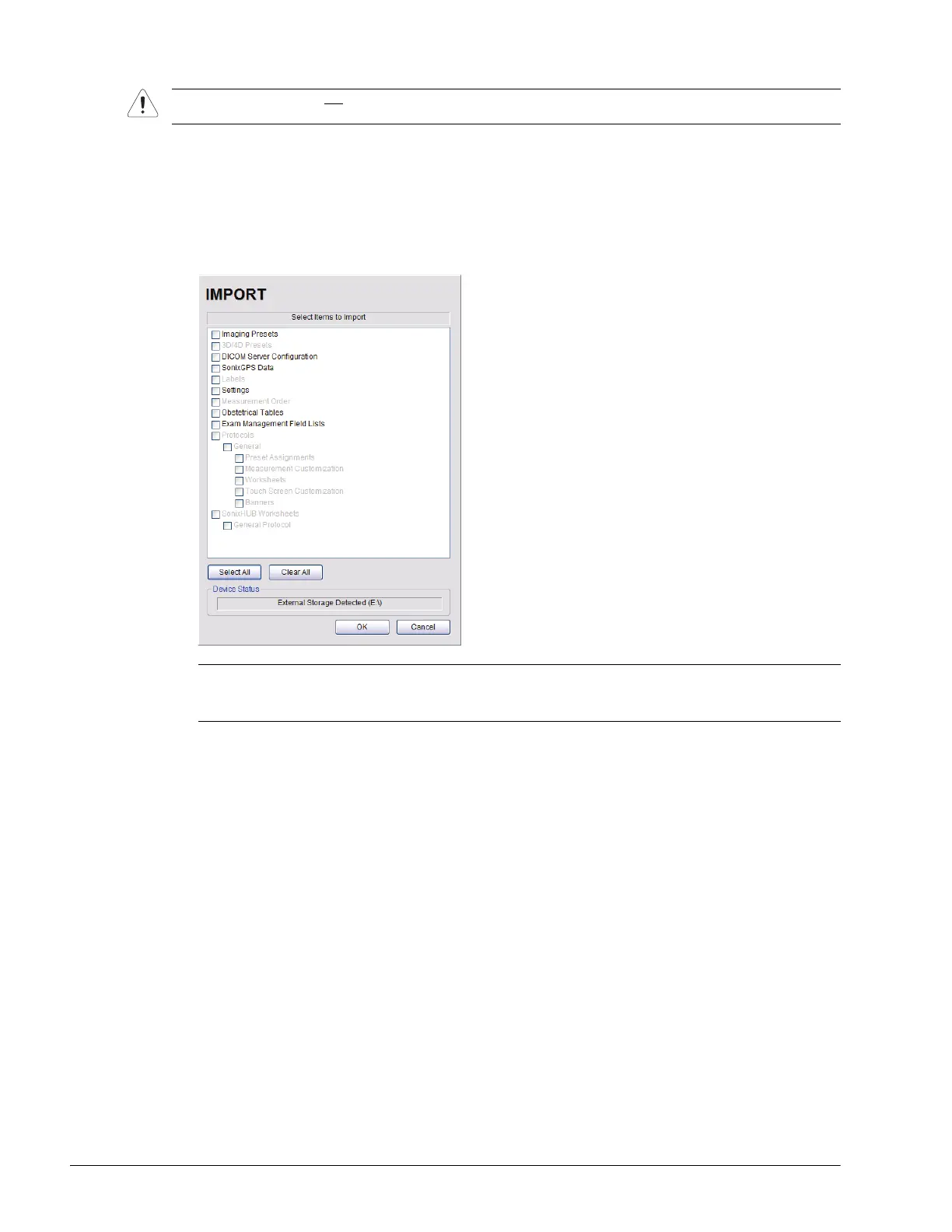
3. Tap the touch screen Menu button.
4. Select Administrator > System > Import….
5. Check the items to be imported.
6. Select OK to begin the import process or Cancel to exit without importing.
Caution: Ultrasonix does not
recommend importing user-defined Presets created with a previous software version
as they may not be compatible for use with a more recent software update.
Note: Use Select All to check all items and Clear All to clear all checkboxes in one step.
Only active Protocols with changes to default Presets, Measurement and Worksheet settings will be
available for Import.



 To Next Page