Chapter 7: Field Service Components 00.053.204, Revision A SonixTouch Q+ Service Manual
7-8
8. Select Go.
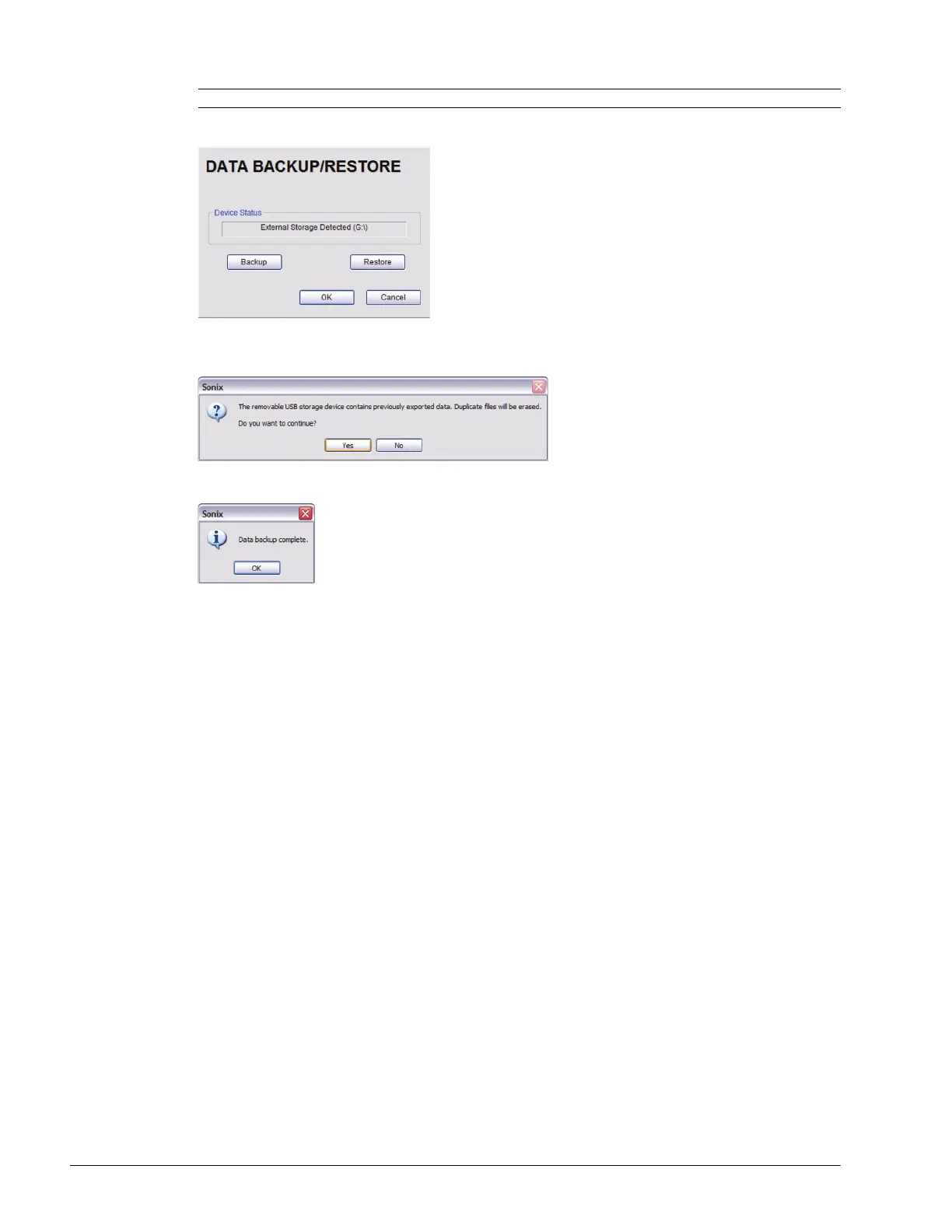
9. Select Backup.
10. If the USB device already contains patient data, the following message will be displayed. Select OK to continue
or Cancel to exit without creating a backup.
11. Once the procedure is complete, the following message will be presented. Select OK to continue.
Note: The system will auto-detect the USB storage device.



 To Next Page