Chapter 7: Field Service Components 00.053.204, Revision A SonixTouch Q+ Service Manual
7-14
Equipment/Tools Required:
• 4mm Allen key
To Remove the Right Side Shroud:
1. Power off and unplug the system.
2. Disconnect all transducers from the modulo.
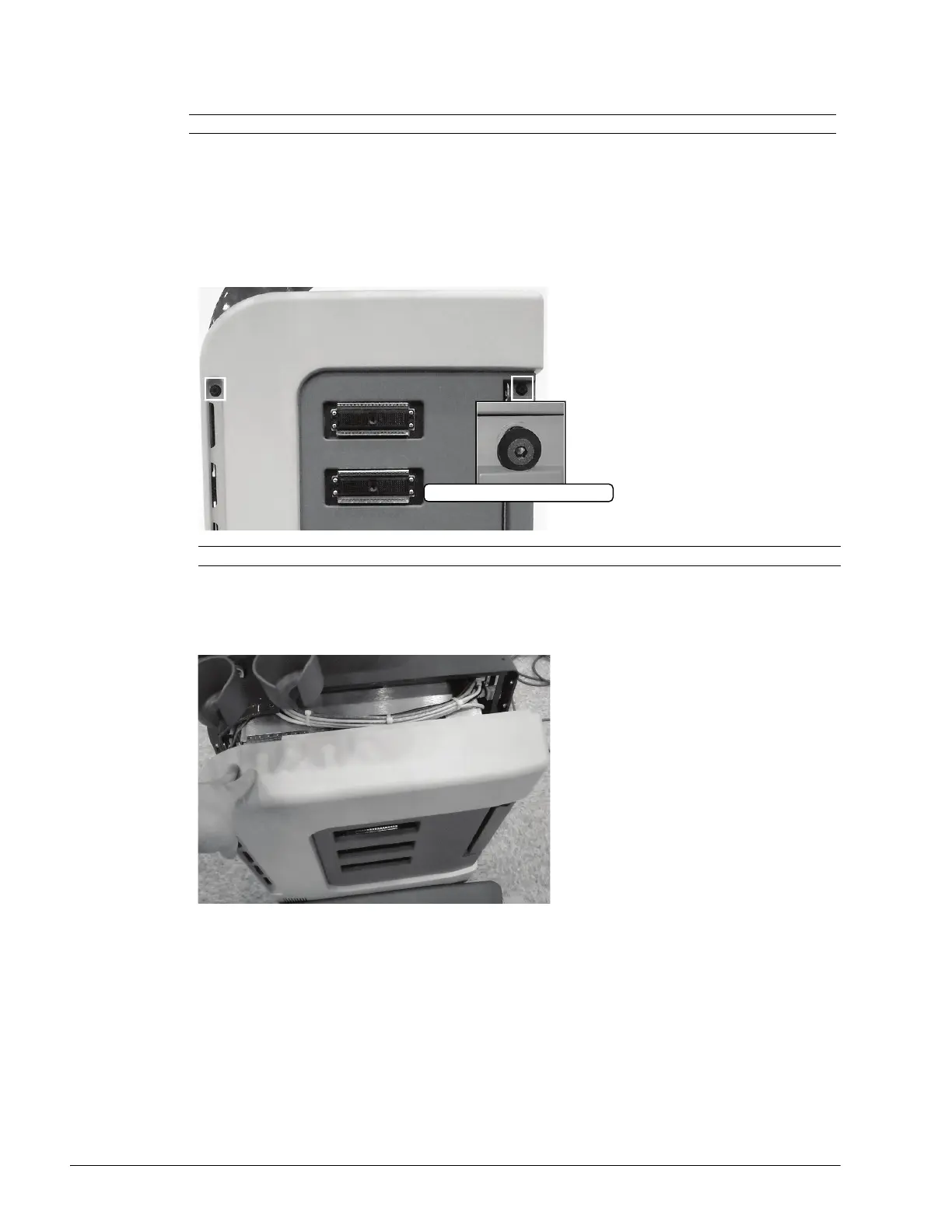
3. Using a 4mm Allen key, give each of the two shroud fasteners a quarter turn to the left.
4. Grasp the shroud by the sides and tip the top outwards.
5. Ensure the bottom sides of the shroud are clear of the system frame.
6. Lift up the shroud so the tabs on the bottom clear the slots in the frame.
Note: A 4mm Allen key is shipped with the system.
Note: The fasteners will loosen, but remain attached to the shroud.
Close-up of loosened shroud fastener



 To Next Page