Page 103
Programming a Pressure Decay Test
(continued)
5. Press the NEXT keypad to highlight
Coupling
. Use the GoTo keypad
to enter the pop-up menu and set the values for coupling time. If
there are no external fixtures connected to the coupling port, set it
to OFF and the coupling time to zero seconds. Press the BACK
Keypad to exit.
6. Press the NEXT keypad to highlight
Test Params
. Use the GoTo
keypad to enter the sub-parameter pop-up menu.
Fill
Time
will be
highlighted. Fill time is the amount of time to give the product to
fill with air before closing the valves. Small products generally
require a very short fill time, and larger or flexible products require
a longer fill time. Use the INCREMENT and DECREMENT keypads to
set the value for fill time.
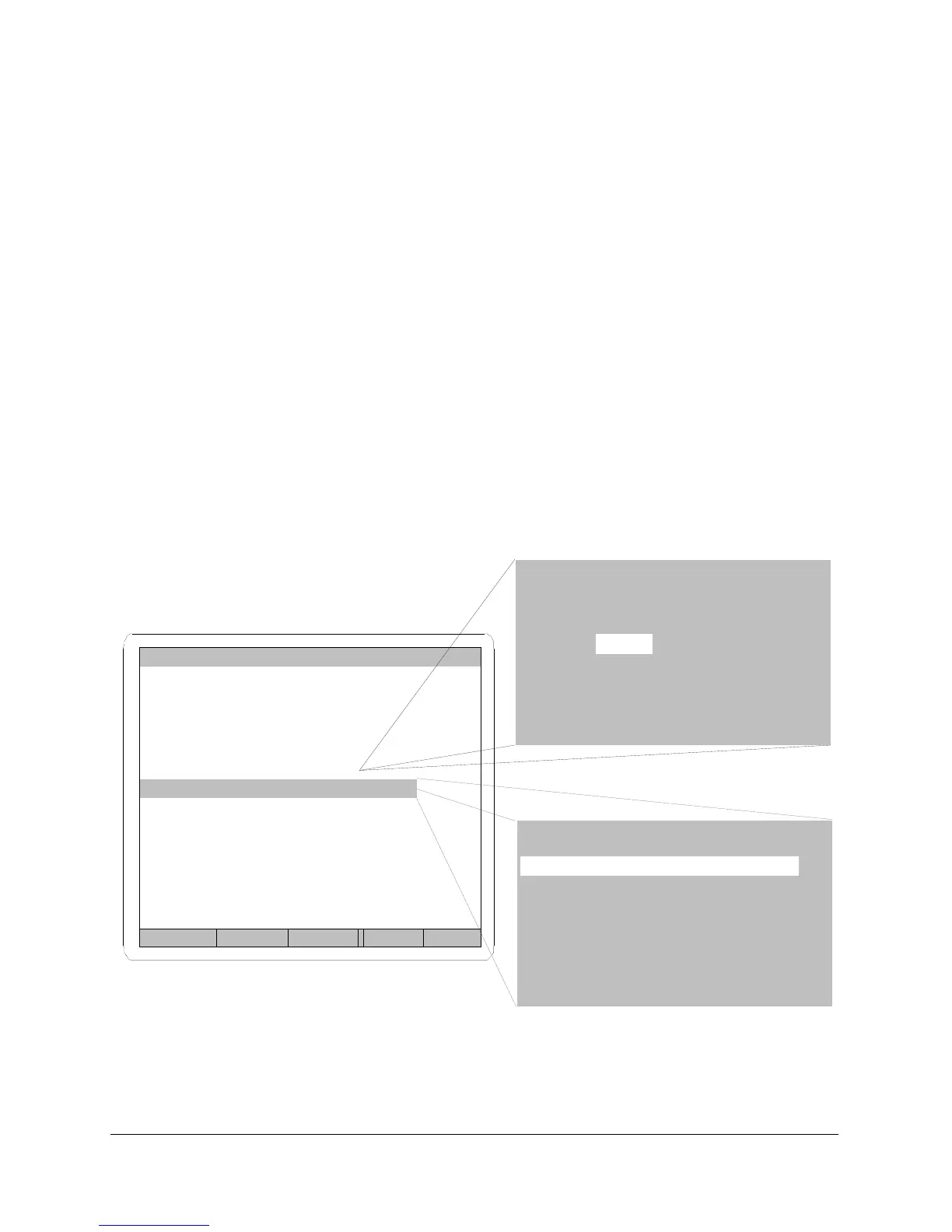
FIGURE 48
Back Prev Next Inc Dec
PROGRAM 1
Test Type PD
Test Press. 14.999 psig
Press. Error .5 psig
Coupling GoTo
Test Params GoTo
Next Program 0
PRESSURE DECAY TEST
Fill Time 2.0 sec
Stab Time 1.0 sec
Test Time 3.0 sec
Dump AUTO
Rej Level .050 psig
Product Vol. 1.0 cc
.51 ccm
Coupling Timer Setup
Time CP1
1st .5 ON
2nd .0 OFF
Occ Rel NO
Hld/Fail NO



 To Next Page