Page 104
Programming a Pressure Decay Test
(continued)
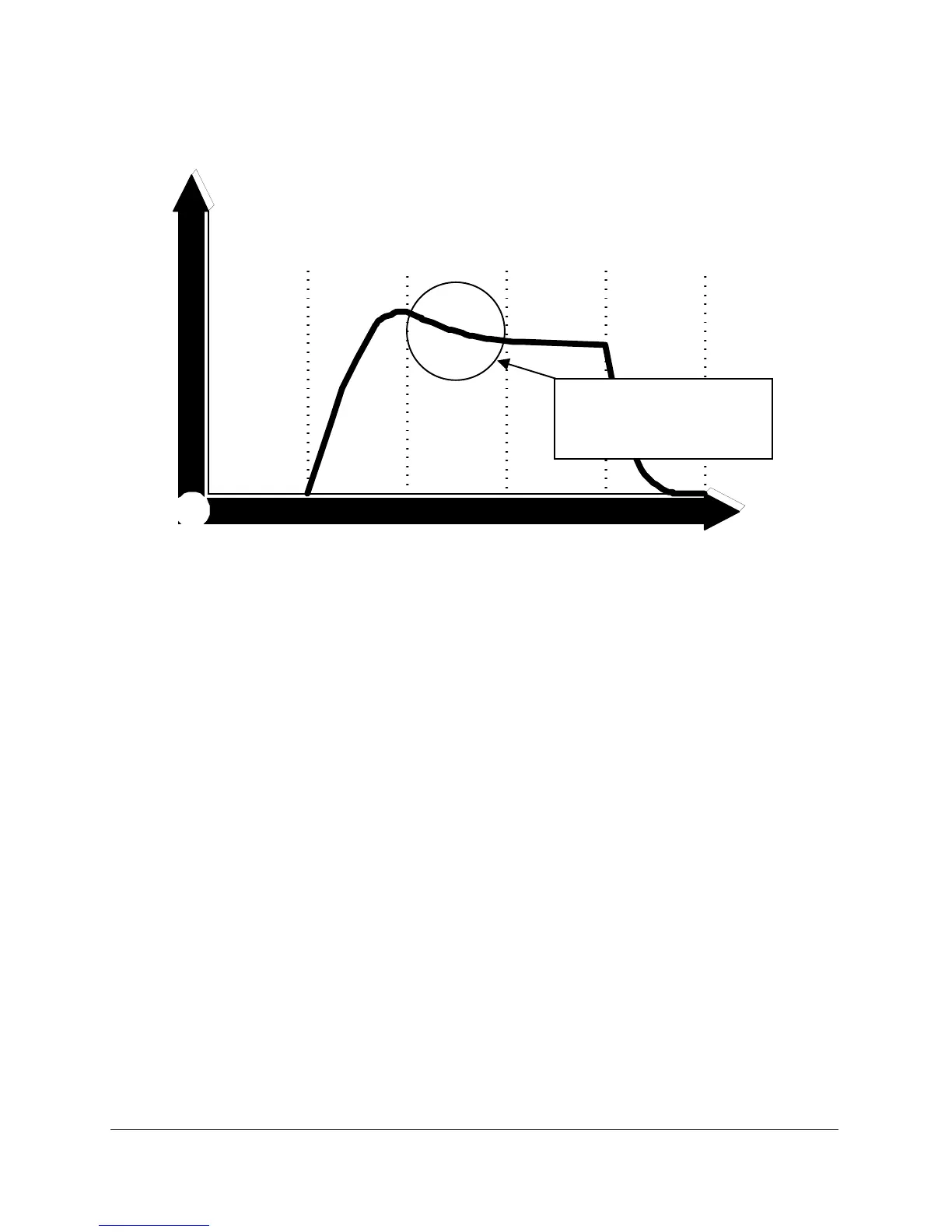
FIGURE 49
7. Press the NEXT keypad to highlight
Stab
Time
. Stab time is the
amount of time to give the product to settle after filling with air.
Fluctuations in pressure can occur due to cooling and heating
caused by expanding and then contracting plastic parts. Figure 49.
Small products generally require a short stab time. Large or
flexible products require a longer stab time. Use the INCREMENT
and DECREMENT keypads to set this value.
8. Press the NEXT keypad to highlight
Test Time
. Use the INCREMENT
and DECREMENT keypads to set the value for test time. Test time is
the amount of time Sprint LC takes readings to monitor the
pressure drop.
9. Press the NEXT keypad to highlight
Dump
. Dump can be set to
Auto
,
Off
, or a set time. Dump opens the valve to atmosphere to
vent the product between tests. If it is intended to simply unplug
the product to vent it, then dump can be set to
OFF
.
Auto is best for small rigid products. If the part has more than 1
liter of volume set a fixed time instead. Dump is valuable when
Fill
Stabilize
Test Dump
Zero
Couple



 To Next Page